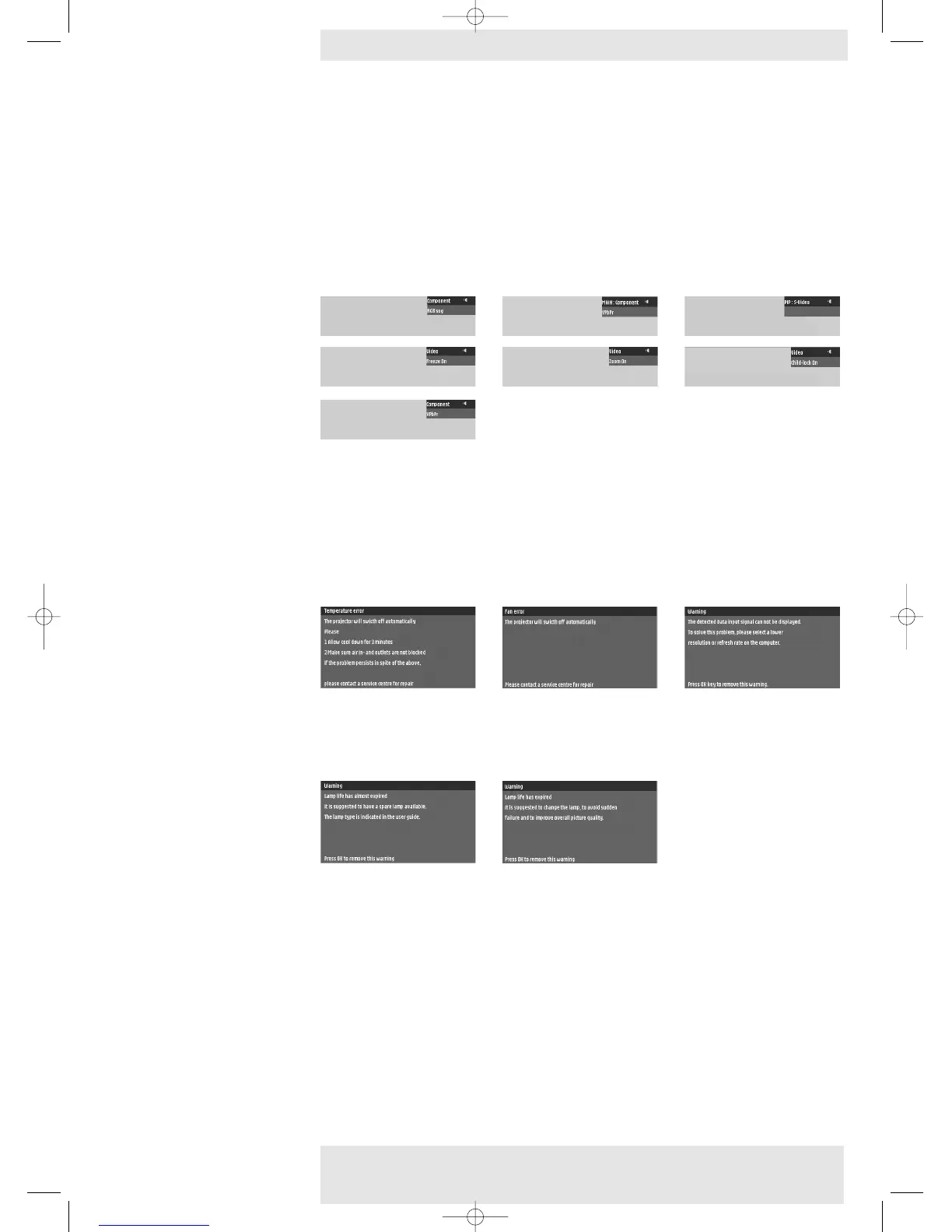
Feedback messages
Feedback messages are displayed in the top right corner of the screen.They are displayed e.g.
when:
– a signal comes up or goes down;
– an input source is changed;
– the PIP input source is changed;
– the Freeze, Mute or A/V Mute function is activated;
– the Child lock, Cristal clear or Zoom function is (de-)activated;
– the local keyboard or remote control is used when Child lock is activated;
– the Info button is pressed.
Error messages
Error messages are displayed when there is a serious technical problem.They can occur at any time
during operation and need immediate action. Error messages are displayed in the centre of the
screen, indicating the problem and its possible solution.They are displayed e.g. when:
– a temperature error occurs. E.g. the internal temerature is too high. Message will appear
together with red blinking Error indicator.
– a fan error occurs. E.g. one of the fans has a failure ;
– resolution or refresh rate is too high. Data source cannot be shown.
Warning messages
Warning messages are displayed in the centre of the screen.They are displayed e.g. when:
– lamplife time has almost expired;
– lamplife time has expired.
Philips Home Cinema Projector 26 English User guide LC 6281 / LC 6285
5. Operation Preparation <










 To Next Page