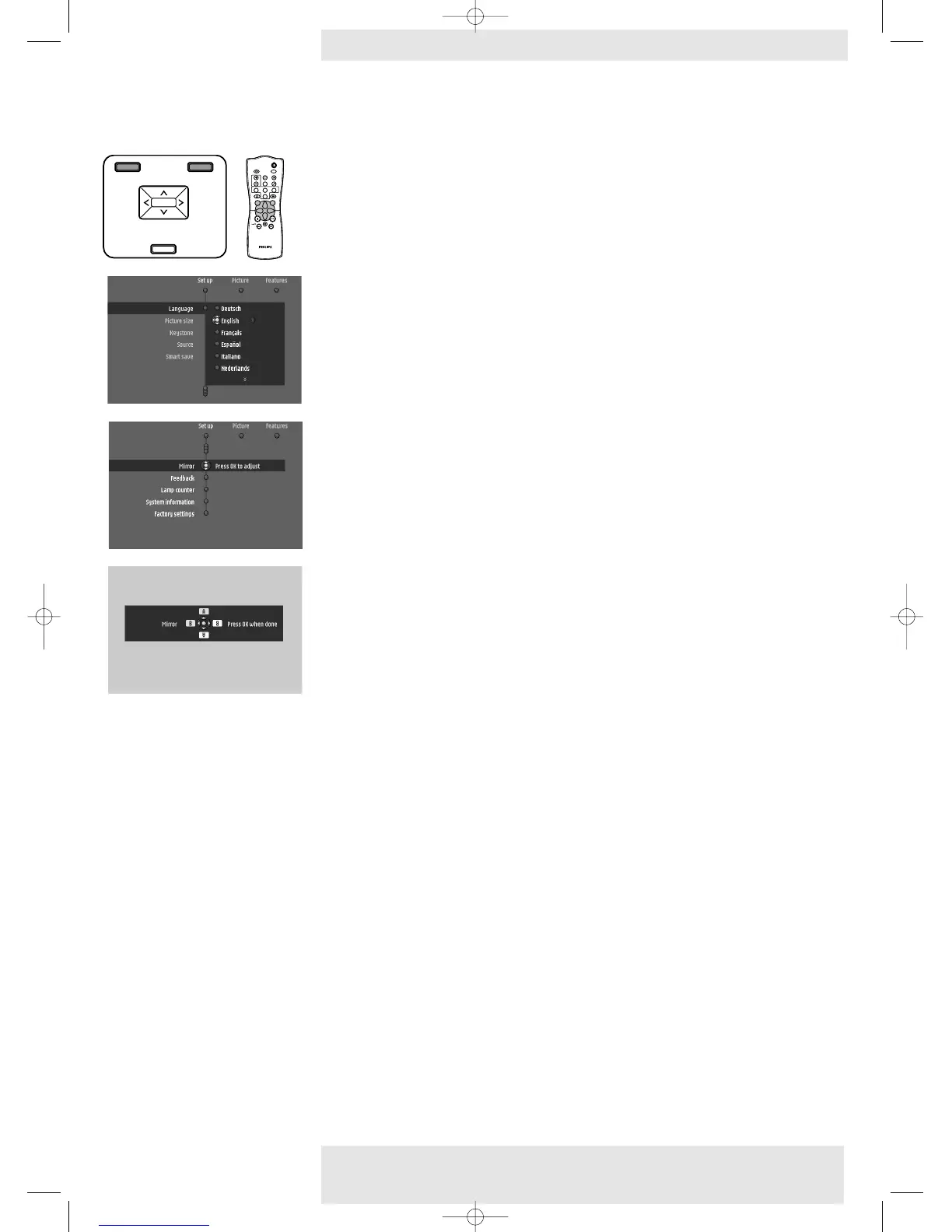
Set up adjustments
The projector is equipped with the following functions to optimize its use and handling:
• Press Menu and select ‘Set up’ in the menu bar.The following settings/adjustments can now
be made for both Multimedia, Component and Video/S-video input, following the
instructions under ‘General explanation’ and the screen:
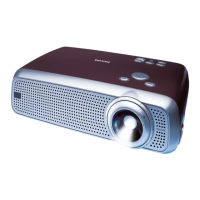
– Language
to select the required menu language;
– Picture size
to reduce/enlarge the size of the projected picture;
– Keystone
to correct picture distortion of the vertical and horizontal keystone type by internal
scaling. Horizontal keystone correction is only available on LC 6285.
– Source
to select the current projection source: Multimedia,YPbPr or RGsogB, RGBsync, S-Video,
Video.When Auto is selected the source with the highest priority will automatically be
selected (Multimedia,YPbPr or RGsogB, RGBsync, S-Video,Video). When only one input
source is connected, this will automatically be selected.
– SmartSave
to switch off SmartSave mode or select the delay time after which the projector
automatically switches to Standby.
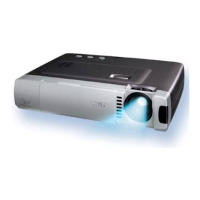
– Mirror
to mirror the picture for use of the projector in various positions with respect to the
user(s) and the projection screen;
– Feedback
to suppress OSD feedback messages.Warning or error messages however are never
suppressed;
– Lamp counter
to show the operating time of the lamp, which can be reset after a new lamp has been
installed;
– System information
the System Information sub menu contains an overview of the most relevant information
on the hardware and software configuration;
– Factory settings
to reset all user settings to the default factory settings;
– Auto Component Selection
to select between YPbPr and RGsogB as component input source.
General
adjustments/settings
Philips Home Cinema Projector 33 English User guide LC 6281 / LC 6285
5. Operation On Screen Display Menu >










 To Next Page