22 Philips · HDP15x0 & HDP15x0TV
5 Press the Red key to power on the speaker.
6 Press the Green key to make the speaker discover-
able during 60 seconds.
7 On your external device, activate the Bluetooth con-
nection and select the speaker name from the list.
When the device is connected, his name is displayed
on the top of the screen.
8 Press the Green key to play music.
During music playback, the following actions are
available:
Red key: To stop the connection.
Green key: To make a pause.
Yellow key: To play the previous music.
Blue key: To play the next music.
Changing the name of the
Bluetooth speaker connection
This is the name used to identify your projector when
it is detected by another Bluetooth® device.
1 Switch the device on using the on/off key.
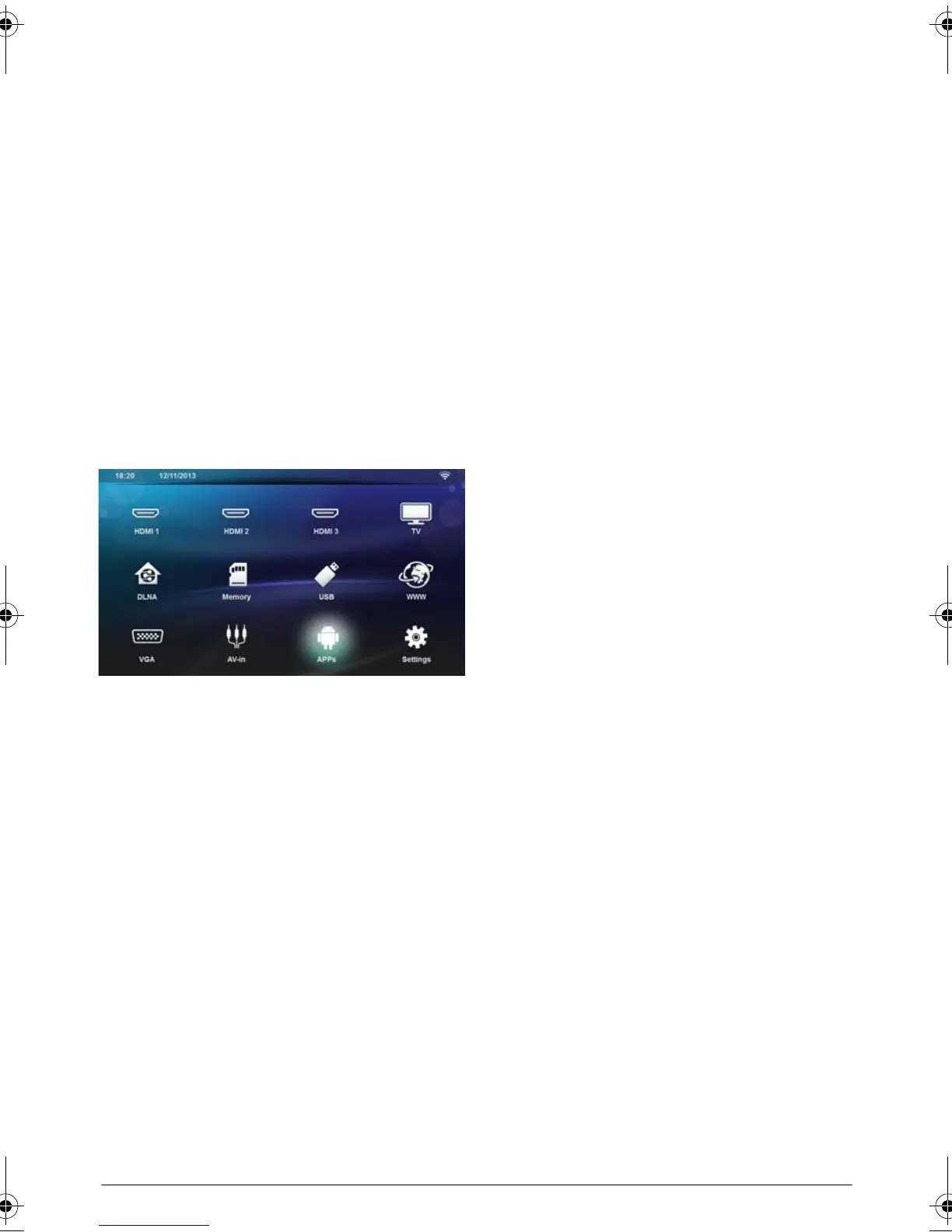
2 After the initial screen, the main menu appears.
3 Depending on model, use the navigation keys to
select BT Speaker or APPs>BT Speaker.
4 Press the Yellow key to rename the connection.
5 Use the keyboard to enter the new name.
6 Press OK to confirm.
LU UST.book Page 22 Jeudi, 26. décembre 2013 9:48 09















 To Next Page