Media Playback 27
Managing Files
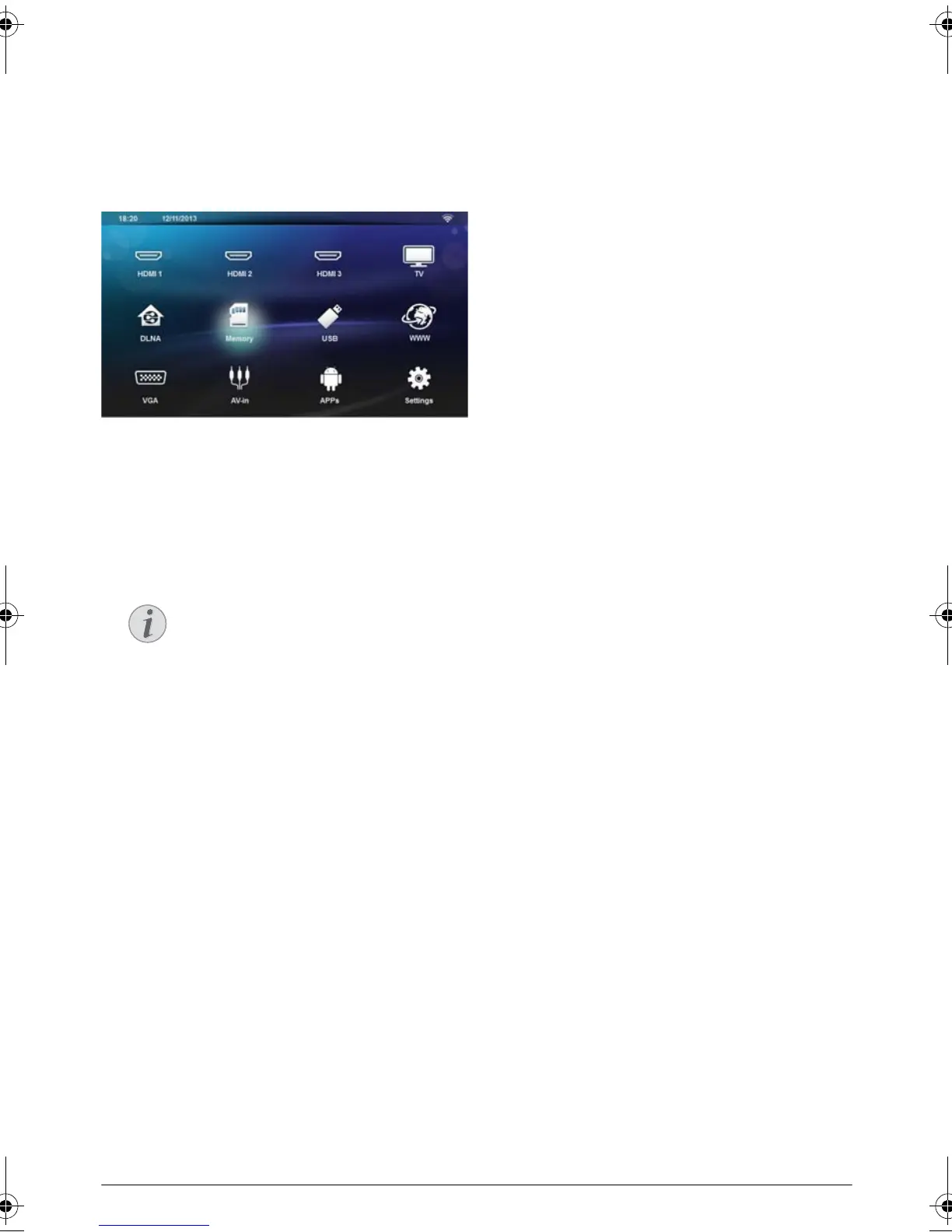
Delete Files
You can delete files from the internal memory, the con-
nected USB storage medium or the memory card.
1 Switch the device on using the on/off key.
2 The main menu appears.
3 Use the navigation keys to select the desired media
(USB, Memory or DLNA).
4 Confirm with .
5 Use / to select the file that you want to delete.
6 Press the Blue key on the remote control to delete
the file.
7 Confirm with .
Error
If errors occur during the deletion pro-
cess, make sure that the storage medium is
not write-protected.
LU UST.book Page 27 Jeudi, 26. décembre 2013 9:48 09















 To Next Page