Digital TV Playback (Depending on model) 29
1 Switch the device on using the on/off key.
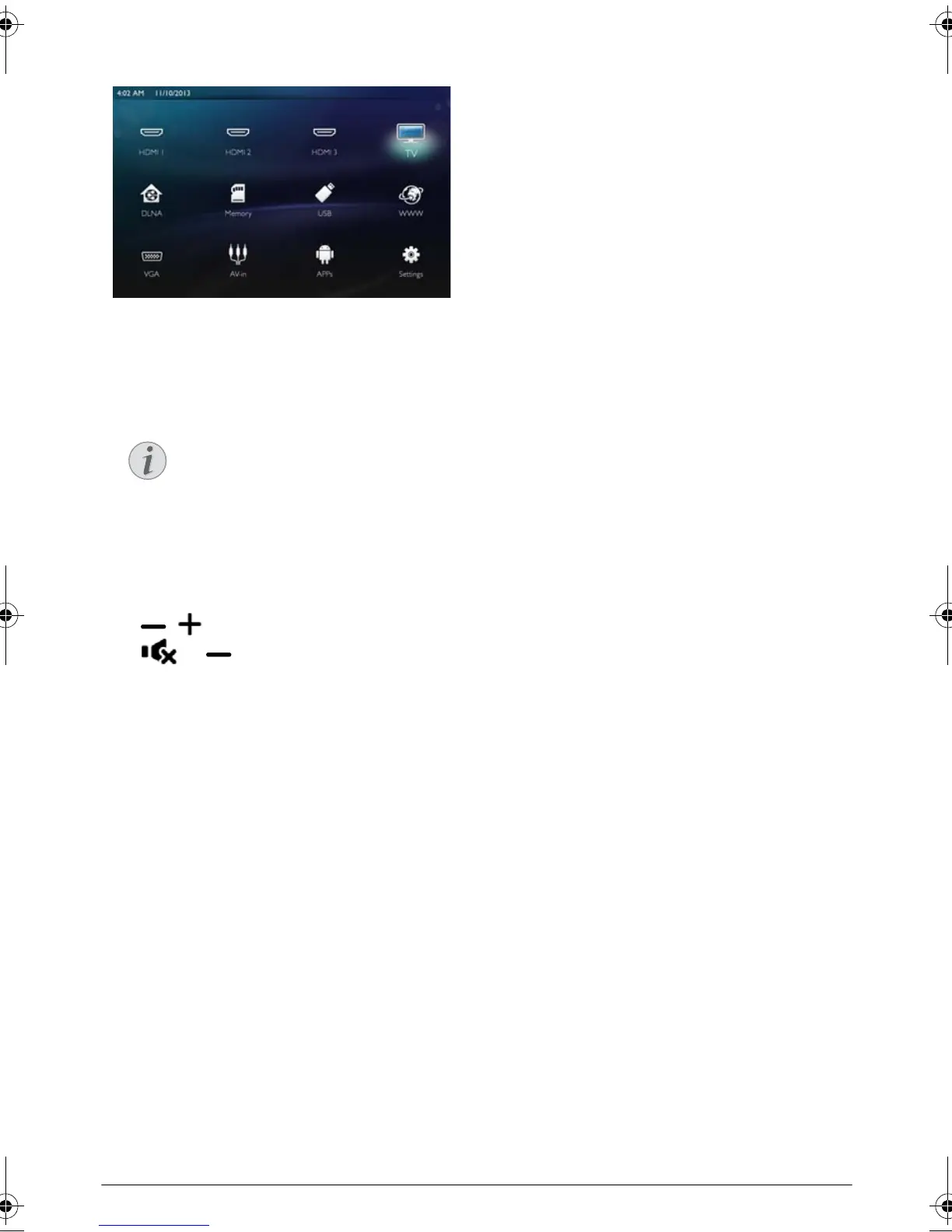
2 The main menu appears.
3 Use the navigation keys to select TV.
4 Confirm with OK.
5 The last viewed channel is played. Change the chan-
nel using keys CH+/CH-, / or enter directly
the number with the keypad.
6 Press u to end playback and return to the main
menu.
During playback you can adjust the volume using the
keys / or À/Á on the remote control.
Press or repeatedly to shut off the volume
completely.
Modifying the DVB-T
settings
To modify DVB-T settings, press the Menu key on the
remote control. Main menus are:
Edit channels: To display and modify the channel and
radio lists.
Installation: To launch an automatic or a manual
search for channels.
System Setup: To modify the parental lock settings,
the display settings and the favorite settings.
Displaying Channel Information
When changing channel, channel informa-
tion is displayed on the bottom projection
edge. The information bar is hidden after 5
seconds.
LU UST.book Page 29 Jeudi, 26. décembre 2013 9:48 09















 To Next Page