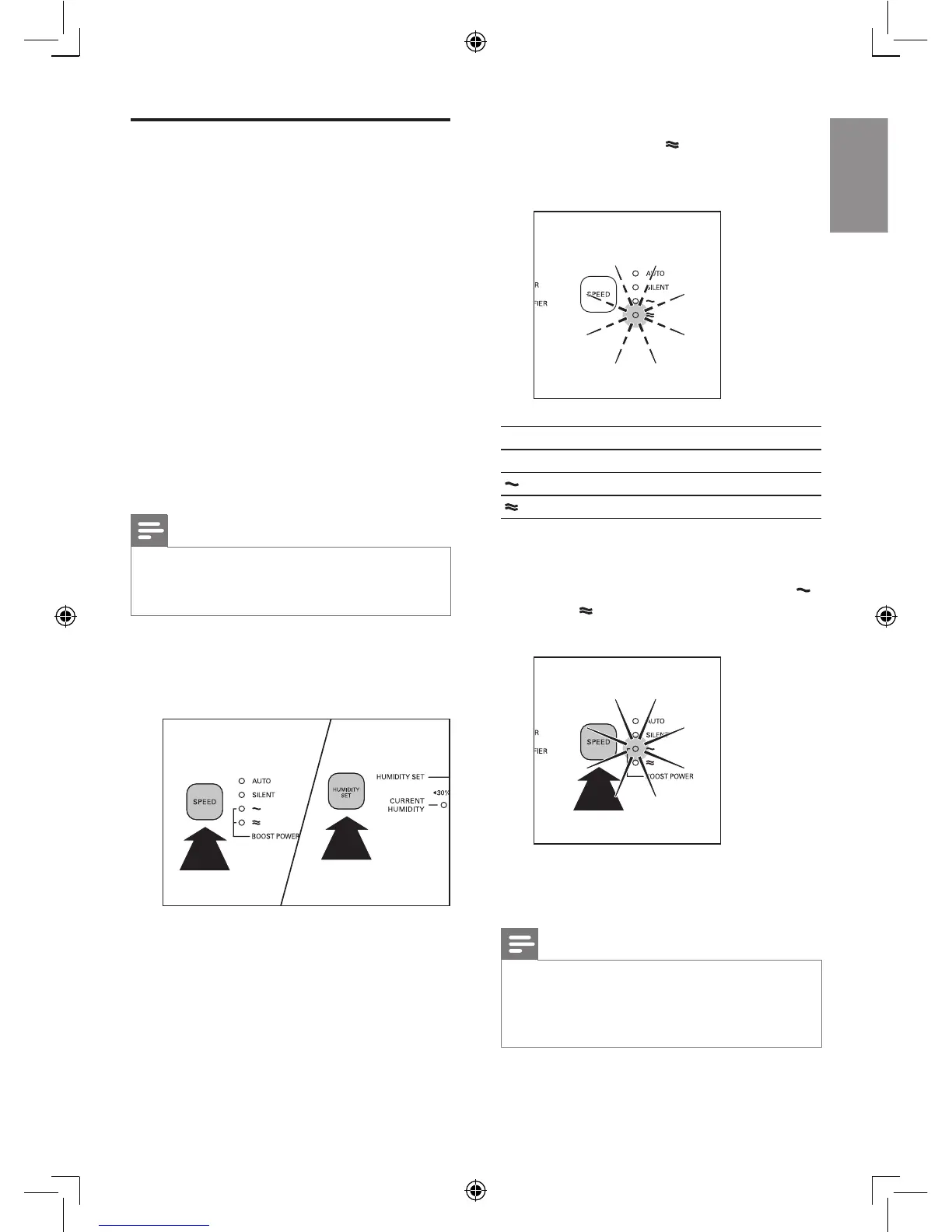
» The purier beeps twice and the
fan speed light (
) ashes to show
the current sensitivity level of the air
quality sensor.
Fan speed light Sensitivity level
SILENT extra sensitive
sensitive
standard
3 Press the SPEED button to adjust the
sensitivity level of the air quality sensor.
» One of the SPEED lights ( SILENT,
,
or
) goes on to show the preferred
sensitivity level of the air quality sensor.
4 Press and hold the SPEED and HUMIDITY
SET buttons again to conrm the setting.
Note
• When you change the sensitivity, the appliance
automatically starts operating at the set
sensitivity level whenever you switch on the
appliance.
Set the sensitivity of the air
quality sensor
People with certain health problems (for
example: allergies or asthma) have a greater
need for healthy air. For this reason, the
appliance allows you to adjust the sensitivity
of the air quality sensor. If you set it to higher
sensitivity level, the appliance starts cleaning the
air at lower pollution level.
There are 3 sensitivity levels:
• standard
• sensitive
• extra sensitive
The pollution sensor is set to standard
sensitivity. You can adjust the sensitivity of the air
quality sensor in the following way:
Note
• When it is set to a higher sensitivity, the appliance
starts cleaning the air at lower pollution levels to
make the air even cleaner.
1 Make sure the purier is on.
2 Press the SPEED and the HUMIDITY SET
buttons simultaneously.














 To Next Page