16
EN
Note
• If you do not set the humidity level, the
HUMIDITY SET light goes off. The humidier
humidies the air under AUTO mode and the
preset humidity level is 50%.
• If you change the fan speed (SILENT, , or
BOOST POWER), the humidier automatically
operates according to the fan speed level and
the AUTO mode deactivates.
• If you want to increase the humidity level in
shorter time, you can select higher fan speed.
• The appliance comes with a smart memory
function, it can memorize the settings when
the appliance is switched off (e.g. electricity
shortage). When the appliance is plugged in/
switched on again, it automatically starts at the
previous setting.
Water level
The water level in the water bucket is visible
through the water level window on the side of
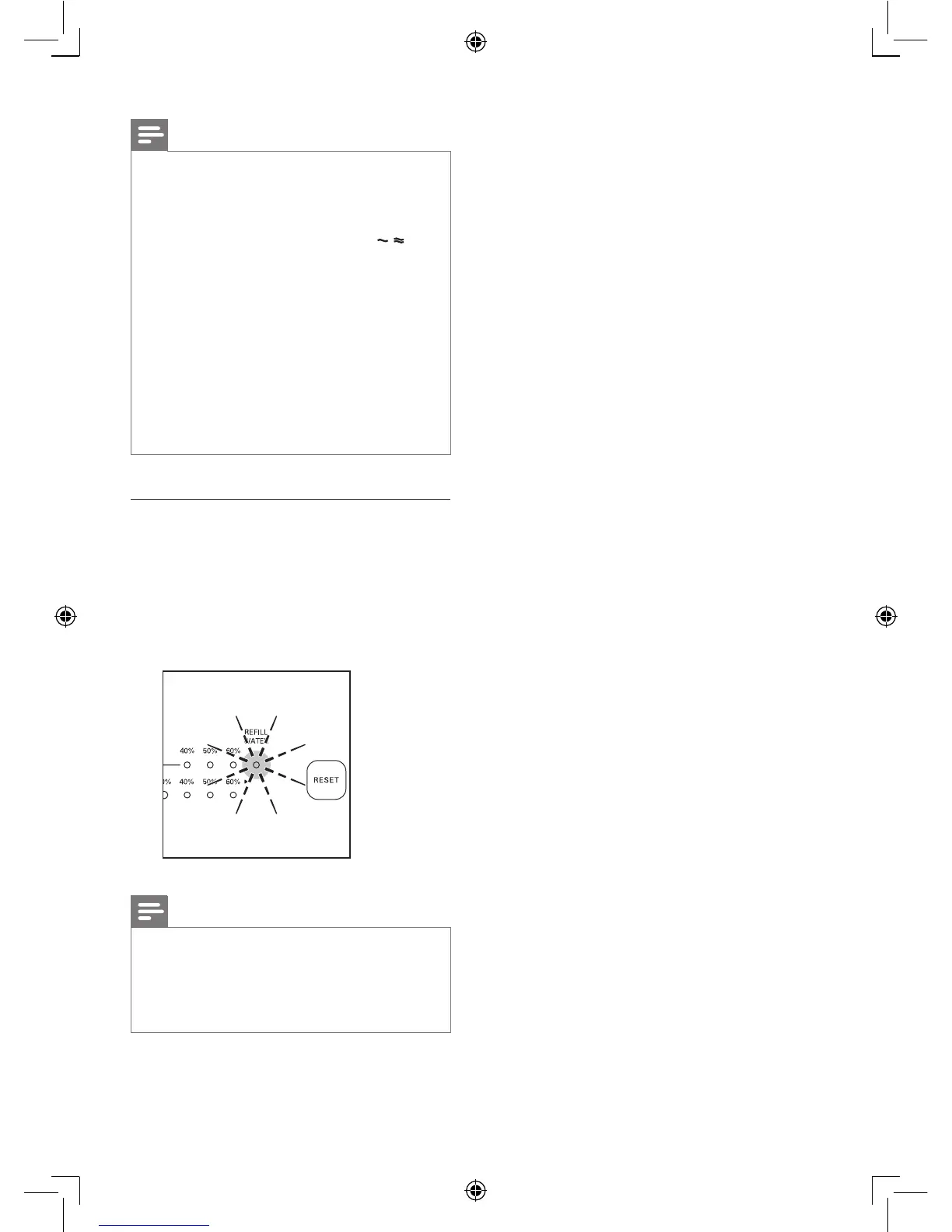
the appliance. When there is not enough water
in the water bucket, the REFILL WATER light
ashes to indicate that you have to rell the
water bucket.
Note
• Appliance can operate under air purication
only when the water in the bucket is out and
the REFILL WATER light ashes. Humidication
function can only be activated when the bucket
is lled with water.














 To Next Page