INSTALLATION : INSTALLATION PROCEDURES
2
02.9687.0001 C 31 October 2013 25
Connecting Data and Power
A maximum of 32 luminaires may be connected in any one DMX data link.
Note: This maximum limit applies to the luminaire "daisy chain" only. Your system or console may
require fewer luminaires on a single data link path. Consult your console documentation for more
information.
To connect power and data:
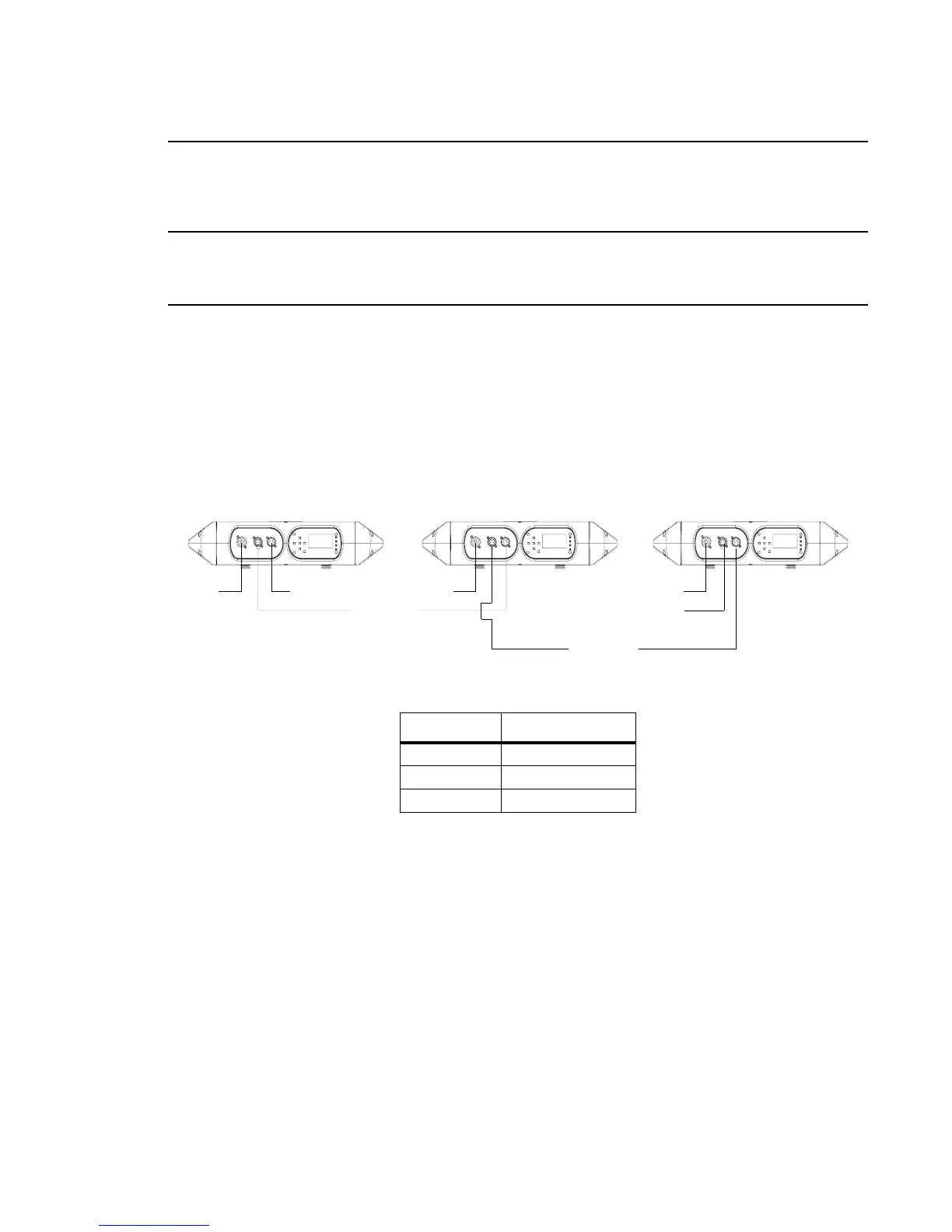
Step 1. Connect data cable from console to first luminaire in chain at DATA IN connector.
Step 2. If required, connect additional data cables from DATA THRU connectors to DATA IN
connectors of remaining luminaires in link.
Step 3. At last luminaire in link, install male termination connector at DATA THRU connector.
(Luminaires and other devices on the same DMX chain may not function properly without
termination.)
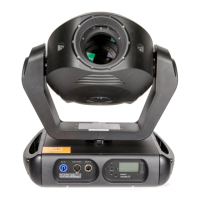
Figure 2-11: Data Link
Step 4. Connect AC Input Cable connector to power input source.
Step 5. Dress AC input and data cables and secure them so that they will not interfere with
luminaire head and yoke movement.
Data In
Termination
Data Thru
AC In AC In AC In
VL440 / VL770 / VL880 Luminaire Channel Requirements
Model DMX512 Channels
VL440 Spot 30 Channels
VL770 Spot 30 Channels
VL880 Spot 30 Channels
Data Thru








 To Next Page