VARI❋LITE - VL440 / VL770 / VL880 LUMINAIRE USER’S MANUAL
84 31 October 2013 02.9687.0001 C
Fixed Color Wheel Filter Removal and Installation
WARNING: Remove power from luminaire before performing this procedure.
To remove and replace fixed color filters:
Step 1. Remove power from luminaire and allow luminaire to cool completely.
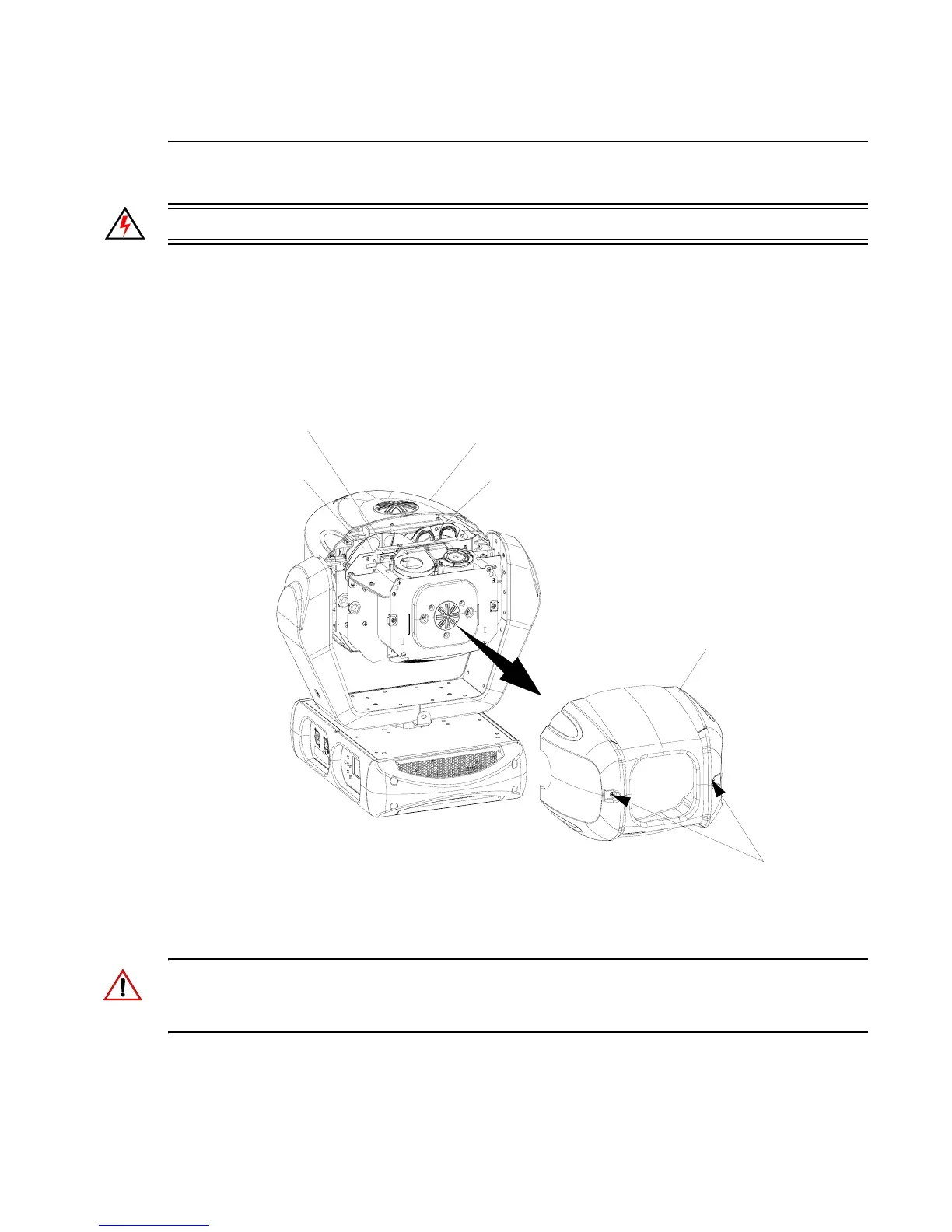
Step 2. As illustrated in Figure A-4, at rear cover assembly, remove rear head cover by loosening
two captive quarter-turn fasteners and sliding cover away from luminaire head. Note, rear
head cover is attached by a safety tether.
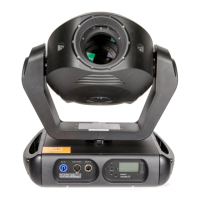
Figure A-4: Replacing Fixed Color Filters
CAUTION: Wear protective gloves or other protective covering while handling filters to avoid
leaving fingerprints. Filters are extremely fragile and can break if not handled carefully. If dirty, clean
with isopropyl alcohol and a soft, lint-free cloth.
Step 3. At fixed color wheel, slowly rotate wheel by hand until filter to be removed is at top of
assembly as shown in Figure A-4.
Luminaire Head
Rear Head Cover
Assembly*
Quarter-Turn
Fasteners
Fixed Color
Filter Assembly
Fixed Gobo
Assembly
Assembly
Rotating Gobo
Assembly
* Rear head cover assembly secured with a tether.








 To Next Page