MENU SYSTEM : SELF TESTS
4
02.9687.0001 C 31 October 2013 73
Self Tests
Running Parameter Tests
The luminaire is capable of running self tests by using the TEST menu functions. For complete details
and values for each test refer to “Diagnostic Tests” on page 75.
When running tests on multiple luminaires, a DMX termination connector is required at the last
luminaire in the link. (Refer to page 17 for more information regarding the construction of this
connector.).
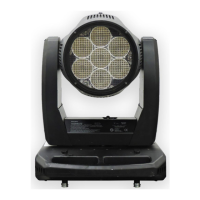
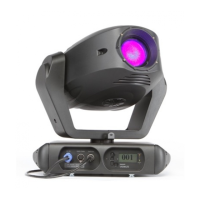
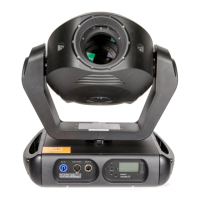
Figure 4-3: Test Setup
To run tests:
Step 1. Press [Menu].
Step 2. Press [Up] / [Down] arrows until Test appears. Press [Enter].
Step 3. Use [Up] / [Down] arrows to select a parameter to test. Refer to “Menu System Functions”
on page 66 for a complete list of test parameters which can be chosen.
Step 4. Press [Enter] to run test.
Step 5. Press [Menu] to stop test at any time.
Note: Connected luminaires may not respond on the first action (may delay) of the master luminaire.
Master luminaire containing
software version to download
Luminaire 1
requiring update
Luminaire 2
requiring update
Data In
Termination
Data Thru
AC In AC In AC In
Data Thru








 To Next Page