EasyManua.ls Logo

Philips VR 665 - 3. Storing Television Channels; Automatic Channel Search (ATS)

Philips VR 665
34 pages
Print Icon
To Next Page IconTo Next Page
To Previous Page IconTo Previous Page
Loading...
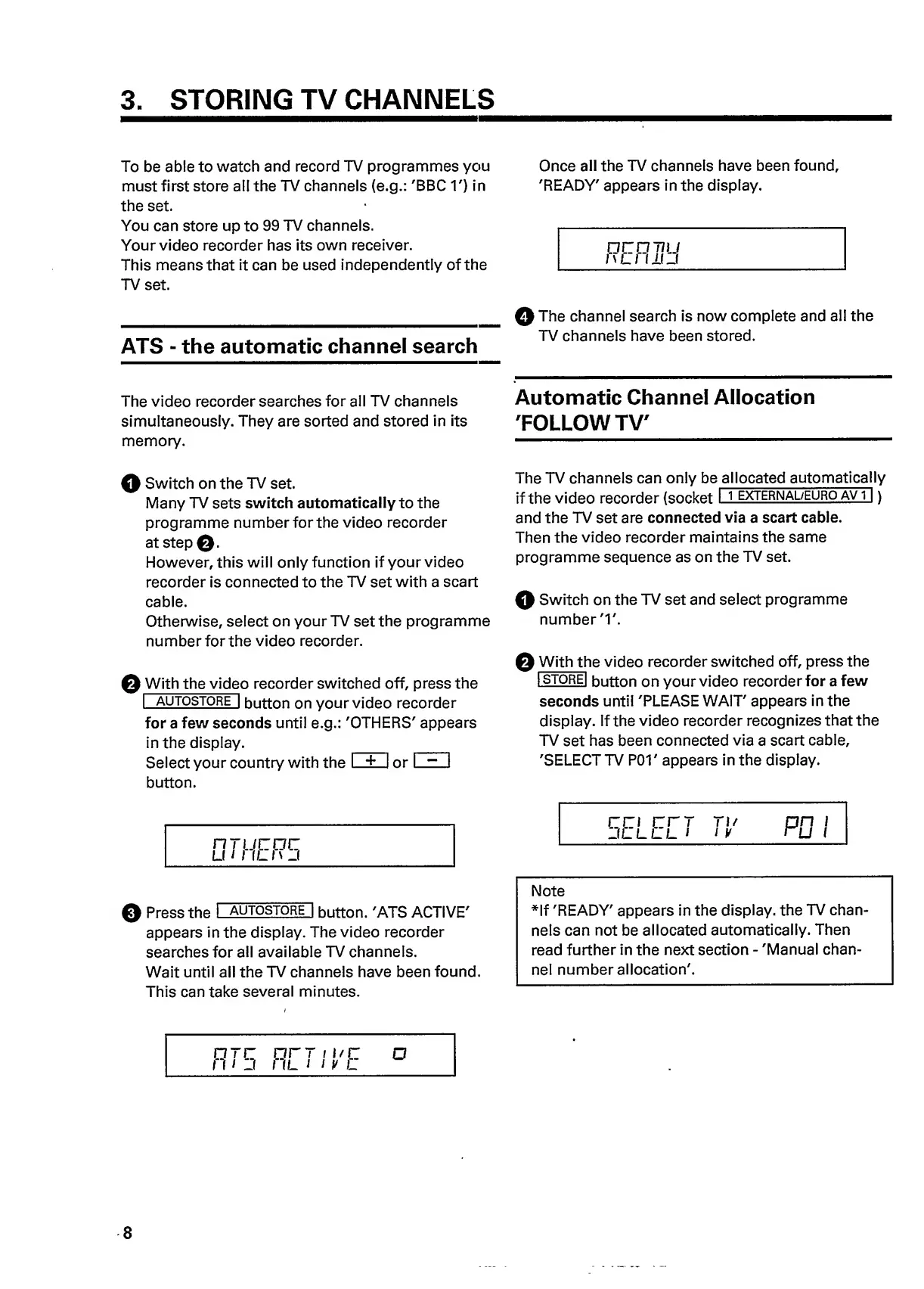
3.
STORING
TV
CHANNELS
To
be
able
to
watch
and
record
TV
programmes
you
Once
all
the
TV
channels
have
been
found,
must
first
store
all
the
TV
channels
(e.g.:
'BBC
1')
in
'READY'
appears
in
the
display,
the
set.
You
can
store
up
to
99
TV
channels.
Your
video
recorder
has
its
own
receiver.
This
means
that
it
can
be
used
independently
of
the
TV
set.
C
O
T
7U
I'Ll
IKJ
ATS
-
the
automatic
channel
search
0
The
channel
search
is
now
complete
and
all
the
TV
channels
have
been
stored.
The
video
recorder
searches
for
all
TV
channels
Automatic
Channel
Allocation
simultaneously.
They
are
sorted
and
stored
in
its
'FOLLOW
TV'
memory.
——————————
HI
Switch
on
the
TV
set.
Many
TV
sets
switch
automatically
to
the
programme
number
for
the
video
recorder
at
step
0.
However,
this
will
only
function
if
your
video
recorder
is
connected
to
the
TV
set
with
a
scart
cable.
Otherwise,
select
on
your
TV
set
the
programme
number
for
the
video
recorder.
0
With
the
vide
o
recorder
switched
off,
press
the
I
autostore
|
button
on
your
video
recorder
for
a
few
seconds
until
e.g.:
'OTHERS'
appears
in
the
display.
_
_
Select
your
country
with
the
I
±
I
or
I
~
I
button.
The
TV
channels
can
only
be
allocated
automatical
l
y
if
the
video
recorder
(socket
I
j
externa
l
/euro
AVi~|)
and
the
TV
set
are
connected
via
a
scart
cable.
Then
the
video
recorder
maintains
the
same
programme
sequence
as
on
the
TV
set.
0
Switch
on
the
TV
set
and
select
programme
number
'1'.
0
With
th
e
video
recorder
switched
off,
press
the
I
STOREl
button
on
your
video
recorder
for
a
few
seconds
until
'PLEASE
WAIT'
appears
in
the
display.
If
the
video
recorder
recognizes
that
the
TV
set
has
been
connected
via
a
scart
cable,
'SELECTTV
POT
appears
in
the
display.
nrucoc
LI
1
I
IL
I
\
_l
0
Press
the
I
autostore
1
button.
'ATS
ACTIVE'
appears
in
the
display.
The
video
recorder
searches
for
all
available
TV
channels.
Wait
until
all
the
TV
channels
have
been
found.
This
can
take
several
minutes.
Note
*lf
'READY'
appears
in
the
display,
the
TV
chan¬
nels
can
not
be
allocated
automatically.
Then
read
further
in
the
next
section
-
'Manual
chan¬
nel
number
allocation'.
oto
orr
i
i/c
o
in
j
i
il
i
i
y
l
8

Related product manuals