EasyManua.ls Logo

Philips VR 665 - Manual Channel Allocation

Philips VR 665
34 pages
Print Icon
To Next Page IconTo Next Page
To Previous Page IconTo Previous Page
Loading...
Q
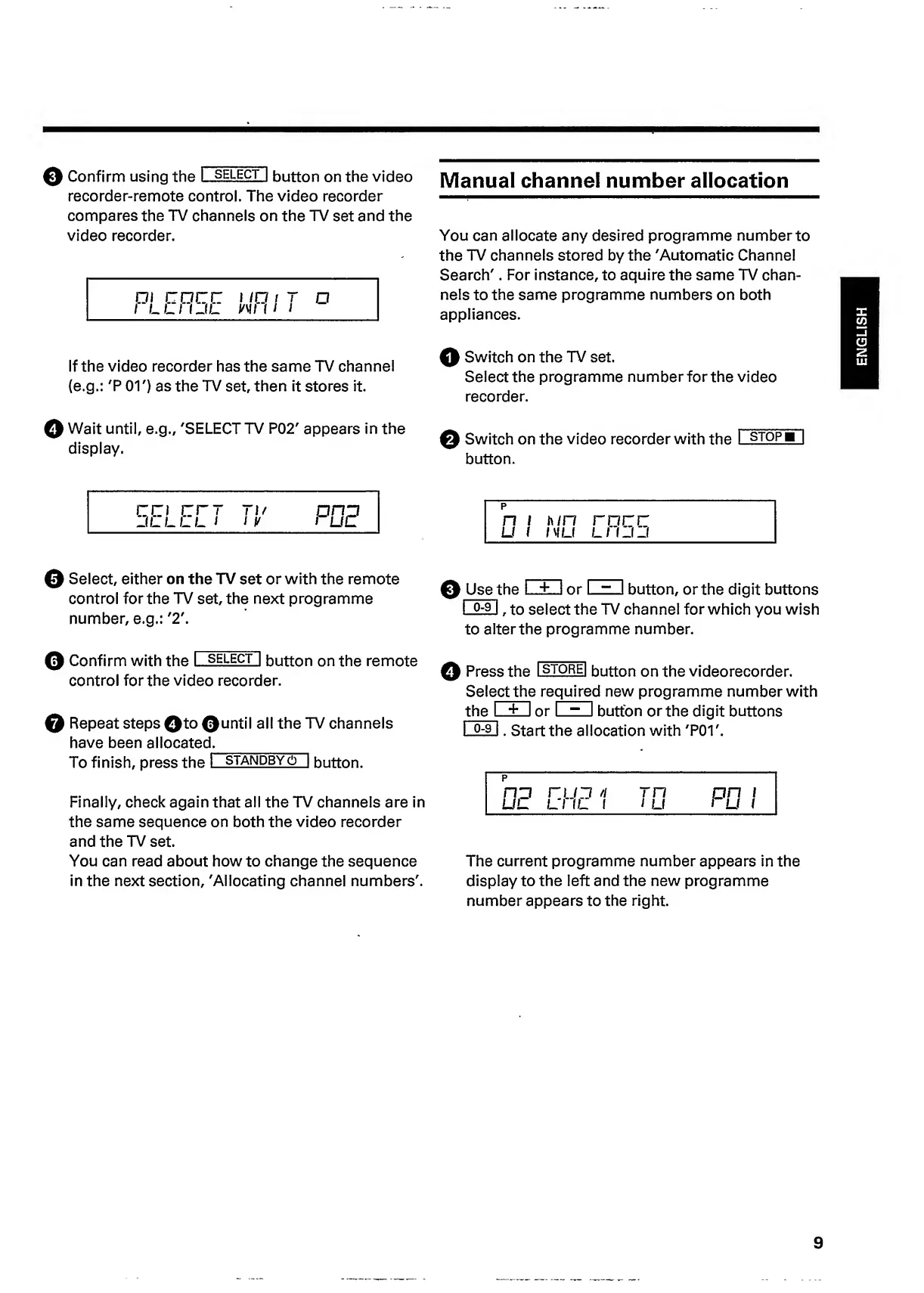
Confirm
using
the
l~
select
1
button
on
the
video
recorder-remote
control.
The
video
recorder
compares
the
TV
channels
on
the
TV
set
and
the
video
recorder.
i
core:
i
ia
i
r
a
I
LLI
IJL
Mil
I
I
Manual
channel
number
allocation
You
can
allocate
any
desired
programme
number
to
the
TV
channels
stored
by
the
'Automatic
Channel
Search'.
For
instance,
to
aquire
the
same
TV
chan¬
nels
to
the
same
programme
numbers
on
both
appliances.
If
the
video
recorder
has
the
same
TV
channel
(e.g.:
'P
01')
as
the
TV
set,
then
it
stores
it.
Q
Switch
on
the
TV
set.
Select
the
programme
number
for
the
video
recorder.
0
Wait
until,
e.g.,
'SELECT
TV
P02'
appears
in
the
display.
0
Switch
on
the
video
recorder
with
the
I
stopb
|
button.
CO
err
T
1
/
Ofip
JLLLL
1
/
V
1
uc
p
h/n
IV
LI
race
LI
f_l_l
0
Select,
either
on
the
TV
set
or
with
the
remote
control
for
the
TV
set,
the
next
programme
number,
e.g.:
'2'.
0
Use
t
h
e
L
.
+
...1
or
I
~
I
button,
or
the
digit
buttons
I
°-
9
I
,
to
select
the
TV
channel
for
which
you
wish
to
alter
the
programme
number.
0
Confirm
with
the
I
select
|
button
on
the
remote
control
for
the
video
recorder.
0
Repeat
steps
0to
@until
all
the
TV
channels
have
been
allocated._
To
finish,
press
the
1
standbyo
|
button.
Finally,
check
again
that
all
the
TV
channels
are
in
the
same
sequence
on
both
the
video
recorder
and
the
TV
set.
You
can
read
about
how
to
change
the
sequence
in
the
next
section,
'Allocating
channel
numbers'.
0
Press
the
I
store|
button
on
the
videorecorder.
Sel
e
c
t
the
re
quired
new
programme
number
with
the
I
+
I
or
I
~
I
button
or
the
digit
buttons
I
°~
9
I
.
Start
the
allocation
with
'P01'.
p
The
current
programme
number
appears
in
the
display
to
the
left
and
the
new
programme
number
appears
to
the
right.
9
ENGLISH

Related product manuals