EasyManua.ls Logo

Philips VR 665 - Manual Timer Programming Steps

Philips VR 665
34 pages
Print Icon
To Next Page IconTo Next Page
To Previous Page IconTo Previous Page
Loading...
Note:
*
Do
you
want
to
use
programme
number
'E2'
in
order
to
record
from
an
external
source
(e.g.
satellite
tuner)?
Confirm
the
'E2'
pro¬
gramme
number
displayed
in
step
©with
the
l
sv/v+
t
imer!
button.
*
If
'CODE
ERROR'
appears
in
the
display,
the
code
was
incorrect
or
inc
o
r
r
ectly
entere
d
.
Repeat
the
entry
or
end
with
the
I
standby
o
|
button.
*
If
'SET
CLOCK'
appears
in
the
display,
the
internal
clock
is
not
set.
Set
the
clock.
*
If
'DAILY
ERROR'
appears
in
the
display,
the
date
was
incorrectly
entered.
'Daily'
programming
can
only
be
used
for
recordings
to
be
made
from
Mondays
to
Fridays
inclusive.
*
With
'Daily/Weekly'
programming,
the
first
recording
must
take
place
within
a
week.
*
Sometimes
a
TV
programme
takes
more
time
than
indicated
in
the
TV
guide.
If
you
wish
to
set
a
later
end
time
for
a
recording,
press
the
I
tracking"!
button
in
step
©.
The
actual
end
time
appears
in
the
display.
With
each
press
on
the
I
tracking
-
!
button
you
add
15
minute
s
to
the
time.
Confirm
with
the
I
sv/v+
timer
|
button.
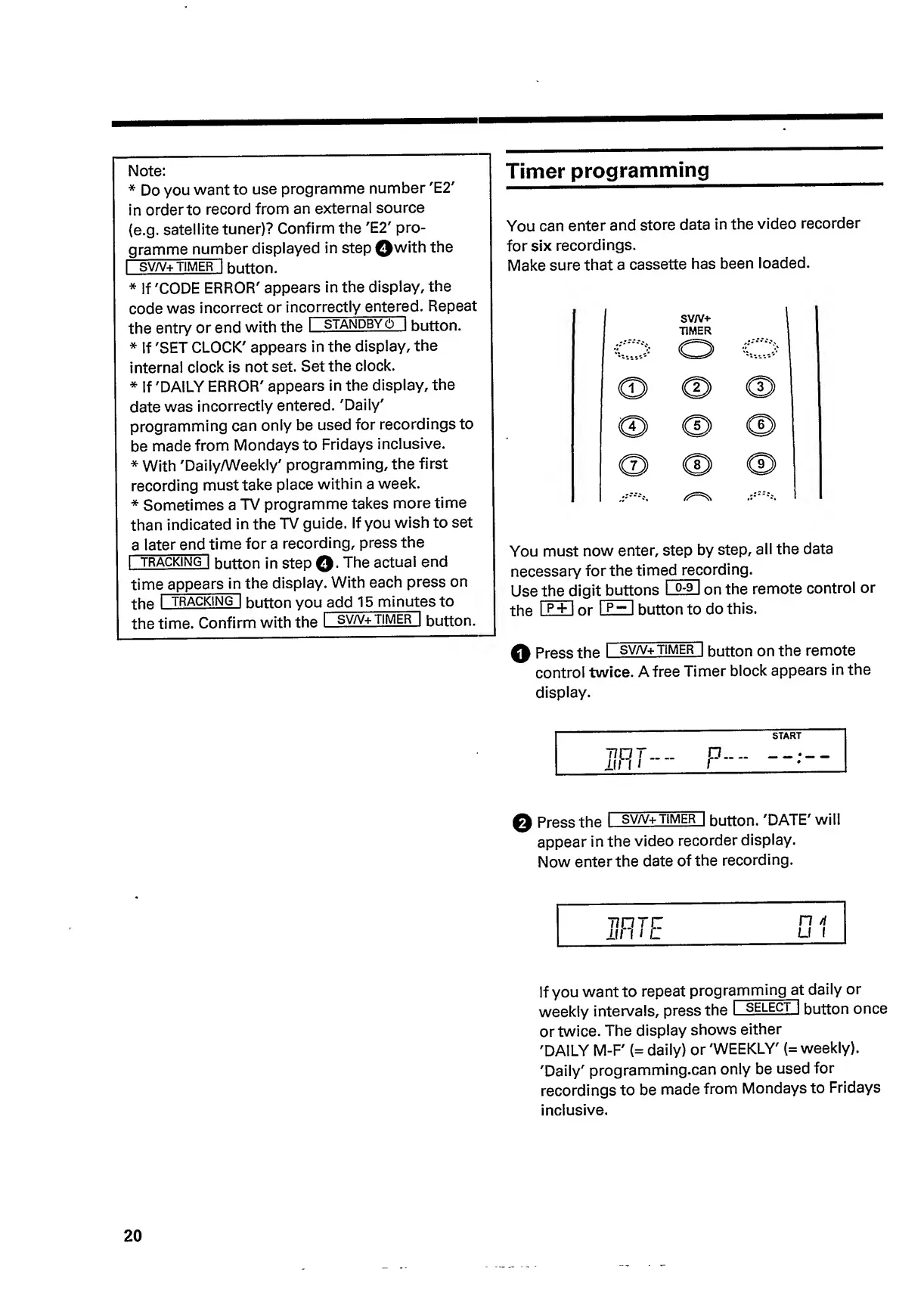
Timer
programming
You
can
enter
and
store
data
in
the
video
recorder
for
six
recordings.
Make
sure
that
a
cassette
has
been
loaded.
SV/V+
TIMER
You
must
now
enter,
step
by
step,
all
the
data
necessary
for
the
tim
e
d
rec
o
r
ding.
Use
the
digi
t
butt
ons
I
°-?J
on
the
remote
control
or
the
I
P+l
or
I
p
~
I
button
to
do
this.
©
Press
the
I
sv/v+
timer!
button
on
the
remote
control
twice.
A
free
Timer
block
appears
in
the
display.
START
T7nr„„
in
1
1
i
©
Press
the
I
sv/v+
t
imer
1
button.
'DATE'
will
appear
in
the
video
recorder
display.
Now
enter
the
date
of
the
recording.
If
you
want
to
repeat
progr
amming
at
daily
or
weekly
intervals,
press
the
I
selectJ
button
once
or
twice.
The
display
shows
either
'DAILY
M-F'
(=
daily)
or
'WEEKLY'
(=
weekly).
'Daily'
programming.can
only
be
used
for
recordings
to
be
made
from
Mondays
to
Fridays
inclusive.
20

Related product manuals