EasyManua.ls Logo

Philips VR 665 - Tape Position; Searching for a Tape Position

Philips VR 665
34 pages
Print Icon
To Next Page IconTo Next Page
To Previous Page IconTo Previous Page
Loading...
Tape
position.
How
do
I
know
where
I
am
on
the
tape?
The
tape
position
is
shown
in
the
display
as
a
continually
changing
numeric
indication
during
Wind,
Rewind,
Record,
Playback
and
Pause/Stop.
Note:
*
When
y
ou
press
a
n
y
tape
tran
s
p
o
r
t
button
(e.g.:
the
I
PLAYfr
1
0
r
I
stopb
|
button)
this
search
function
will
be
stopped.
*
You
cannot
use
this
function
with
recordings
made
on
another
video
recorder
that
does
not
have
this
function.
If
you
w
ant
to
set
the
indicator
to
'0000',
press
the
I
CLEAR!
button
on
the
remote
control.
Ol
ou
nn
nn
1
LIU
uu
uu
When
you
rewind
a
cassette
to
the
start
of
the
tape,
the
indicator
is
automatically
set
to
e.g.
'0005'.
Searching
for
a
tape
position
Sometimes
you
may
have
recorded
two
or
more
TV
programmes
on
one
cassette.
So
that
you
do
not
have
to
spend
time
searching,
your
set
offers
you
an
automatic
search
facility.
Every
time
you
start
to
record,
this
video
recorder
marks
the
tape
with
a
code
mark.
You
c
an
search
for
these
code
marks
on
the
tape
using
the
1
indexN|
button
on
your
remote
control.
Q
Press
the
I
indexh
|
button
with
the
vi
d
e
o
recorder
switched
on.
Then
press
the
I
I
button
to
select
the
next
code
mark
or
the
I
I
button
for
the
previous
code
mark.
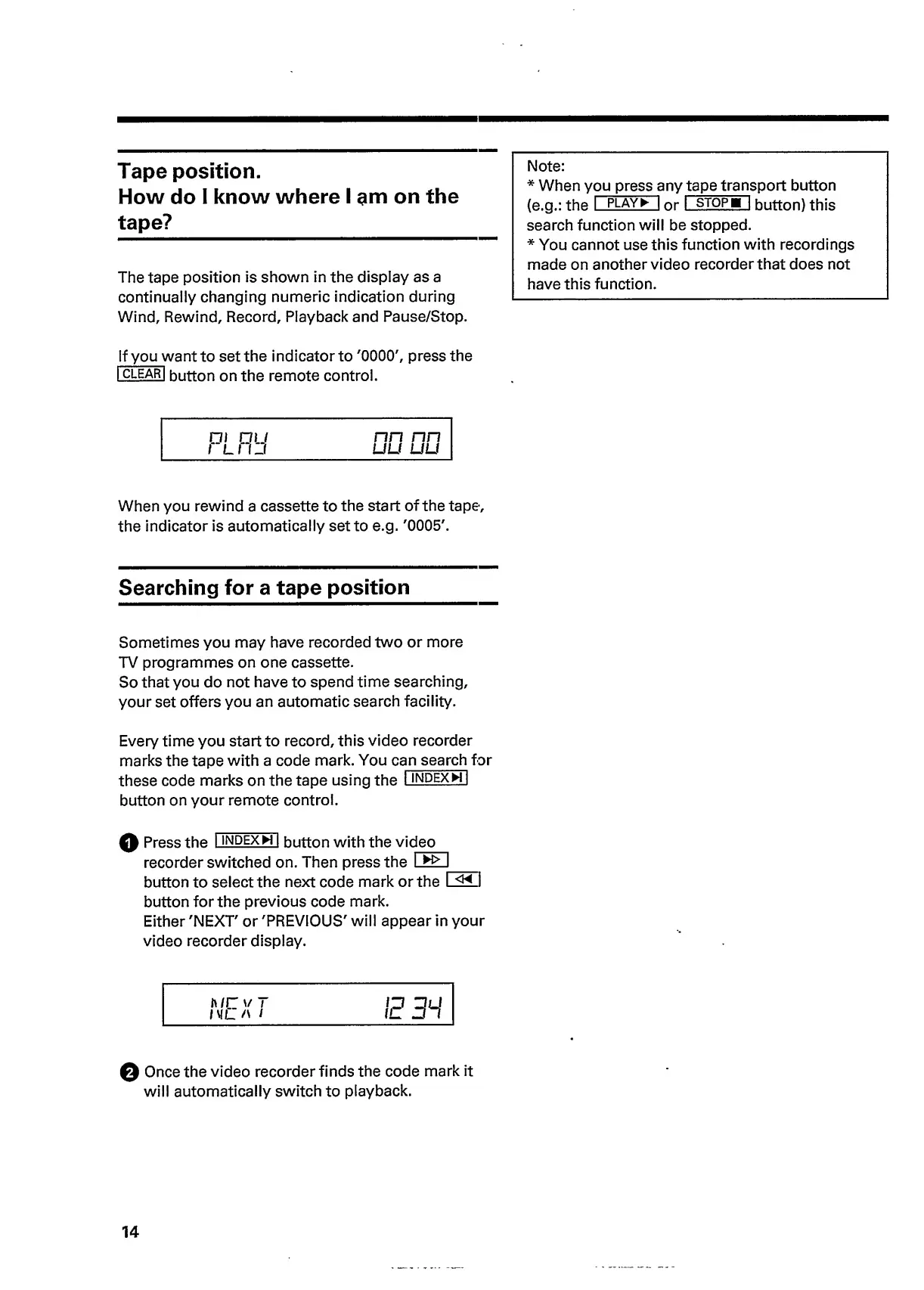
Either
'NEXT'
or
'PREVIOUS'
will
appear
in
your
video
recorder
display.
h/r
v
T
MIL
A
/
0
Once
the
video
recorder
finds
the
code
mark
it
will
automatically
switch
to
playback.
14

Related product manuals