EasyManua.ls Logo

Philips VR 665 - Eliminating Picture Interference

Philips VR 665
34 pages
Print Icon
To Next Page IconTo Next Page
To Previous Page IconTo Previous Page
Loading...
How
do
I
eliminate
picture
interference?
Cleaning
function
Every
time
a
cassette
is
loaded
the
video
recorder
will
automatically
set
the
correct
tracking
position.
For
recordings
made
on
another
set
you
may
be
able
to
improve
on
the
automatic
setting
as
follows:
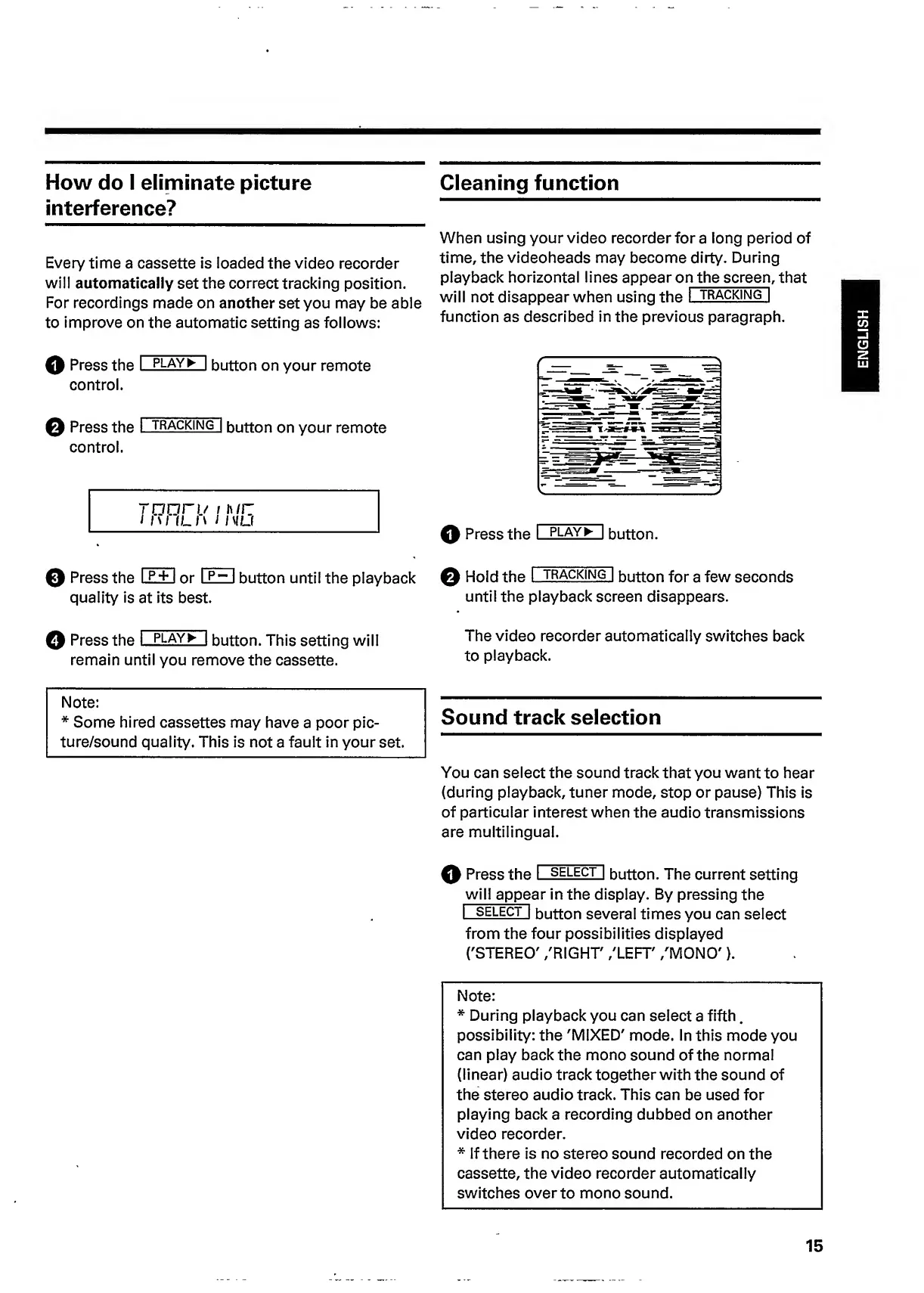
When
using
your
video
recorder
for
a
long
period
of
time,
the
videoheads
may
become
dirty.
During
playback
horizontal
lines
appear
o
n
the
screen
,
that
will
not
disappear
when
using
the
I
tracking]
function
as
described
in
the
previous
paragraph.
Q
Press
the
I
play^
|
button
on
your
remote
control.
©
Press
the
I
trackin(T|
button
on
your
remote
control.
rnnri/
/
iwr:
Ml
ILM
I
I
MU
0
Press
the
I
p
+
1
or
I
p~
I
button
until
the
playback
quality
is
at
its
best.
Q
Press
the
I
PLAY
^
I
button.
Q
Hold
the
I
tracking"!
button
for
a
few
seconds
until
the
playback
screen
disappears.
©
Press
the
I
play^
|
button.
This
setting
will
remain
until
you
remove
the
cassette.
The
video
recorder
automatically
switches
back
to
playback.
Note:
*
Some
hired
cassettes
may
have
a
poor
pic-
ture/sound
quality.
This
is
not
a
fault
in
your
set.
Sound
track
selection
You
can
select
the
sound
track
that
you
want
to
hear
(during
playback,
tuner
mode,
stop
or
pause)
This
is
of
particular
interest
when
the
audio
transmissions
are
multilingual.
0
Press
the
I
select
|
button.
The
current
setting
will
appe
ar
in
the
display.
By
pressing
the
I
select
|
button
several
times
you
can
select
from
the
four
possibilities
displayed
('STEREO'
/RIGHT'
/LEFT'
/MONO').
Note:
*
During
playback
you
can
select
a
fifth.
possibility:
the
'MIXED'
mode.
In
this
mode
you
can
play
back
the
mono
sound
of
the
normal
(linear)
audio
track
together
with
the
sound
of
the
stereo
audio
track.
This
can
be
used
for
playing
back
a
recording
dubbed
on
another
video
recorder.
*
If
there
is
no
stereo
sound
recorded
on
the
cassette,
the
video
recorder
automatically
switches
over
to
mono
sound.
15
ENGLISH

Related product manuals