EasyManua.ls Logo

Philips VR 665 - Picture Scanning

Philips VR 665
34 pages
Print Icon
To Next Page IconTo Next Page
To Previous Page IconTo Previous Page
Loading...
Picture
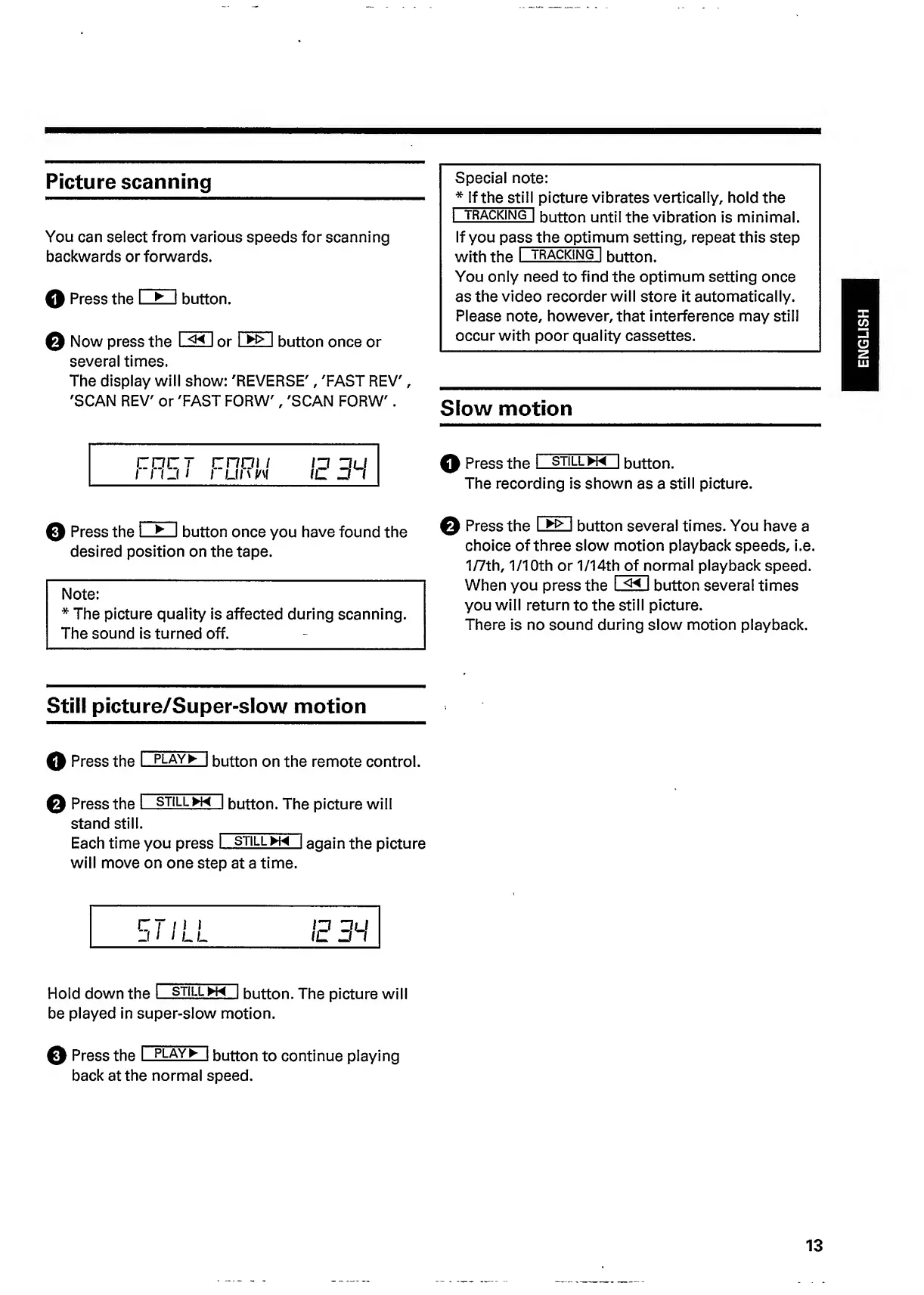
scanning
You
can
select
from
various
speeds
for
scanning
backwards
or
forwards.
O
Press
the
I
I
button.
Q
Now
press
the
I
I
or
1
>
I
button
once
or
several
times.
The
display
will
show:
'REVERSE',
'FAST
REV',
'SCAN
REV'
or
'FAST
FORW',
'SCAN
FORW'.
Special
note:
*
If
the
still
picture
vibrates
vertically,
hold
the
I
tracking]
button
until
the
vibration
is
minimal.
If
you
pa
ss
the
optim
u
m
setting,
repeat
this
step
with
the
I
tracking!
button.
You
only
need
to
find
the
optimum
setting
once
as
the
video
recorder
will
store
it
automatically.
Please
note,
however,
that
interference
may
still
occur
with
poor
quality
cassettes.
Slow
motion
rnrr
rnni
/
i
11
j
i
i
u
I
'
w
Q
Press
the
I
still
w~|
button.
The
recording
is
shown
as
a
still
picture.
o
Press
the
I
I
button
once
you
have
found
the
desired
position
on
the
tape.
Note:
*
The
picture
quality
is
affected
during
scanning.
The
sound
is
turned
off.
Q
Press
the
I
>
I
button
several
times.
You
have
a
choice
of
three
slow
motion
playback
speeds,
i.e.
1/7th,
1/1
Oth
or
1/14t
h
of
n
o
r
m
a
l
playback
speed.
When
you
press
the
I
I
button
several
times
you
will
return
to
the
still
picture.
There
is
no
sound
during
slow
motion
playback.
Still
picture/Super-slow
motion
Q
Press
the
I
play^
|
button
on
the
remote
control.
Q
Press
the
I
still
hH
button.
The
picture
will
stand
still.
Each
time
you
press
I
still
h~
1
again
the
picture
will
move
on
one
step
at
a
time.
Hold
down
the
I
still
h~~1
button.
The
picture
will
be
played
in
super-slow
motion.
Q
Press
the
I
PLAY
*
|
button
to
continue
playing
back
at
the
normal
speed.
13
ENGLISH

Related product manuals