EasyManua.ls Logo

Philips VR 665 - Manual Channel Search Method

Philips VR 665
34 pages
Print Icon
To Next Page IconTo Next Page
To Previous Page IconTo Previous Page
Loading...
Note:
*
If
you
w
ant
to
del
e
te
an
unwanted
TV
channel,
press
the
I-
eject|
button
for
a
few
seconds
until
'CLEARED'
appears
in
the
display.
*
Have
you
used
a
scart
cable
to
connect
the
video
recorder
to
your
TV
set
and
does
your
TV
set
resp
o
n
d
to
the
switch-over
with
the
I
monitor!
button
on
the
remote
control?
If
so,
you
can
switch
to
and
fro
between
TV
reception
and
video
recorder
reception.
This
is
the
easiest
way
for
you
to
allocate
the
same
TV
channels
to
the
same
programme
numbers
on
both
appliances.
©
Press
the
I
storei
button.
The
video
recorder
assigns
the
programme
number.
The
other
programme
numbers
shift
one
number
up
or
down.
Repeat
the
steps
©till
©until
you
have
sorted
all
required
TV
programmes.
©
To
end
press
the
I
standby
(!)
1
button
on
the
video
recorder.
Note:
*
Unused
(free)
programme
numbers
cannot
be
selected.
*
If
this
TV
channel
transmits
a
'TV
channel
name'
(e.g.
'BBC
1')
you
will
see
it
in
the
display.
*
If
a
TV
station
broadcasts
encoded
pro¬
grammes
and
your
vide
o
recor
der
is
connected
to
a
decoder,
press
the
I
clear
|
button
on
the
remote
control
at
step
©until
'DEC'
appears
in
the
display.
The
video
recorder
will
activate
the
decoder
function
from
now
on
when
you
select
this
TV
channel
number
{=
this
programme
number).
10
Manual
channel
search
In
certain
cases
the
'Automatic
Channel
Search'
may
not
be
able
to
find
all
of
the
TV
channels.
You
can
then
use
this
manual
method
to
set
the
channels.
©
Switch
on
the
TV
set
and
select
the
programme
number
for
the
video
recorder.
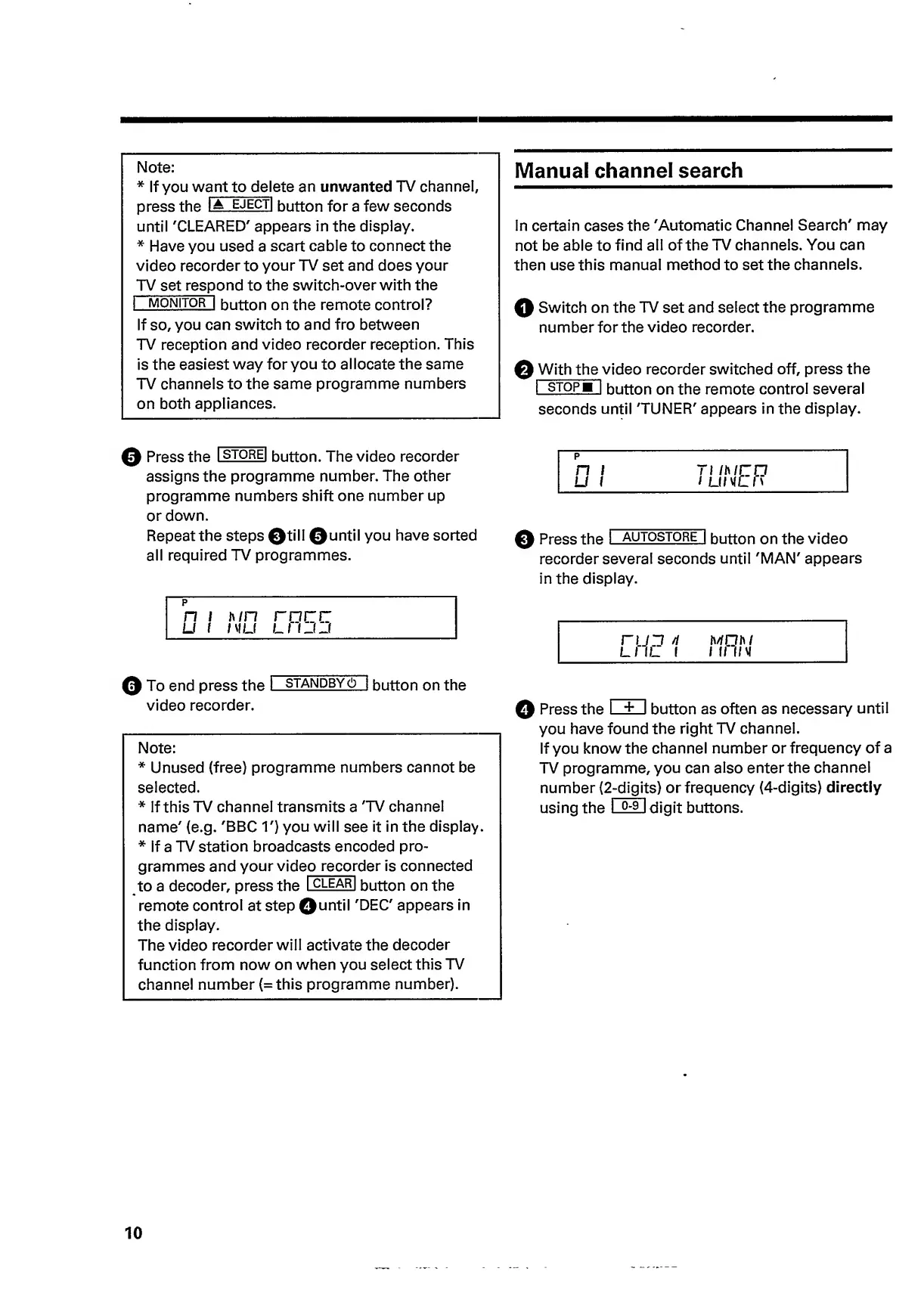
©
With
the
video
recorder
switched
off,
press
the
I
stopb
1
button
on
the
remote
control
several
seconds
until
'TUNER'
appears
in
the
display.
p
n
i
71
Ihir
o
U
1
i
Li/vLn
©
Press
the
I
autostore
I
button
on
the
video
recorder
several
seconds
until
'MAN'
appears
in
the
display.
©
Press
the
I
+
I
button
as
often
as
necessary
until
you
have
found
the
right
TV
channel.
If
you
know
the
channel
number
or
frequency
of
a
TV
programme,
you
can
also
enter
the
channel
number
(
2
-digit
s)
or
frequency
(4-digits)
directly
using
the
I
Q-9
I
digit
buttons.

Related product manuals