EasyManua.ls Logo

Philips VR 665 - Page 13

Philips VR 665
34 pages
Print Icon
To Next Page IconTo Next Page
To Previous Page IconTo Previous Page
Loading...
How
you
switch
between
the
display
for
'channel
number'
or
'frequency',
you
can
read
in
section
'Special
features
on
your
video
recorder'.
To
enter
a
special/hyperband
channel,
first
enter
the
channel
digit
'9'.
The
indication
changes
from
'CH'
to
'CA'.
For
example,
for
special
channel
'S
30',
enter'9
30'.
If
a
TV
station
broadcasts
encoded
programmes
and
your
video
r
ecorder
is
connected
to
a
de¬
coder,
press
the
I
clear
|
button
on
the
remote
control
several
seconds
until
'DEC'
appears
in
the
display.
The
video
recorder
will
activate
the
decoder
function
from
now
on
when
you
select
this
TV
channel
number
(=
this
programme
number).
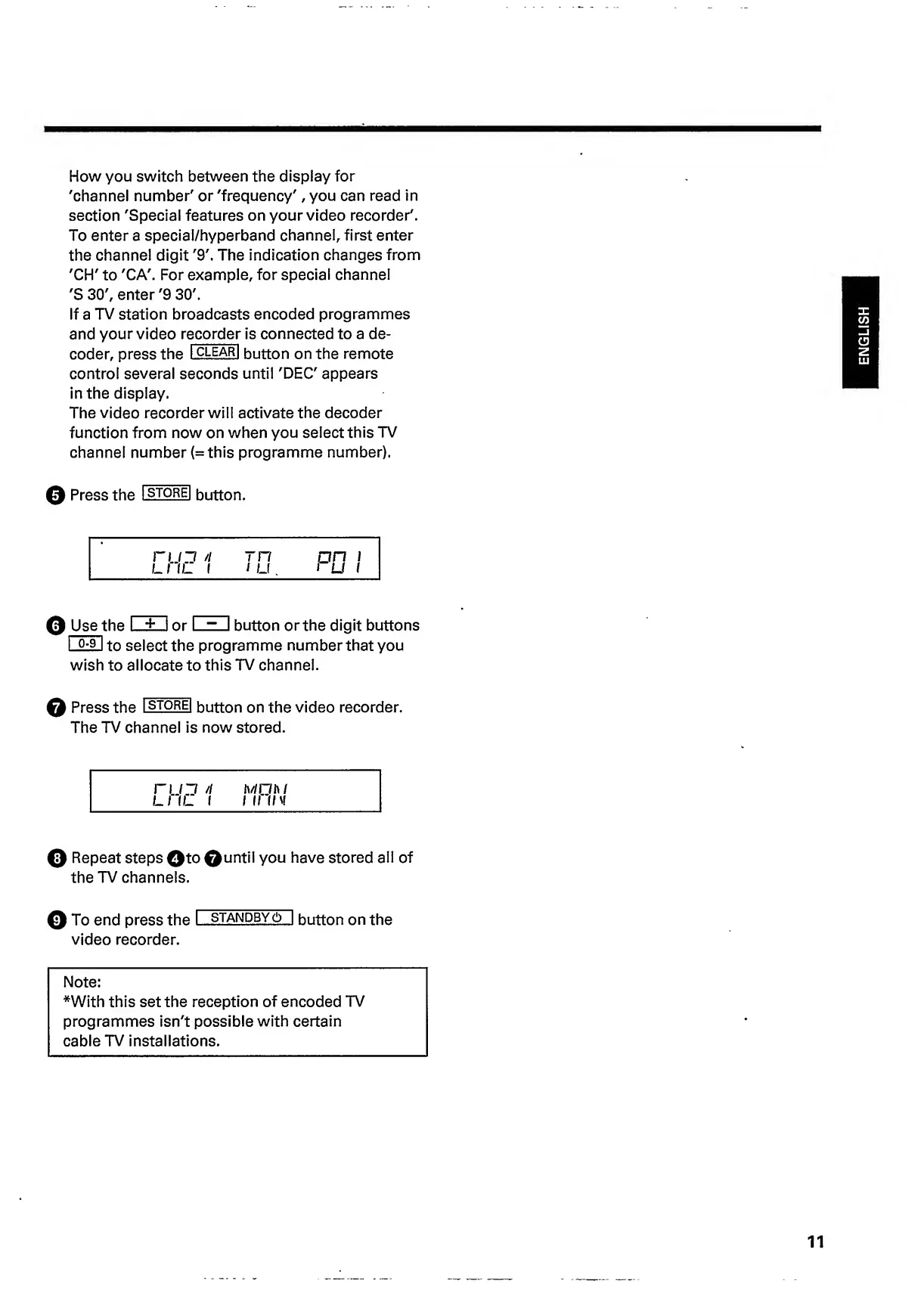
0
Press
the
Istorei
button.
rtjj
n
rn
pn
!
LI
IL
1
1
u.
i
U
1
0
Use
t
h
e
I
±
I
or
I
~
I
button
orthe
digit
buttons
I
Q-91
tn
select
the
programme
number
that
you
wish
to
allocate
to
this
TV
channel.
0
Press
the
l
S
T
0RE
l
button
on
the
video
recorder.
The
TV
channel
is
now
stored.
n
i~i
//
iv/niw
LI
IL
I
I
II
IIV
0
Repeat
steps
0to
0
u
n
til
you
have
stored
all
of
the
TV
channels.
0
To
end
press
the
I
standby6~|
button
on
the
video
recorder.
Note:
*With
this
set
the
reception
of
encoded
TV
programmes
isn't
possible
with
certain
cable
TV
installations.
11
ENGLISH

Related product manuals