EasyManua.ls Logo

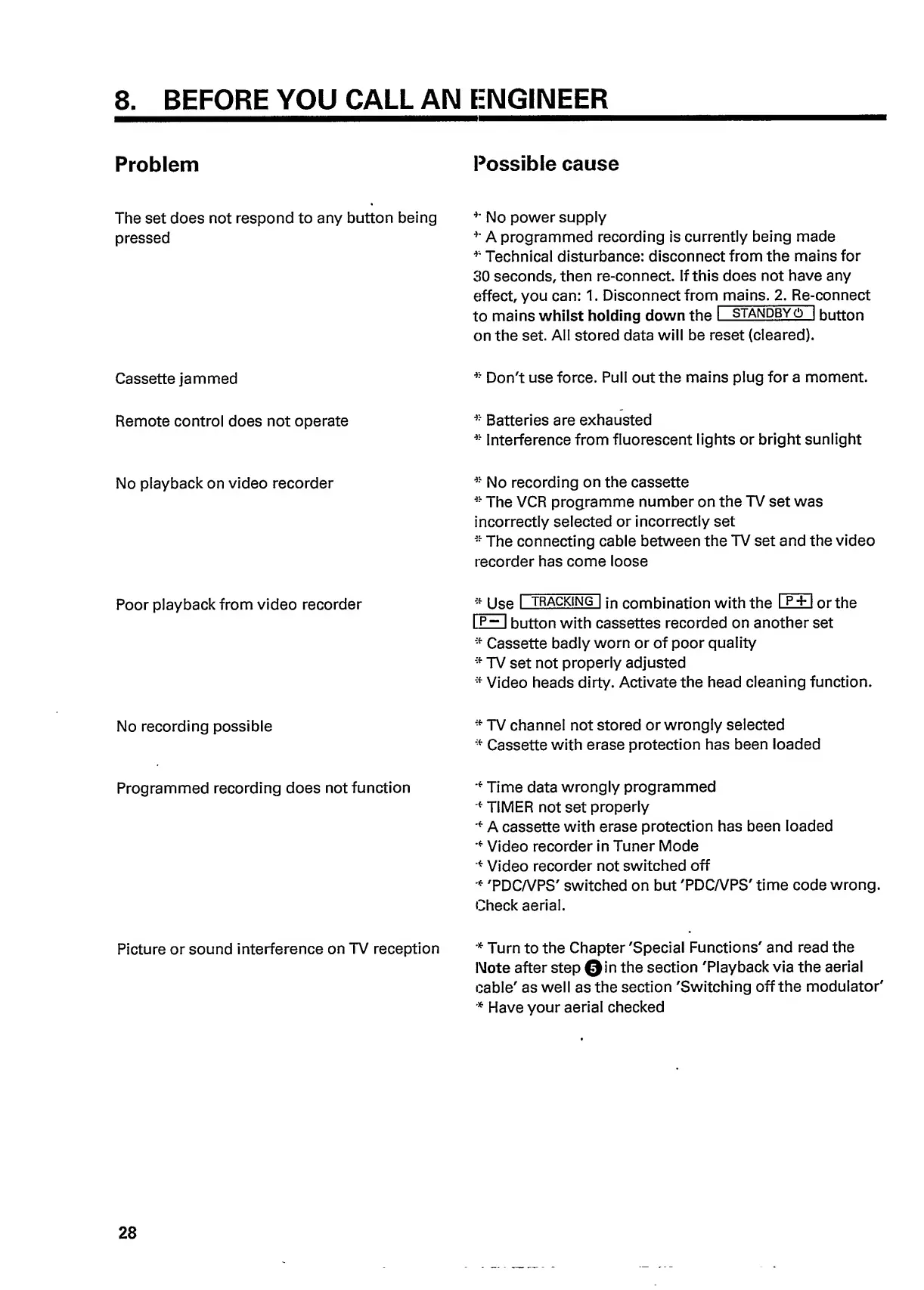
Philips VR 665 - 8. Troubleshooting Common Issues; Unresponsive Unit Troubleshooting; Cassette Jamming Solutions; Remote Control Not Operating

Philips VR 665
34 pages
Print Icon
To Next Page IconTo Next Page
To Previous Page IconTo Previous Page
Loading...
8.
BEFORE
YOU
CALL
AN
ENGINEER
Problem
Possible
cause
The
set
does
not
respond
to
any
button
being
*'
No
power
supply
pressed
*'
A
programmed
recording
is
currently
being
made
*
Technical
disturbance:
disconnect
from
the
mains
for
30
seconds,
then
re-connect.
If
this
does
not
have
any
effect,
you
can:
1.
Disconnect
from
mains.
2.
Re-
c
onnect
to
mains
whilst
holding
down
the
I
standbyo
|
button
on
the
set.
All
stored
data
will
be
reset
(cleared).
Cassette
jammed
*
Don't
use
force.
Pull
out
the
mains
plug
for
a
moment.
Remote
control
does
not
operate
*
Batteries
are
exhausted
*
Interference
from
fluorescent
lights
or
bright
sunlight
No
playback
on
video
recorder
*
No
recording
on
the
cassette
*
The
VCR
programme
number
on
the
TV
set
was
incorrectly
selected
or
incorrectly
set
*
The
connecting
cable
between
the
TV
set
and
the
video
recorder
has
come
loose
Poor
playback
from
video
recorder
*
Use
I
tracking
|
jn
combination
with
the
I
P*H
or
the
I
P~
I
button
with
cassettes
recorded
on
another
set
*
Cassette
badly
worn
or
of
poor
quality
*
TV
set
not
properly
adjusted
*
Video
heads
dirty.
Activate
the
head
cleaning
function.
No
recording
possible
*
TV
channel
not
stored
or
wrongly
selected
*
Cassette
with
erase
protection
has
been
loaded
Programmed
recording
does
not
function
'*
Time
data
wrongly
programmed
*
TIMER
not
set
properly
'*
A
cassette
with
erase
protection
has
been
loaded
•*
Video
recorder
in
Tuner
Mode
•*
Video
recorder
not
switched
off
•*
'PDCA/PS'
switched
on
but
'PDCWPS'
time
code
wrong.
Check
aerial.
Picture
or
sound
interference
on
TV
reception
*
Turn
to
the
Chapter
'Special
Functions'
and
read
the
Note
after
step
©in
the
section
'Playback
via
the
aerial
cable'
as
well
as
the
section
'Switching
off
the
modulator'
*
Have
your
aerial
checked
28

Related product manuals