EasyManua.ls Logo

Philips VR 665 - Modulator On;Off Switch

Philips VR 665
34 pages
Print Icon
To Next Page IconTo Next Page
To Previous Page IconTo Previous Page
Loading...
The
frequ
e
n
c
y
can
be
adjusted
with
the
I
+
I
or
the
I
~
I
button._
To
end
press
the
I
install!
and
then
the
I
STANDBY
(!)
I
button.
©
Re-tune
the
TV
set
to
the
video
recorder
(steps
©to
0)
until
the
test
picture
re-appears.
Check
all
the
TV
channels
on
your
TV
set
again.
Repeat
the
channel
adjustment
(step
©)
until
the
picture
quality
is
the
same
whether
the
video
recorder
is
on
or
off.
©
Switch
off
the
video
recorder
with
the
I
STANDBY
(1)
1
button.
Note:
*
If
you
have
interrupted
making
standard
settings
as
described
in
Chapter
2,
'INSTALLATION',
turn
to
that
chapter
to
continue
making
the
standard
settings.
Switching
the
built-in
modulator
on
or
off
In
the
last
section
we
talked
about
interference
that
could
occur
on
the
television.
If
you
cannot
eliminate
picture
or
sound
interference
using
the
above
meth¬
od
you
can
switch
off
the
built-in
modulator.
You
can
only
do
this
if
you
have
connected
the
video
recorder
to
the
TV
set
using
a
scart
cable.
'Playback
via
the
aerial
cable'
is
not
possible
when
the
modulator
is
switched
off.
©
Press
the
ejecti
button
and
then
hold
the
I
install
|
button
until
e.g.
'ENGLISH'
appears
in
the
display.
©
Press
the
I
install
|
button
as
many
times
as
necessary
until
e.g.
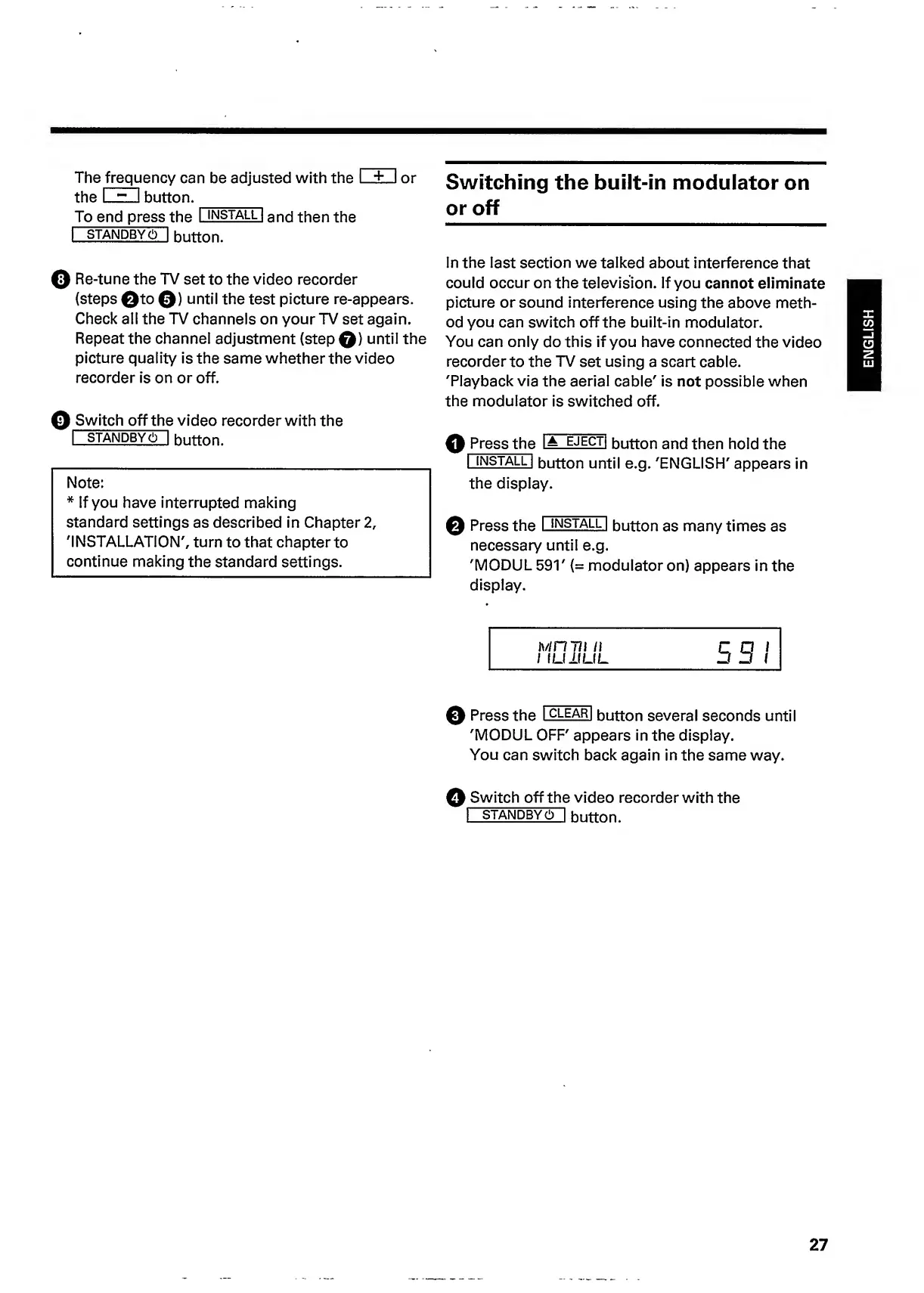
'MODUL
591'
(=
modulator
on)
appears
in
the
display.
MH
711
li
I
I
LI
II
LI
L
5
51
0
Press
the
I
clear
|
button
several
seconds
until
'MODUL
OFF'
appears
in
the
display.
You
can
switch
back
again
in
the
same
way.
©
Switch
off
the
video
recorder
with
the
|
STANDBY
(!)
|
button.
27
ENGLISH

Related product manuals