EasyManua.ls Logo

Philips VR 665 - Page 27

Philips VR 665
34 pages
Print Icon
To Next Page IconTo Next Page
To Previous Page IconTo Previous Page
Loading...
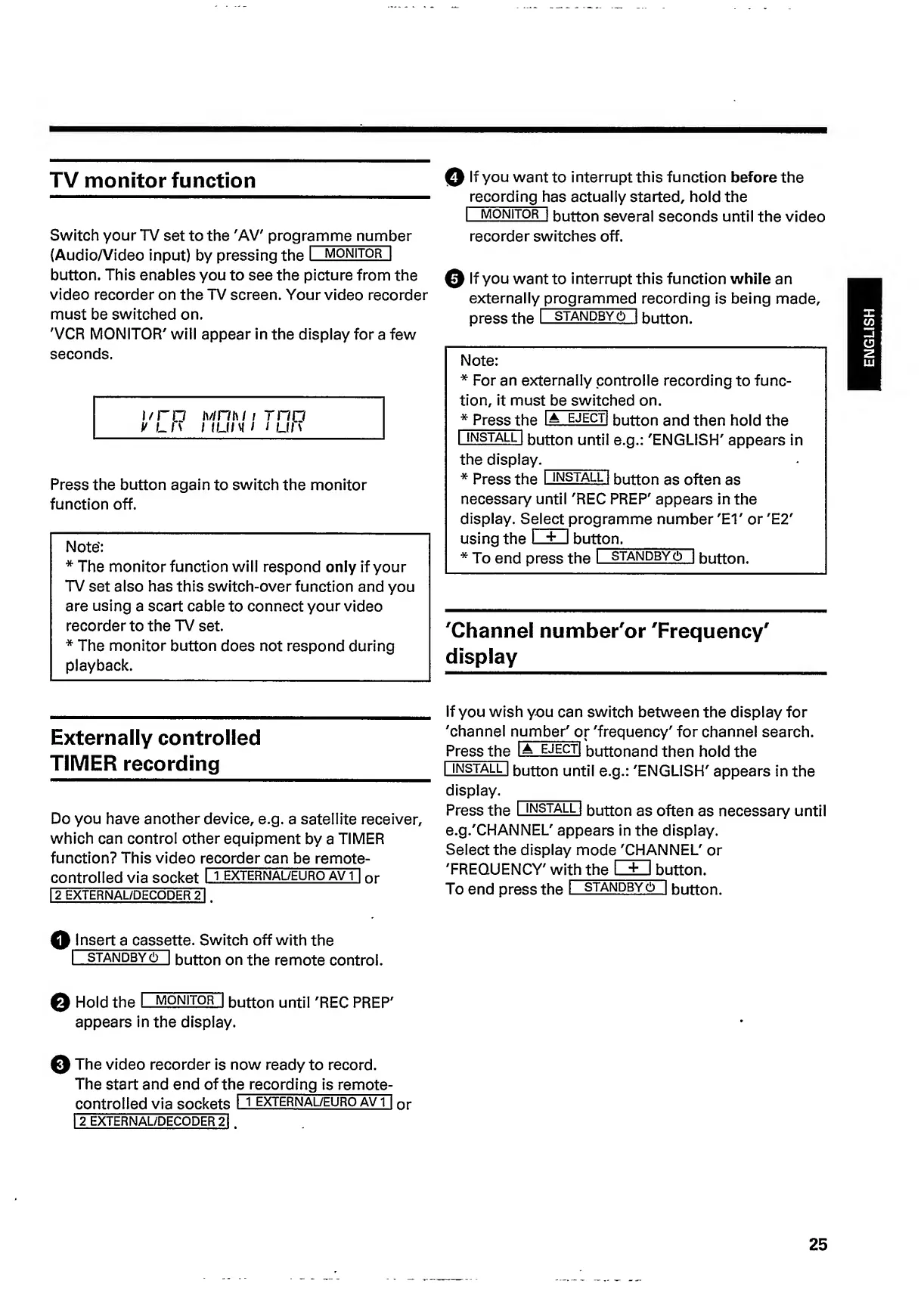
TV
monitor
function
Switch
your
TV
set
to
the
'AV'
progr
amme
numb
e
r
(Audio/Video
input)
by
pressing
the
I
monitor!
button.
This
enables
you
to
see
the
picture
from
the
video
recorder
on
the
TV
screen.
Your
video
recorder
must
be
switched
on.
'VCR
MONITOR'
will
appear
in
the
display
for
a
few
seconds.
i/ro
V
LM
Mniw
/
rno
1
1
l
i/
v
/
/
Lin
Press
the
button
again
to
switch
the
monitor
function
off.
Note':
*
The
monitor
function
will
respond
only
if
your
TV
set
also
has
this
switch-over
function
and
you
are
using
a
scart
cable
to
connect
your
video
recorder
to
the
TV
set.
*
The
monitor
button
does
not
respond
during
playback.
0
If
you
want
to
interrupt
this
function
before
the
recording
h
as
actually
started,
hold
the
I
monitor!
button
several
seconds
until
the
video
recorder
switches
off.
0
If
you
want
to
interrupt
this
function
while
an
externally
programmed
recording
is
being
made,
press
the
I
standbys
I
button.
Note:
*
For
an
externally
controlle
recording
to
func¬
tion,
it
mus
t
be
switc
h
e
d
on.
*
Press
th
e
IA
ejectI
button
and
then
hold
the
U-NSTALL
I
button
until
e.g.:
'ENGLISH'
appears
in
the
display._
*
Press
the
I
install
l
button
as
often
as
necessary
until
'REC
PREP'
appears
in
the
display.
S
e
l
e
c
t
programme
number
'El'
or
'E2'
using
the
I
+
I
button._
*
To
end
press
the
I
standby
(!)
I
button.
'Channel
number'or
'Frequency'
display
Externally
controlled
TIMER
recording
Do
you
have
another
device,
e.g.
a
satellite
receiver,
which
can
control
other
equipment
by
a
TIMER
function?
This
video
recorder
can
be
remote
-
controlled
via
socket
I
\
external/euro
avT|
or
12
EXTERNAL/DECODER
21
.
If
you
wish
you
can
switch
between
the
display
for
'channel
number'
o
r
'frequency'
for
channel
search.
Press
the
I
A
EJECTI
buttonand
then
hold
the
|
install
|
button
until
e.g.:
'ENGLISH'
appears
in
the
display.
Press
the
I
install
|
button
as
often
as
necessary
until
e.g.'CHANNEL'
appears
in
the
display.
Select
the
display
mode
'CHANNEL'
or
'FREQUENCY'
wi
th
the
bu
tton.
To
end
press
the
I
standby
(!)
|
button.
Q
Insert
a
casse
tte.
Switch
off
with
the
I
standby
6
I
button
on
the
remote
control.
0
Hold
the
I
monitor
I
button
until
'REC
PREP'
appears
in
the
display.
0
The
video
recorder
is
now
ready
to
record.
The
start
and
end
of
th
e
recording
is
remote-
controlled
via
sockets
I
i
external/euro
avT|
or
I
2
EXTERNAL/DECODER
21
.
25
ENGLISH

Related product manuals