English
EN
65
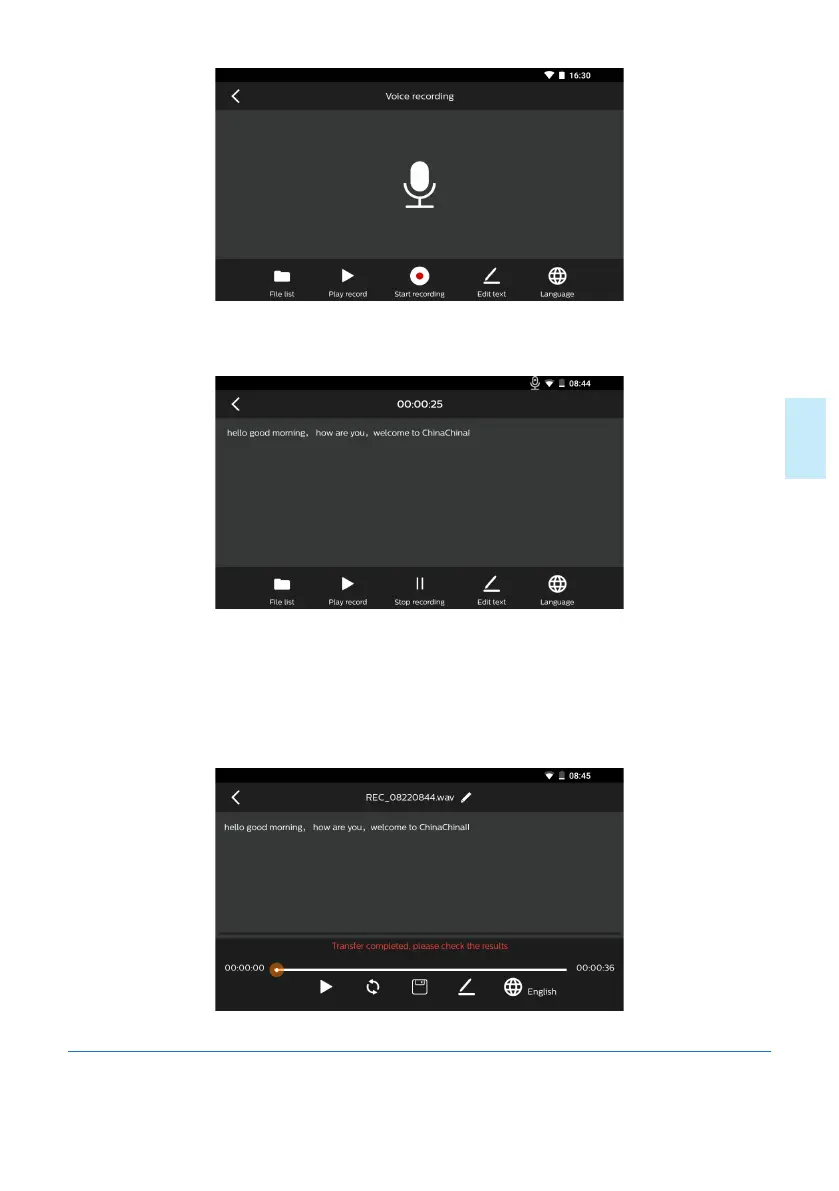
1) Click the icon “Start recording”, and when the recording sign appears on top right
corner, the device will start the recording.
2)During recording, click the icon “stop recording”, and then the recording sign on top
right corner will disappear and the current recording will stop and the recording file
will be saved automatically. By clicking the button “Recording file”, you can search the
recording file saved and the text converted. The eect of text conversion is indicated
in the figure below:
5.6.2 Recording File and Text Conversion Result










 To Next Page