64
EN
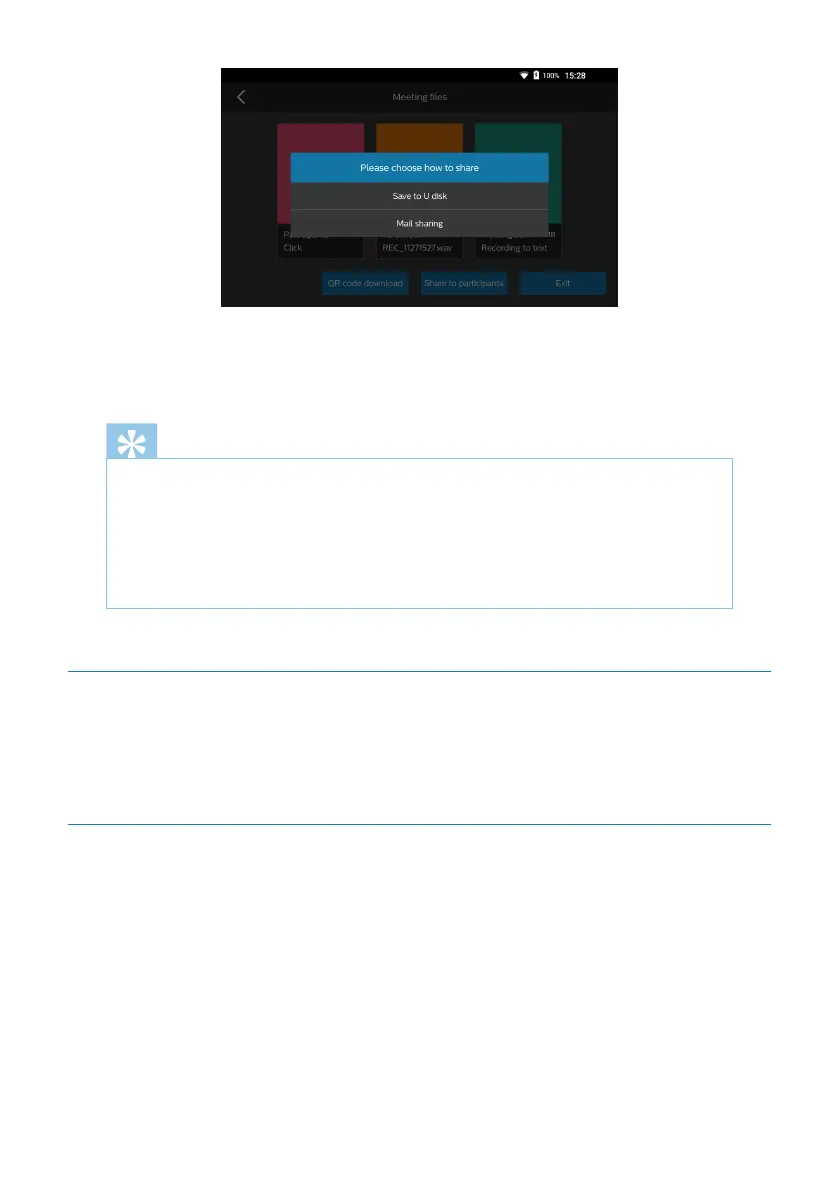
3) Finally, you can leave the current conference by clicking the icon “Exit the confer-
ence” and then clicking “Confirmation” or return button.
Note
If no recording is turned on for current conference, the conference minutes
file will not be generated and can’t be shared with participants. Please don’t
turn o the conference recording . In order to ensure the completeness of
recording contents, please don’t repeatedly turn on or o the conference
recording.
5.6 Conference Recording
Conference recording has such functions as recording, recording saving and recording
conversion into text.
5.6.1 Recording
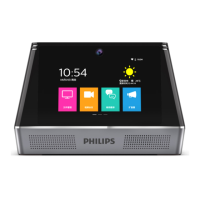
Click “Conference Recording” on the main screen to enter the conference recording
screen, as indicated in the figure below:










 To Next Page