English
EN
63
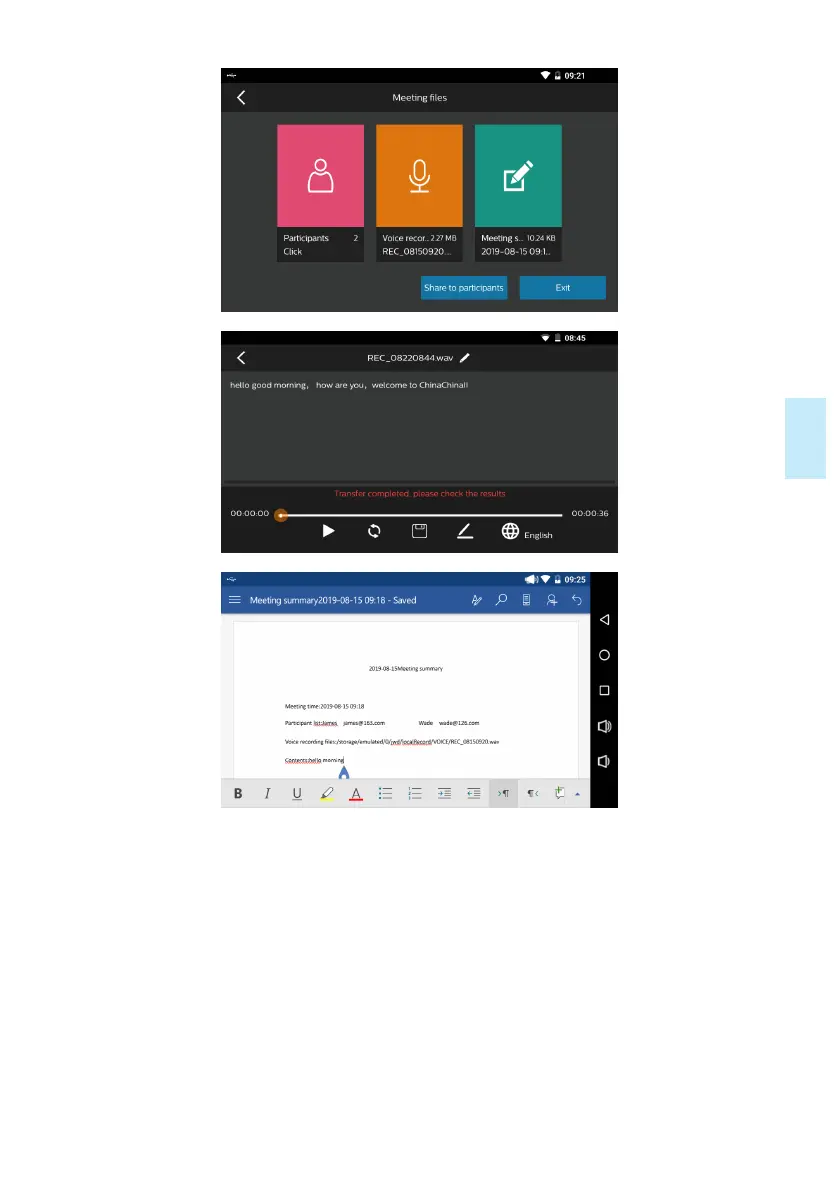
2) When the size and name of file are displayed for conference minutes, this means
that the conference minutes have been generated successfully. Then you can save it in
USB disk or share it via e-mail by clicking the icon “Share it with participants”. Save it
in USB disk: save the file in external USB disk; Share it via e-mail: send the file to par-
ticipants via e-mail; Share cloud file: upload the file to cloud disk, and then a cloud file
two-dimensional code will be generated and other participants can view or download
the file by scanning the two-dimensional code, as indicated in the figure below:










 To Next Page