Basic Orientation
2-12 LIFEPAK 20 Defibrillator/Monitor Operating Instructions
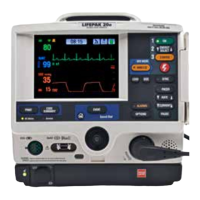
Monitoring Area—Pulse Rate. If the ECG is not active, the SpO2 monitor can display pulse rate. The
pulse rate source is indicated by
PR (SPO2).
Monitoring Area—SpO2 (pulse oximeter). The oxygen saturation level is shown as a percentage
from 50 to 100. Saturation below 50% is shown as <50%. A fluctuating bar graph represents the pulse
signal strength.
Monitoring Area—EtCO2. The end-tidal CO2 value is shown as a number representing pressure in
mmHg, kPa, or Vol%. Respiratory rate is also shown below the CO2 value.
Time Display. The time of day is displayed as hours, minutes, and seconds (HH:MM:SS). To display
elapsed time beginning from power on, highlight and select the clock with the Speed Dial. Each time
you select the time display, it switches between time of day and elapsed time.
CPR Metronome Icon. When the device is in AED mode and the metronome is set up to turn on
during CPR, the CPR Metronome icon appears. When the device is in manual mode, you can select
the CPR Metronome icon with the Speed Dial to turn the metronome on or off, or change the Age-
Airway settings.
Waveform Channel Area
Channel 1. This is the top channel. It displays the primary ECG waveform and is always visible when
ECG is displayed.
Channel 2. This is the bottom channel. It can display an additional waveform or a continuation of the
Channel 1 ECG.
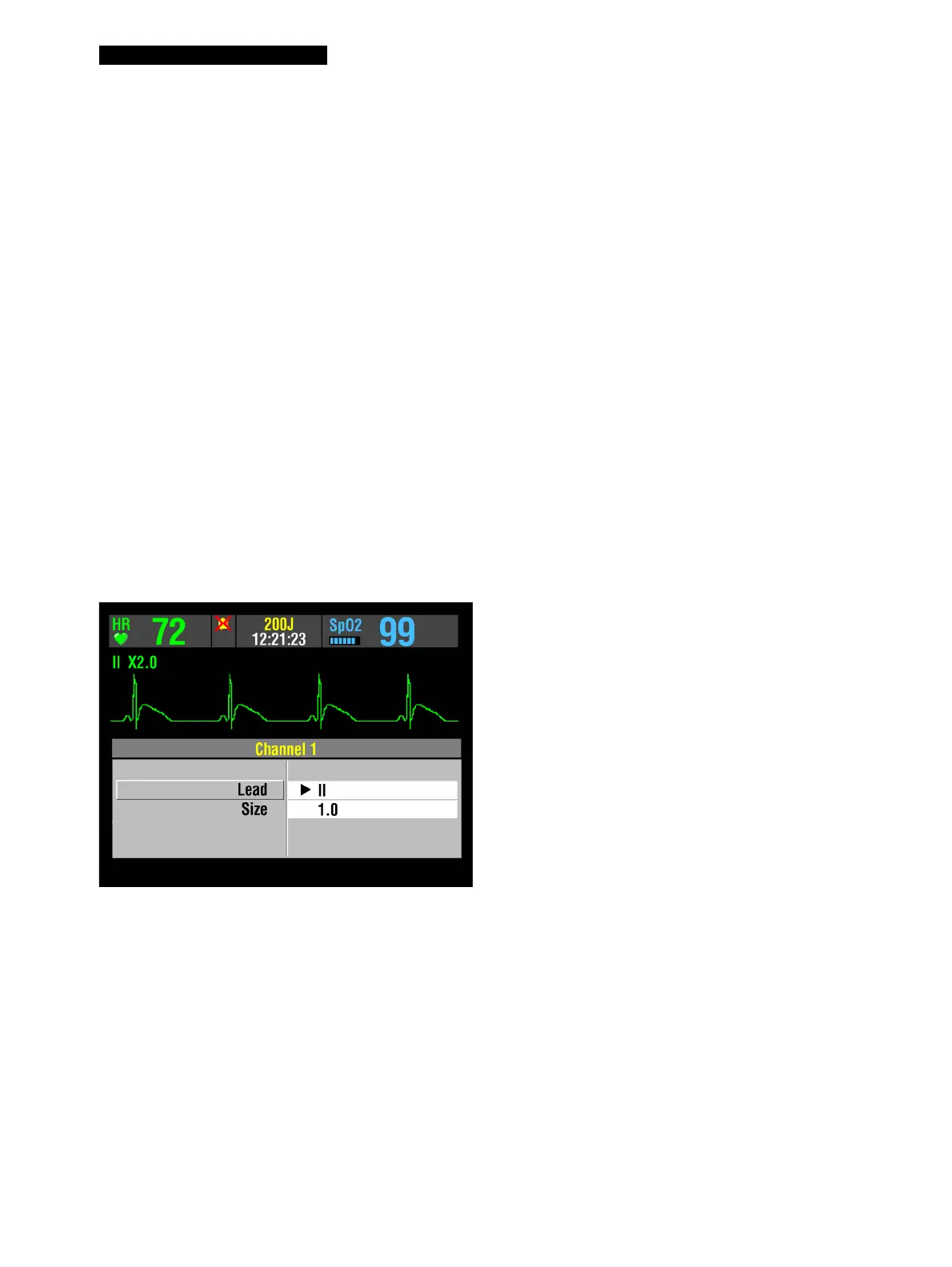
Selecting Waveform Channels
The monitor power must be turned on.
1 At the home screen, rotate the Speed Dial
to highlight Channel 1 or 2.
2 Press the Speed Dial. An overlay appears
with the monitoring choices for the
selected channel.
3 Rotate and press the Speed Dial to select
monitoring choices for that channel.



 To Next Page