3 Monitoring
Monitoring
LIFEPAK 20 Defibrillator/Monitor Operating Instructions 3-3
©2002–2013 Physio-Control, Inc.
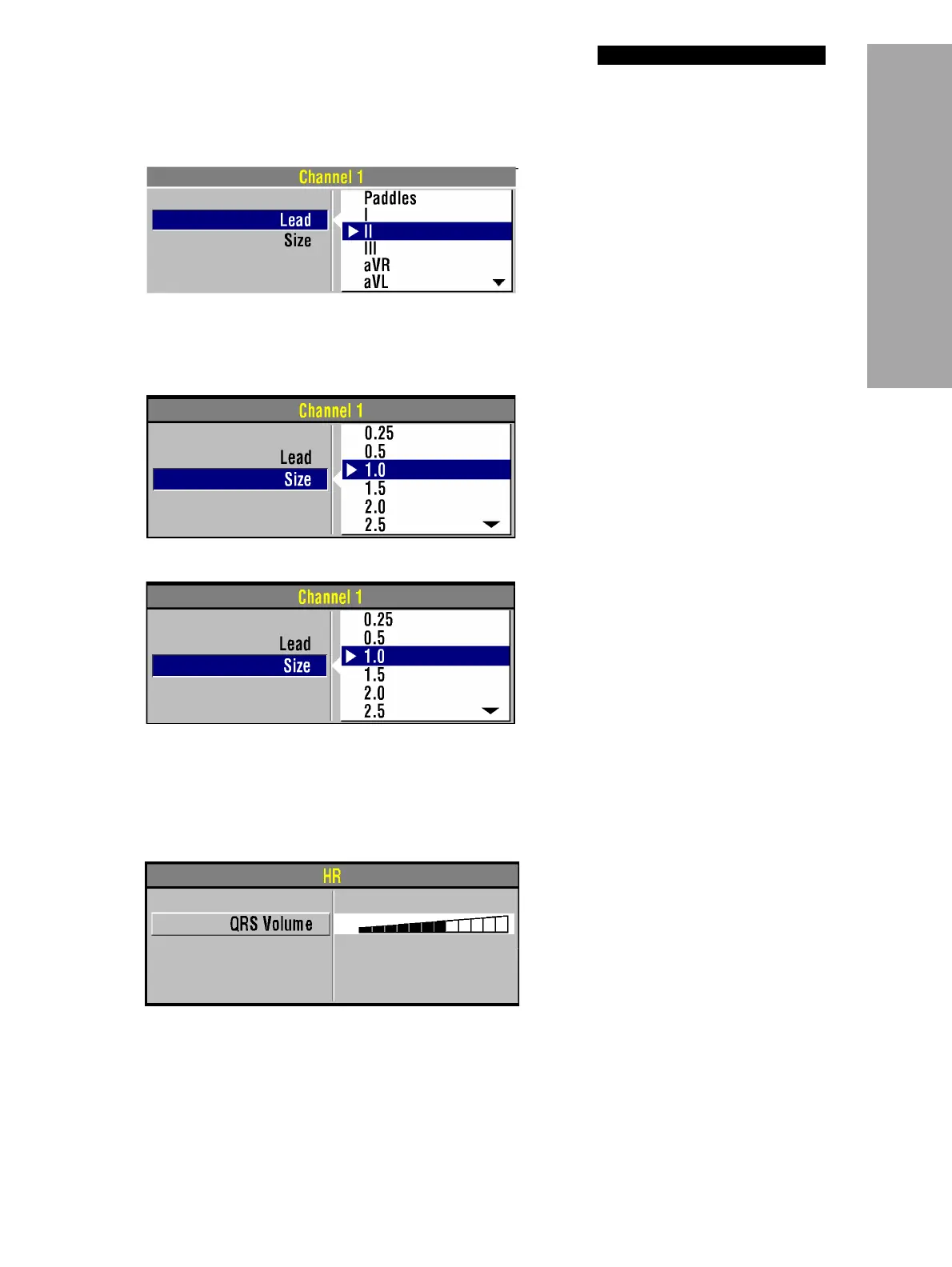
To select or change the ECG lead using the Speed Dial:
You can select or change the ECG size by using the
SIZE button or the Speed Dial. If an ECG is in
Channel 2, the size is automatically changed to match the Channel 1 size.
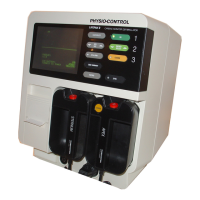
To select or change the ECG size using the
SIZE button:
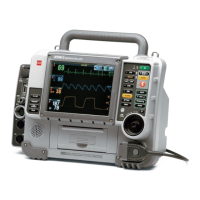
To select or change the ECG size using the Speed Dial:
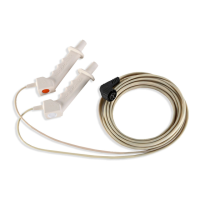
Adjusting the Systole Tone Volume
To adjust the systole tone volume, highlight and select heart rate (HR) in the monitoring area of the
screen.
The following overlay appears:
1 Highlight and select Channel 1 and then
Lead to obtain the primary ECG lead
choices.
2 Change ECG lead by rotating the Speed
Dial. The highlighted selection shows the
ECG lead.
3 Repeat steps 1 and 2 to select or change
displayed waveforms for Channel 2.
1 Press the SIZE button.
2 When the Size menu appears, press the
SIZE button again or rotate the Speed Dial.
The highlighted selection shows the current
ECG size.
1 To obtain the primary ECG, highlight and
select Channel 1 and then Size.
2 Change ECG size by rotating the Speed
Dial. The highlighted selection shows the
current ECG size.
1 Rotate the Speed Dial to the desired
volume.
2 Press the home screen to exit.




 To Next Page