4Therapy
Therapy
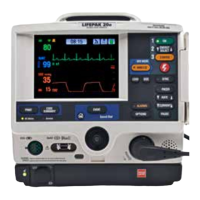
LIFEPAK 20 Defibrillator/Monitor Operating Instructions 4-13
©2002–2013 Physio-Control, Inc.
Switching from AED to Manual Mode
If the front console door is closed, you can enter manual mode by pressing the Manual button located
in the lower left corner of the door. This opens the door and automatically takes the defibrillator out of
AED mode, allowing you to access manual mode defibrillation and pacing.
Note: Closing the door again will not place the defibrillator in AED mode. Pressing Analyze while
the defibrillator is in manual mode will place the defibrillator in AED mode.
If the door is not installed, or to manually switch to manual mode, press one of the following keys:
ENERGY SELECT, CHARGE, PACER, LEAD.
Depending on the defibrillator’s configuration, continue to manual mode as follows:
• Direct. No restrictions to manual mode - access is immediate.
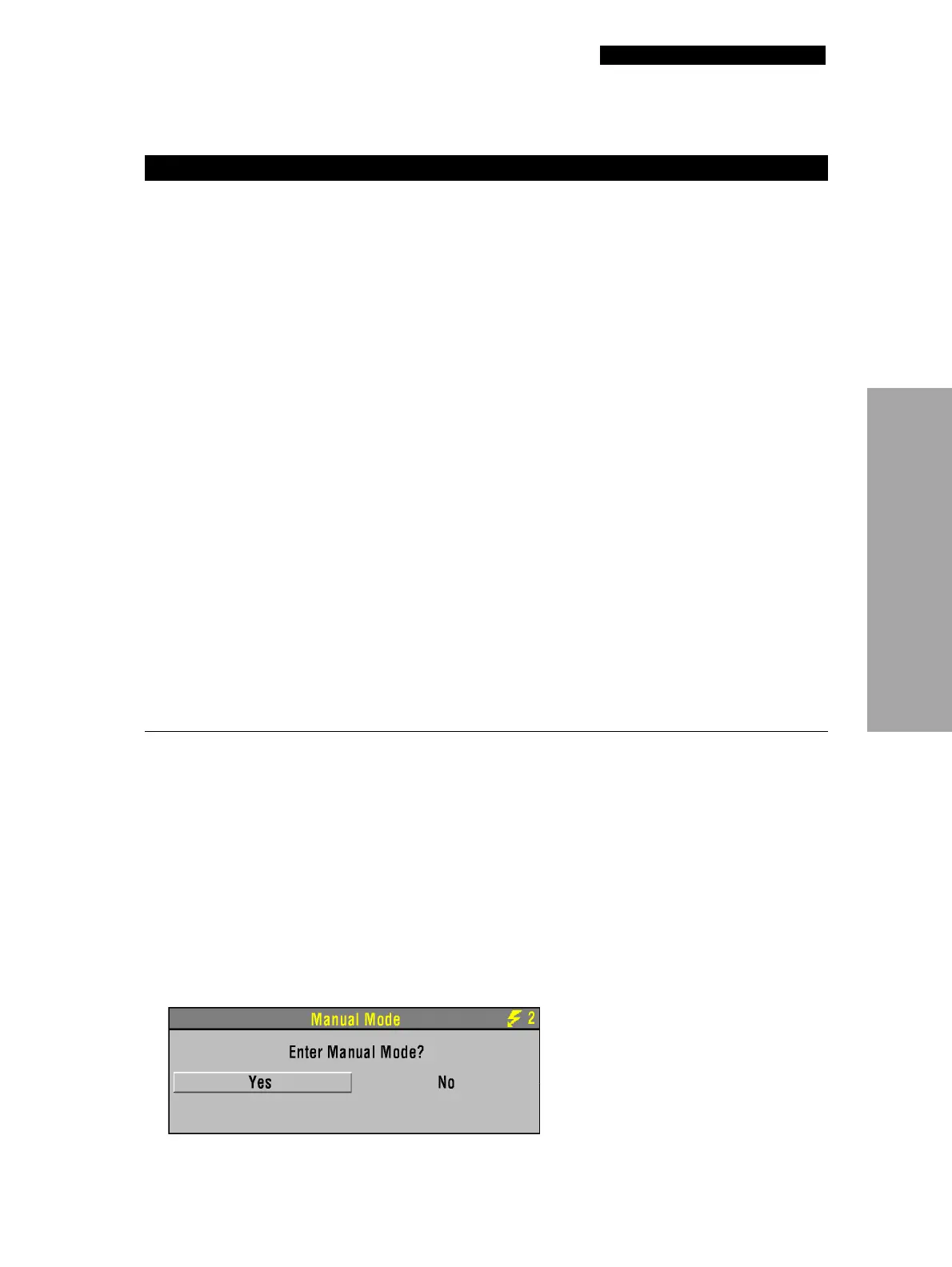
• Confirm. A confirmation overlay appears:
3 MOTION DETECTED and STOP
MOTION
messages appear
during analysis.
Patient movement. • Stop CPR during analysis.
• When patient is being manually
ventilated, press ANALYZE after
complete exhalation.
• Move patient to stable location
when possible.
Patient movement because of
agonal respirations.
• Press
ANALYZE immediately after
exhalation or wait until agonal
respirations are slower or
absent.
Electrical/radio frequency
interference.
• Move hand-held communication
devices or other suspected
devices away from the
defibrillator when possible.
4
DISARMING message appears. Electrode disconnected from
patient or AED.
• Replace electrode and press
ANALYZE.
Shock button not pressed within
60 seconds or door is open.
• Press
ANALYZE again.
• Press SHOCK immediately when
directed.
5 Voice prompts sound faint or
distorted.
Low battery power. • Connect to AC power.
6 LOW IMPEDANCE–
RECHARGING
message
appears.
Patient impedance <15 ohms
detected.
• No action required.
7 Metronome not heard. Metronome only sounds during
CPR time.
• No action required.
Metronome not set to be ON in
AED mode.
• Refer to AED Mode Setup Menu,
page 8-6
Select YES to change to manual mode.
Table 4-1 Troubleshooting Tips for AED Mode (Continued)
Observation Possible Cause Corrective Action



 To Next Page