Quickstart Instructions
4. Start the virtual machine with our hard disk image.
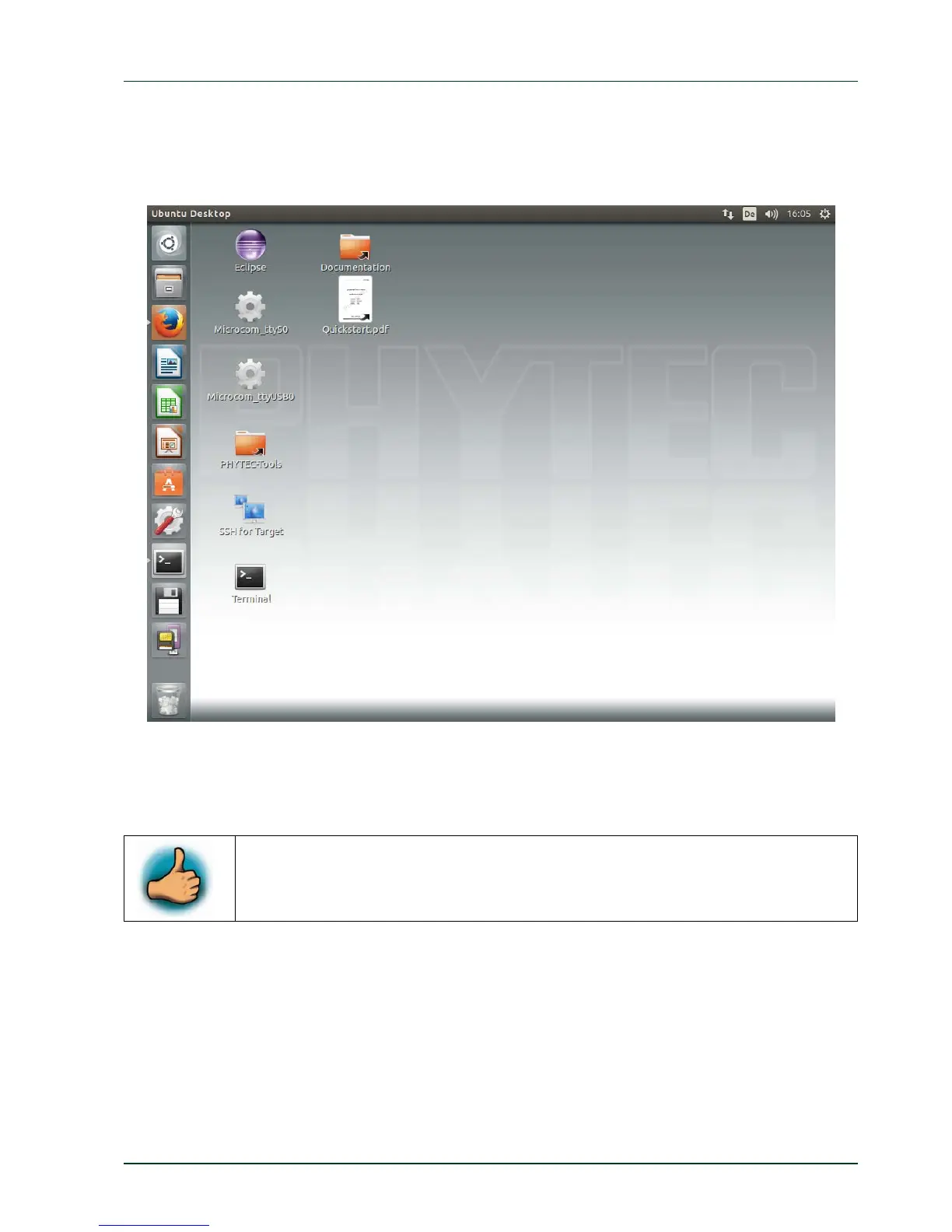
You will see the modified Ubuntu desktop :
PHYTEC Messtechnik GmbH 2015 L-781e_7 5
reated login data is:
sername: „phyvm“ — passwo
rd: „phytec“.
For further use of the virtual machine the pre-c
u
Now you are ready to connect your PC with the phyFLEX-i.MX6.
2.2 Starting the Hardware
am Microcom as well as via a SSH session using a peer-to-peer
etwork connection.
In this section you will learn how to connect your host PC to the target. The connection will
be done using a cross-over Ethernet cable and a serial one-to-one cabl
e. You will start
Linux from the flash memory on the target and you will be able to log in with the serial
communication progr
n



 To Next Page