Quickstart Instructions
Click outside of the context menu to close
it.
Now you can start the compilation and execution of the application by clicking the green
triangle.
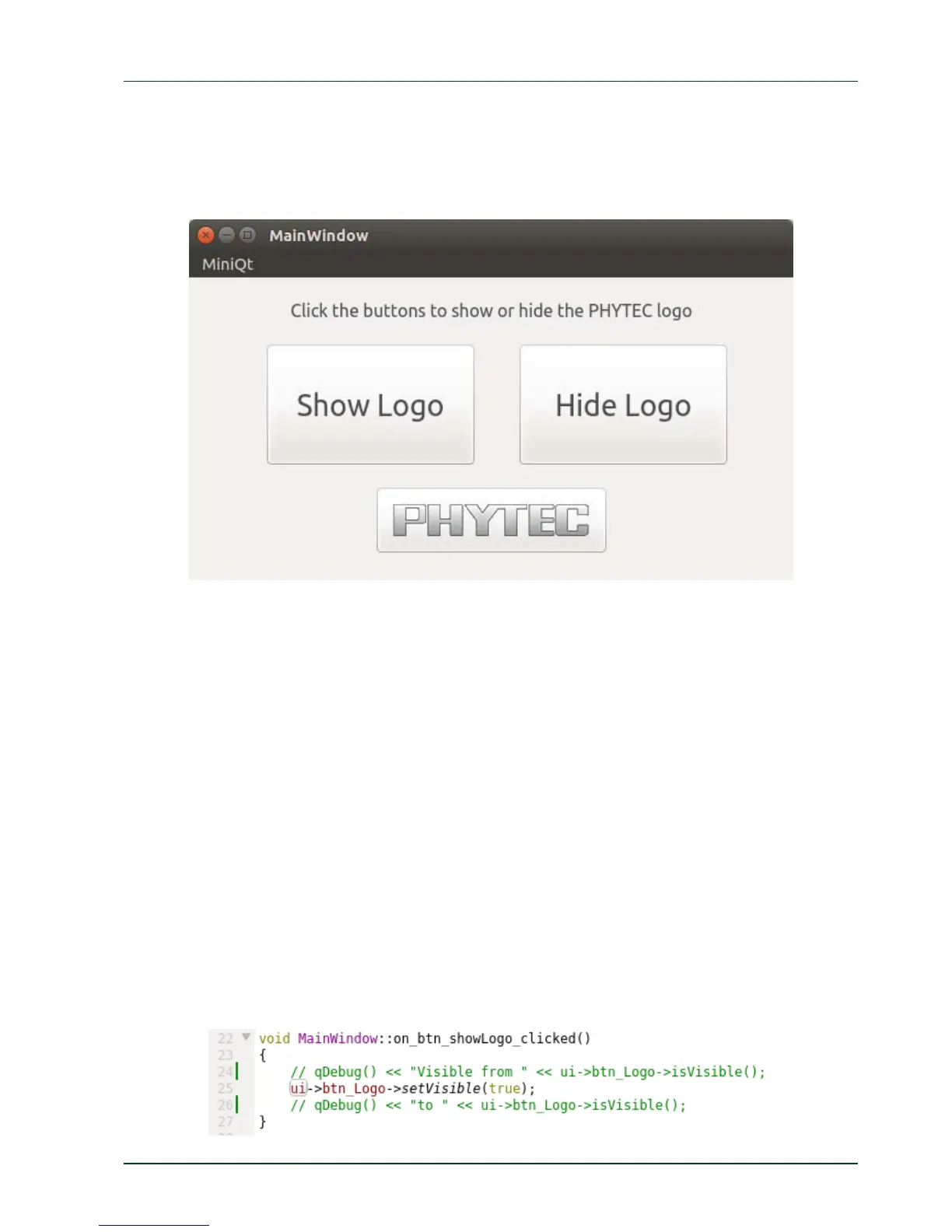
After the application is compiled a window opens displaying the application running.
Close the running application.
4.6 Debugging the Demo Application
We finish the Qt Creator chapter by showing how to debug the HelloWidget demo
application.
4.6.1 Using QDebug for simple Debugging Messages
In our first debuggin
g step we use the QDebug class. This class provides an output stream
for debugging information. It is used whenever the developer needs to write out
debugging or tracing information to a device, file, string or console.
To make use of the QDebug functions QDebug is already included in the header of the file
mainwindow.cpp.
In this file you will also see two out-commented lines in the function
on_btn_showLogo_clicked() which start with a qDebug() command. This is an example how
to make use of qDebug().
PHYTEC Messtechnik GmbH 2015 L-781e_7 49



 To Next Page