Quickstart Instructions
3.2.3 Setting a Breakpoint
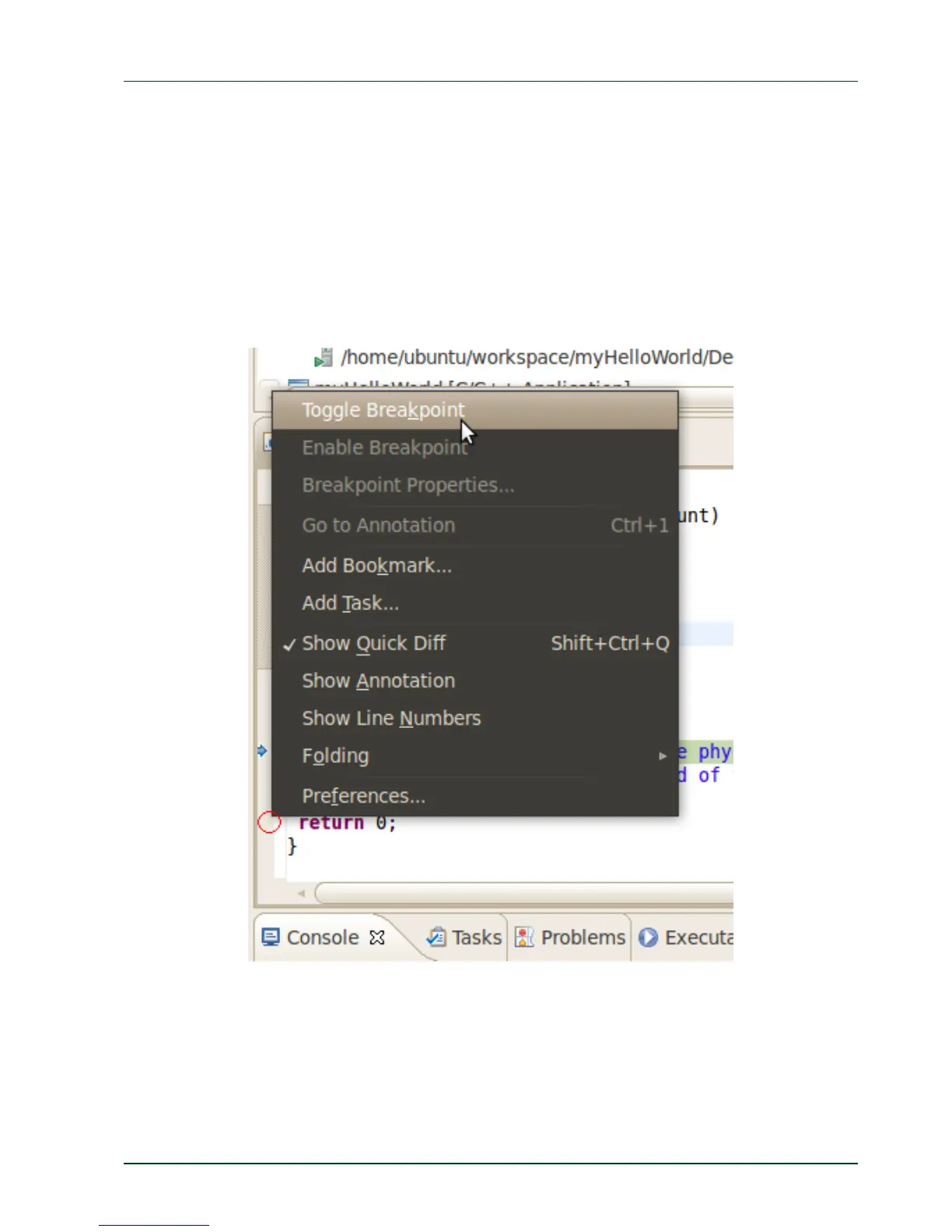
Now you will set a breakpoint in your program. The breakpoint will be set on the last line of
the function main(). If you resume the application, the debugger will stop at this line.
Select the last line in main().
Right-click into the small grey border on the left-hand side and select
Toggle Breakpoint to set a new breakpoint.
PHYTEC Messtechnik GmbH 2015 L-781e_7 33



 To Next Page