Quickstart Instructions
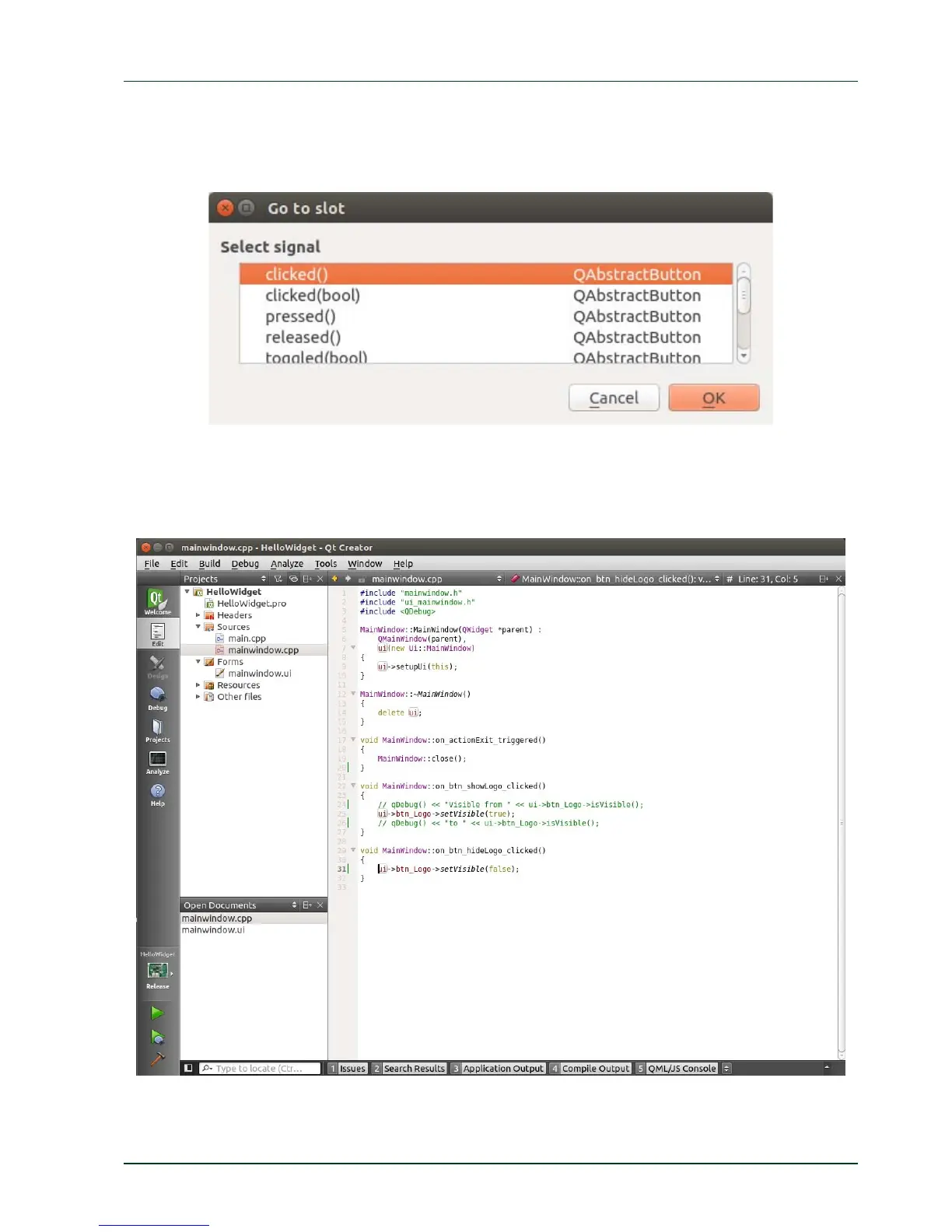
A window opens allowing you to select a signal.
Select clicked() and clic
k OK.
Now Qt Creator jumps into the mainwindow.cpp where you can find the definition of the
function on_btn_hideLogo_clicked(). You see that clicking this button changes the status
of the btn_Logo button from visible to hidden.
Next we build and run the example.
PHYTEC Messtechnik GmbH 2015 L-781e_7 45
4.4 Compile and Run the Demo Application on the Target



 To Next Page