phyFLEX
®
-i.MX 6
Now we want to compile and run the demo application on the phyFLEX-i.MX6. The correc
t
Qt settings are already preset in the virtual machine, so the project can be build directly.
If you want to check the settings click Tools ►Options… in the menu bar. A
new dialog appears. Click Build & Run if it is not already selected. Now, you
can select different tabs to see the settings for the workspace, compiler,
debugger, Qt version and a lot other options.
Be sure that the target is connected via Ethernet and is powered on. As
described before do not forget to stop all actually running Qt applications
on the target.
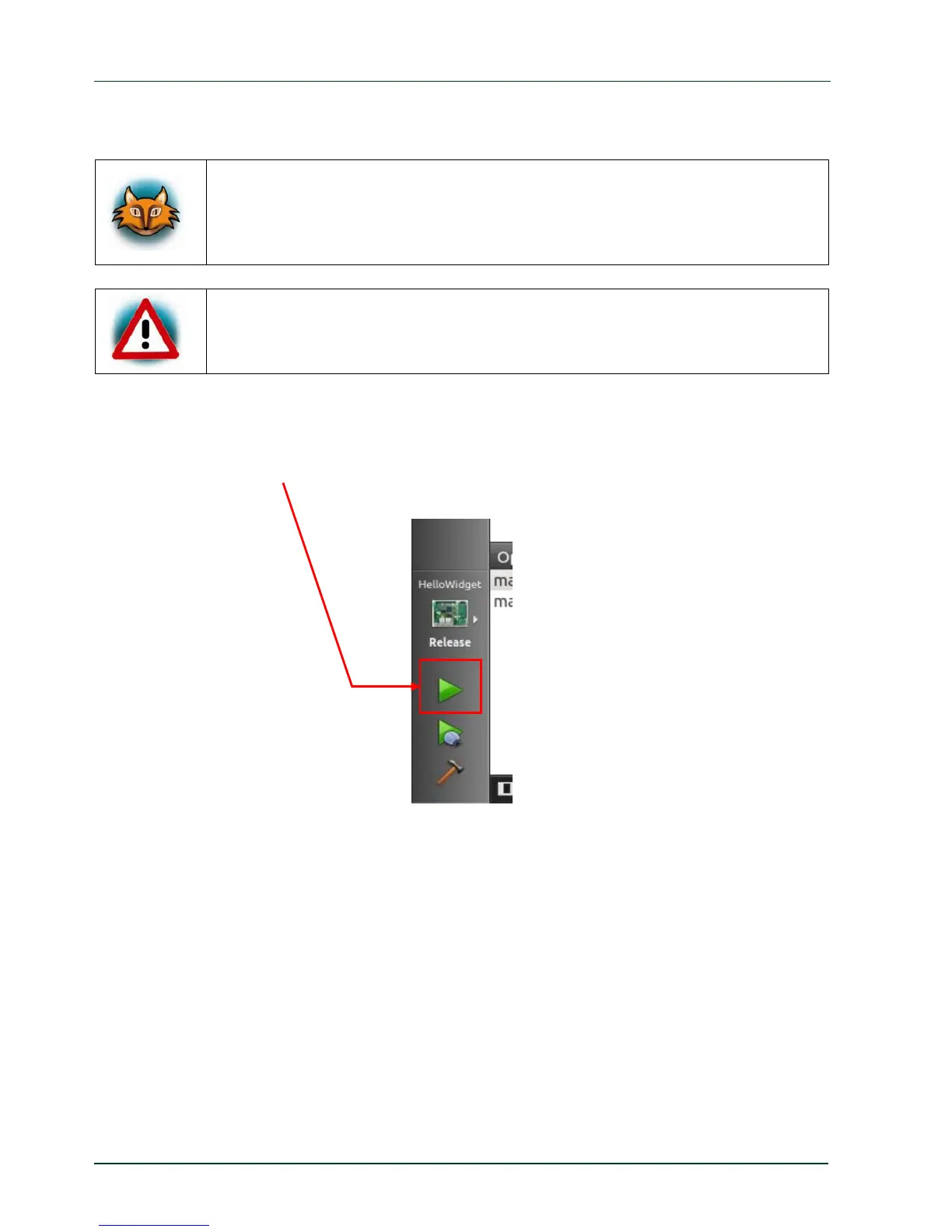
With only one click the project will be built, deployed to the target and executed.
Click the green filled triangle near the bottom of the gray bar on the left.
46
PHYTEC Messtechnik GmbH 2015 L-781e_7



 To Next Page