Quickstart Instructions
Finally accept the licensing agreement and click Fin
ish to start the installation of the
required software.
After that start Eclipse with the option clean, which cleans any cached data:
eclipse‐‐clean
Congratulations! You have successfully integrated the CDT plug-in in
Eclipse and now you can start programming in C/C++. In the next section
you will find a short introduction on how to install and setup the Qt
Creator.
6.1.6 Install and Setup Qt Creator
Because we want the same qmake version as in our BSP we install Qt Creator manually.
Download Qt Creator with following command:
wgethttp://download.qt.io/official_releases/qt/5.3/5.3.2/qt‐
opensource‐linux‐x64‐5.3.2.run
Set execute priviliges:
sudochmod+xqt‐opensource‐linux‐x64‐5.3.2.run
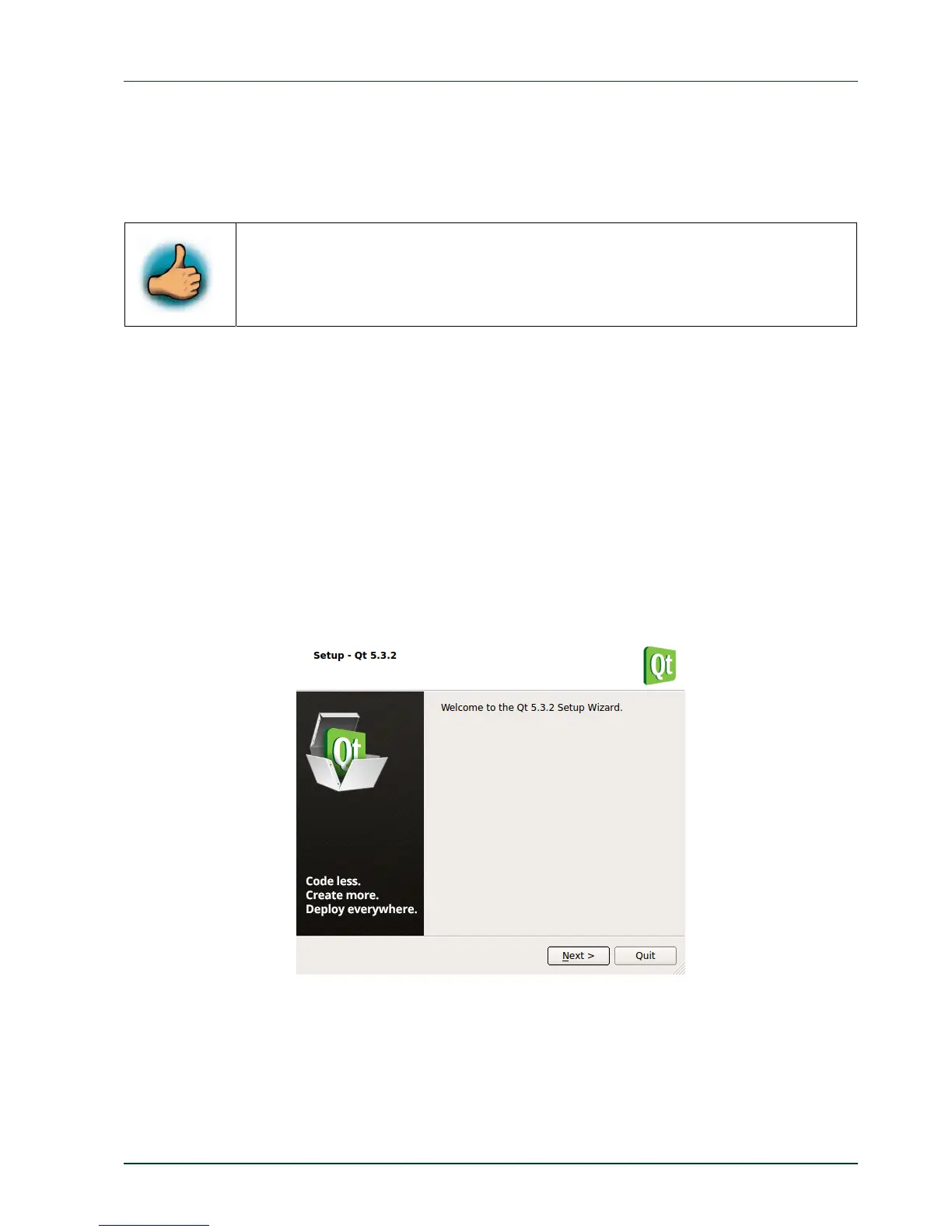
Run the Qt Creator installation routine
./qt‐opensource‐linux‐x64‐5.3.2.run
This opens a window for the installation.
Step trough the installation and if you are asked set following installation directory:
/opt/x64_Qt5.3.2
PHYTEC Messtechnik GmbH 2015 L-781e_7 69



 To Next Page