Quickstart Instructions
Select Run.
Now the program is executed on the target and you will see the output .Welcome to the
World of PHYTEC! (serial) in the Microcom window.
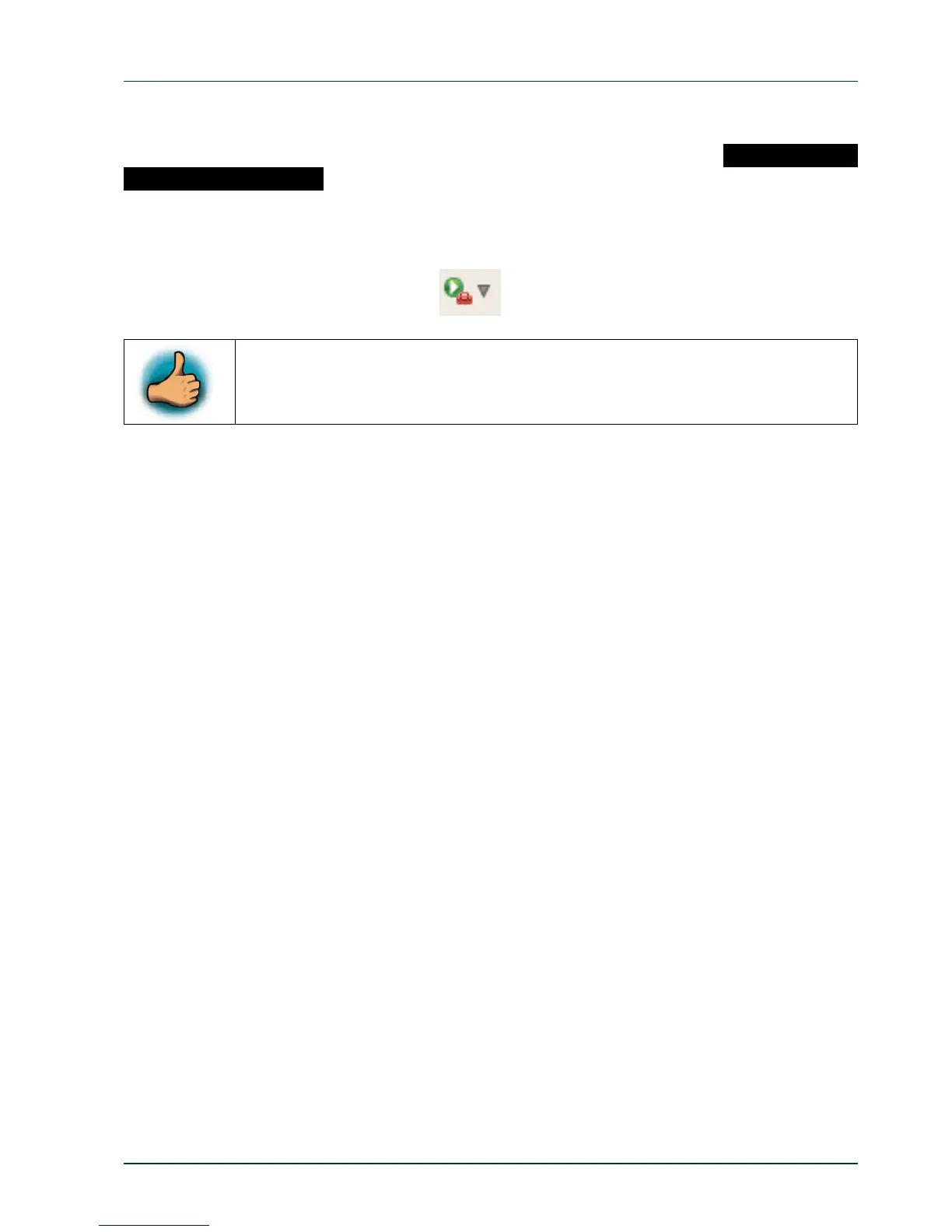
If you want to execute the program the next time, you can use the Run External Programs
button from the menu bar.
You have successfully created your own Eclipse project and you learned
how to execute a program on the target.
3.2 Debugging an Example Project
In this chapter you will learn using the GNU debugger GDB on the host for remote debug-
irst you will start the GDB server on the target. Then you will configure the Eclipse
he CDT extends the standard Eclipse Debug view with functions for debugging
he GDB client is running on the host and is used to control the GDB server on the target,
ging in conjunction with the GDB server on the target. GDB is the symbolic debugger of the
GNU project and is arguably the most important debugging tool for any Linux system.
F
platform and start the GNU debugger out of Eclipse using the Debug view.
T
C/C++ code. The Debug view allows you to manage the debugging and running of a program
in the workbench. Using the Debug view you will be able to set breakpoints/watchpoints in
the code and trace variables and registers. The Debug view displays the stack frame for the
threads of each target you are debugging. Each thread in your program appears as a node
in the tree, and the Debug view displays the process for each target you are running.
T
which in turn controls the application running on the target. GDB client and GDB server can
communicate over a TCP/IP network connection as well as via a serial interface. In this
Application Guide we will only describe debugging via TCP/IP.
PHYTEC Messtechnik GmbH 2015 L-781e_7 27



 To Next Page