phyFLEX
®
-i.MX 6
3 Working with Eclipse
Now we start developing our own applications with the help of Eclipse.
3.1 Programming in the C/C++ Perspective
We are starting with the C/C++ workbench. Therefore you will import an existing Eclipse
project into your workspace. The imported example project will be compiled with the cross
compiler. After that, you will copy and execute the newly created program on the target.
3.1.1 Work with the Demo Project
Clic
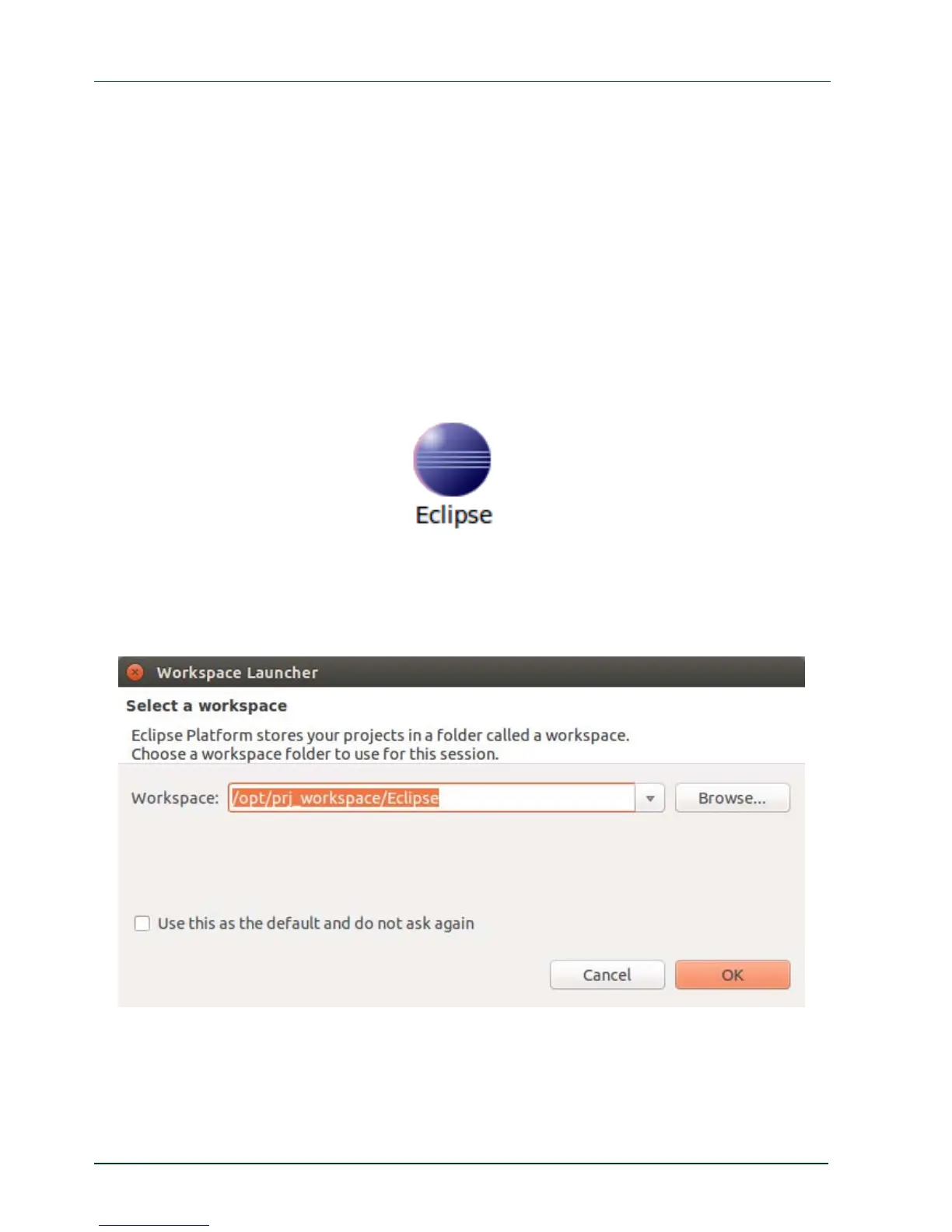
k the Eclipse icon to start the application. You can find this icon on your desktop.
Change the workspace directory to
/opt/prj_workspace/Eclipse if necessary and
confirm with OK.
10
PHYTEC Messtechnik GmbH 2015 L-781e_7



 To Next Page