Quickstart Instructions
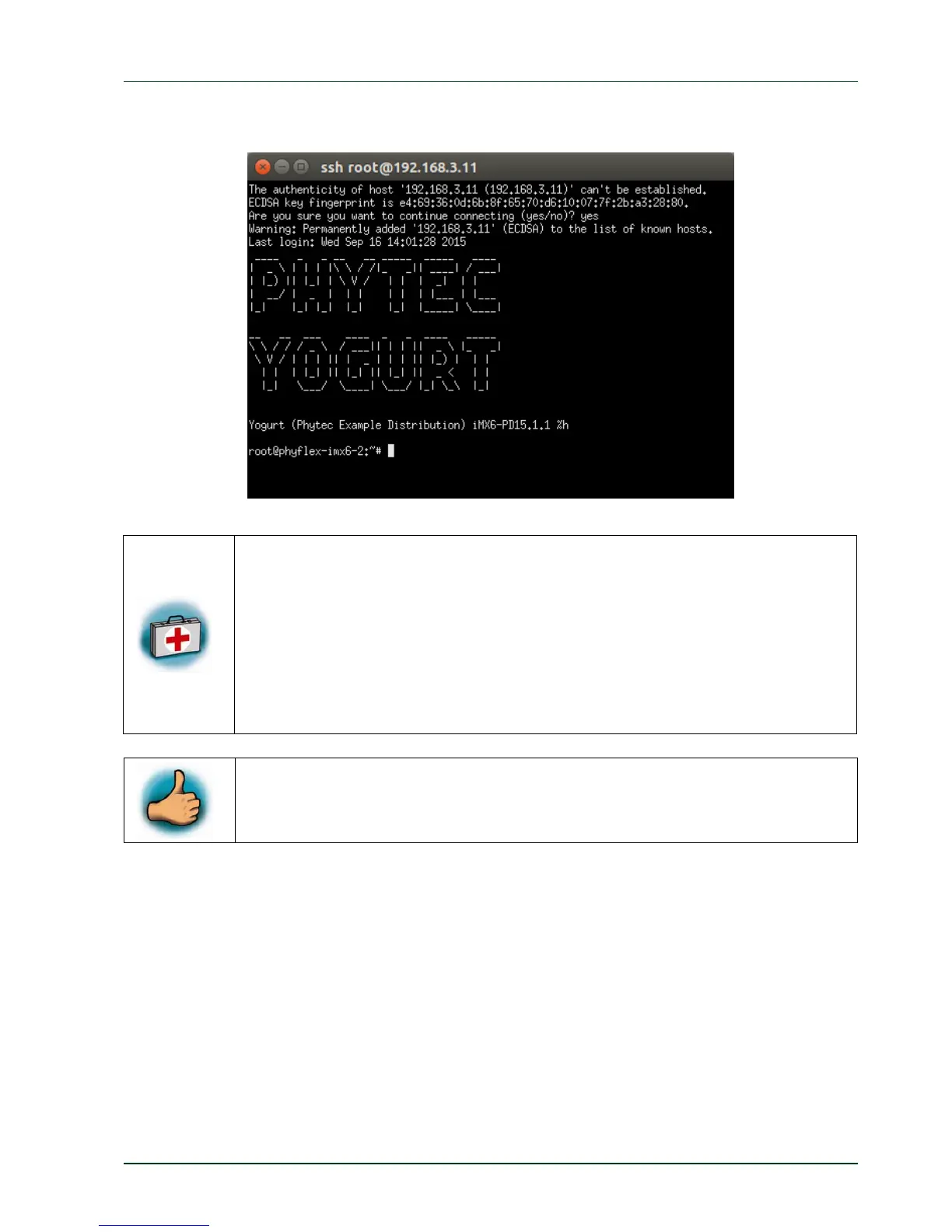
If the connection is working you will see following output in the SSH connection:
If you don’
t see the user login, check the Ethernet connection between the
target and the host. If you have installed more than one network card on
your host, be sure to connect the cable to the network card which you have
configured with the IP address 192.168.3.10.
If you do not see the login, you may not have set up the right IP address for
your host. Open the
System Settings
, click on the
Network
icon and check
the settings for the physical interface to which you have connected the
Ethernet cable.
PHYTEC Messtechnik GmbH 2015 L-781e_7 9
You have successfully set up all configurations to access your phyFLEX-
i.MX6 from your host.



 To Next Page