Quickstart Instructions
5.2 Writing the Root Filesystem into the Target’s Flash
In this section you will find a description on how to write the newly created root filesystem
into the phyFLEX-i.MX6’s flash memory. Before the images can be written into the flash, it
must be uploaded to the phyFLEX-i.MX6 from a TFTP server. This will be done from the
command line of the boot loader. The partition of the root filesystem will be formatted.
Then the image will be downloaded over TFTP to the created flash partition.
You should never erase the Barebox partition. If this partition is erased,
you will not be able to start your target anymore. In such a case, refer to
our BSP Manual.
The versions of the Barebox and the Linux kernel must match. Therefore
the following steps should only be done using the hardware that was
shipped together with the virtual machine and thus already contains the
same version of the BSP.
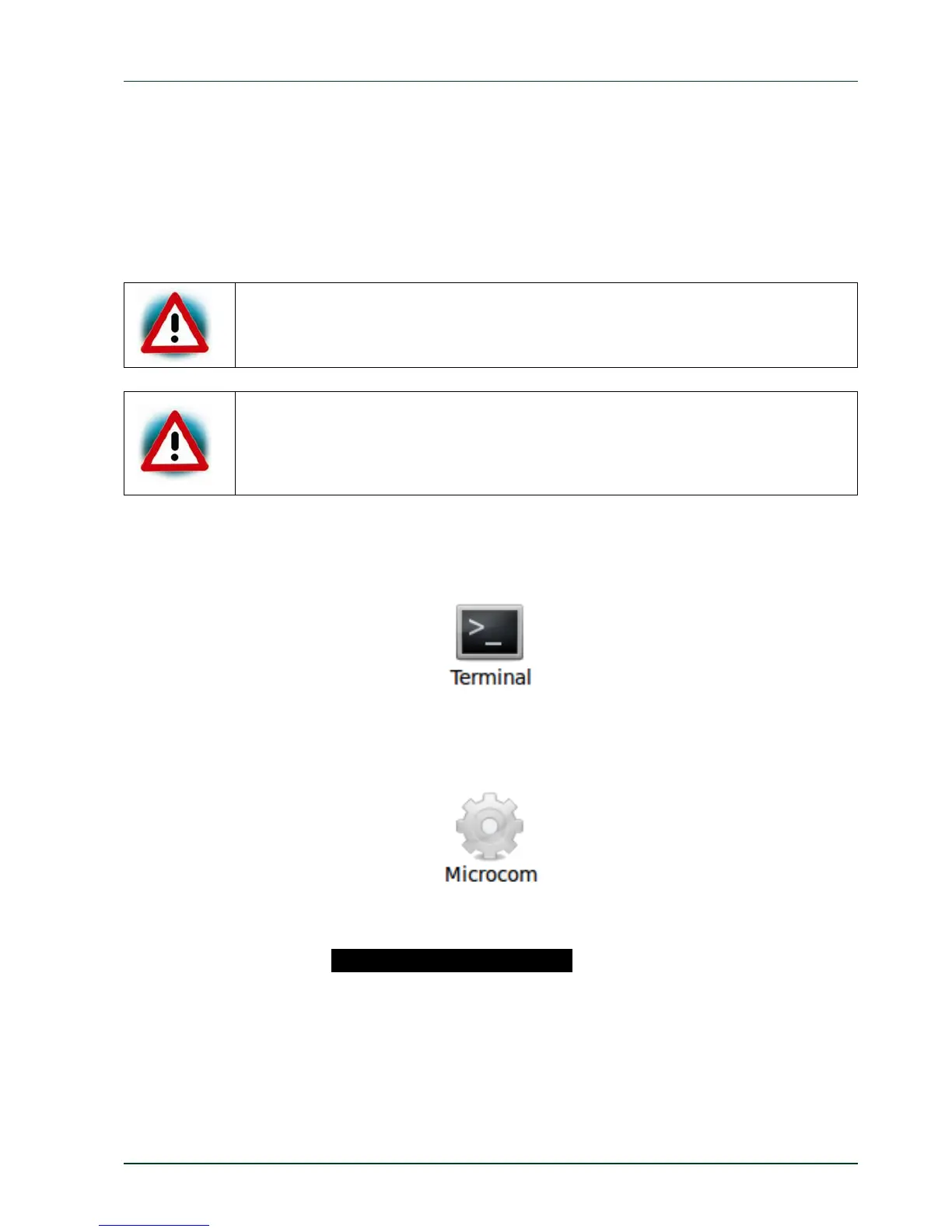
First open a new terminal window if it is not opened yet. Then change to the directory
/opt/PHYTEC_BSPs/phyFLEX-i.MX6/build/deploy/images/phyflex-imx6-2/
Copy the root filesystem to the folder /tftpboot:
cpphytec‐qt5demo‐image‐phyflex‐imx6‐2.ubifs/tftpboot/
Open Microcom and press the RESET button on the target.
You will see the output .Hit any key to stop autoboot..
Press any key to stop autoboot.
PHYTEC Messtechnik GmbH 2015 L-781e_7 59



 To Next Page