phyFLEX
®
-i.MX 6
When the target is connected to the power supply, the boot loader Barebox
is first loaded from the flash memory. Then the boot loader is
uncompressing and booting the Linux kernel from the flash. Then the
kernel will install the root file system, which is also located in the target's
flash.
If you don’t see any output in the Microcom window, check the serial
connection between the target and your host. If you have more than one
serial port try the others. By default Microcom uses /dev/ttyS0. If you want
to use another port you can click on the Microcom Icon at your desktop
with your right mouse button and select Properties. A window opens in
which you can change the Properties of theMicrocom Icon. Click in the
Command field and search for "-p /dev/ttyS0". Change it for example to
/dev/ttyS1 and so on if you have more than one serial port. If you are
connecting the board via RS232 to USB change it to /dev/ttyUSB0. The -p
Parameter defines the port which Microcom will use.
If the Microcom window does not open, one reason could be a lock-file
which was created when Microcom was not correctly terminated. Delete
this file by opening a terminal and type: sudo rm /var/lock/LCK..*
In the virtual machine hard disk image the Ethernet adapter eth0 is preconfigured to the IP
address 192.168.3.10 and netmask 255.255.255.0 to establish the peer-to-peer
connection to the phyFLEX-i.MX6.
You are ready to test the Ethernet network connection.
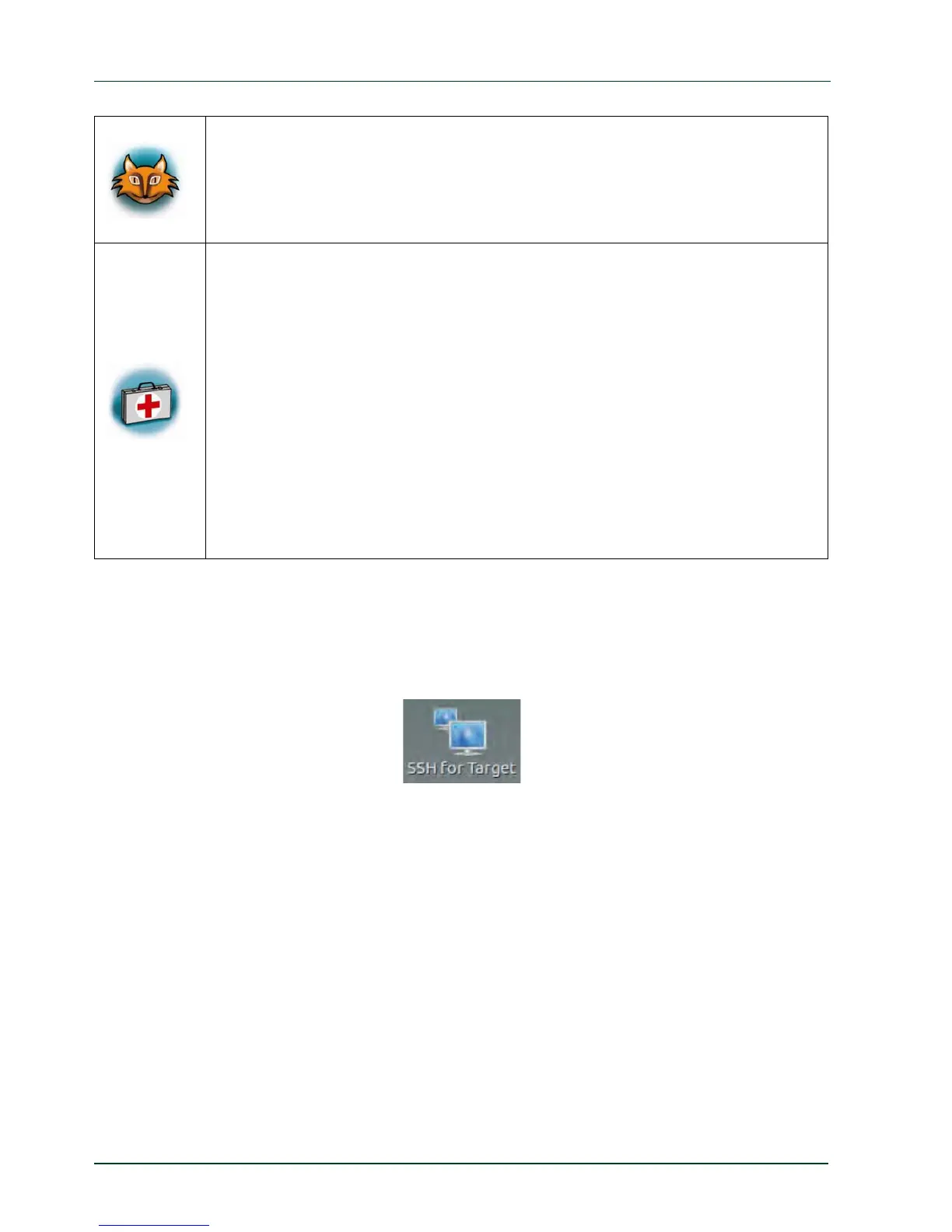
Click on the SSH for Target icon on your de
sktop.
A console window will open and you will see an authentication question.
Type
yes and press Enter.
8
PHYTEC Messtechnik GmbH 2015 L-781e_7



 To Next Page