Quickstart Instructions
You will see the C/C++ IDE with the myHelloWorld project.
If the HelloWorld Project is not expanded double-click the HelloWorld project which we
have worked with previously.
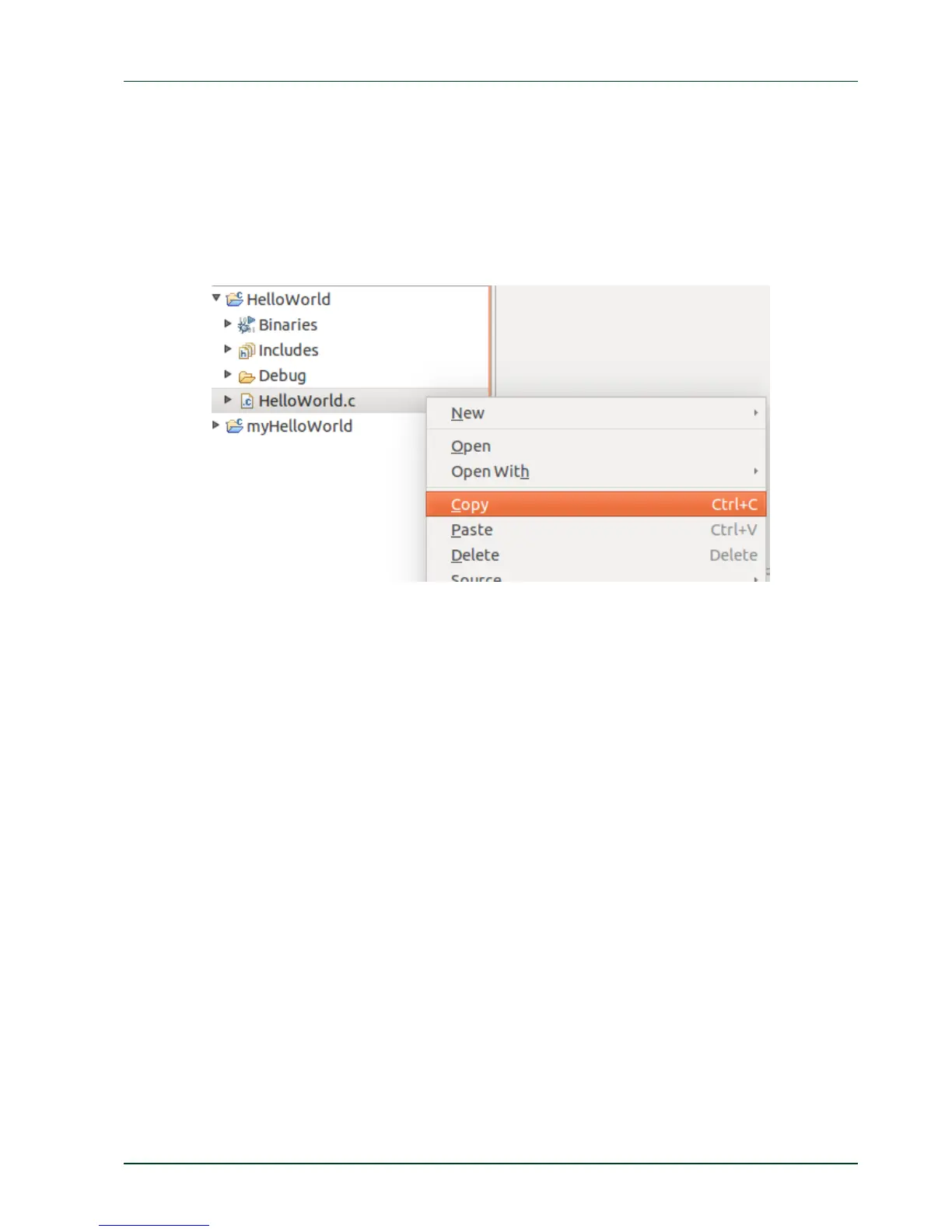
Right-click on HelloWorld.c in the HelloWorld project.
Select Copy.
Select the myHelloWorld projec
t.
Right-click the myHelloWorld project.
Select Paste.
Double-click on HelloWorld.c in the myHelloWorld project.
If Build Automatically from the Project menu is selected, the HelloWorld application will now
be compiled and created with the standard GCC C/C++ compiler suitable for your host
machine. You will find the executable file, which can only run on your host system, in the
workspace/myHelloWorld/Debug directory.
To compile your project for phyFLEX-i.MX6 instead, you will have to use the GNU C/C++
cross compiler.
Right-click the myHelloWorld project and choose Properties.
The Properties dialog appears.
Select C/C++ Build ► Settings.
Select GCC C Compiler.
PHYTEC Messtechnik GmbH 2015 L-781e_7 17



 To Next Page