phyFLEX
®
-i.MX 6
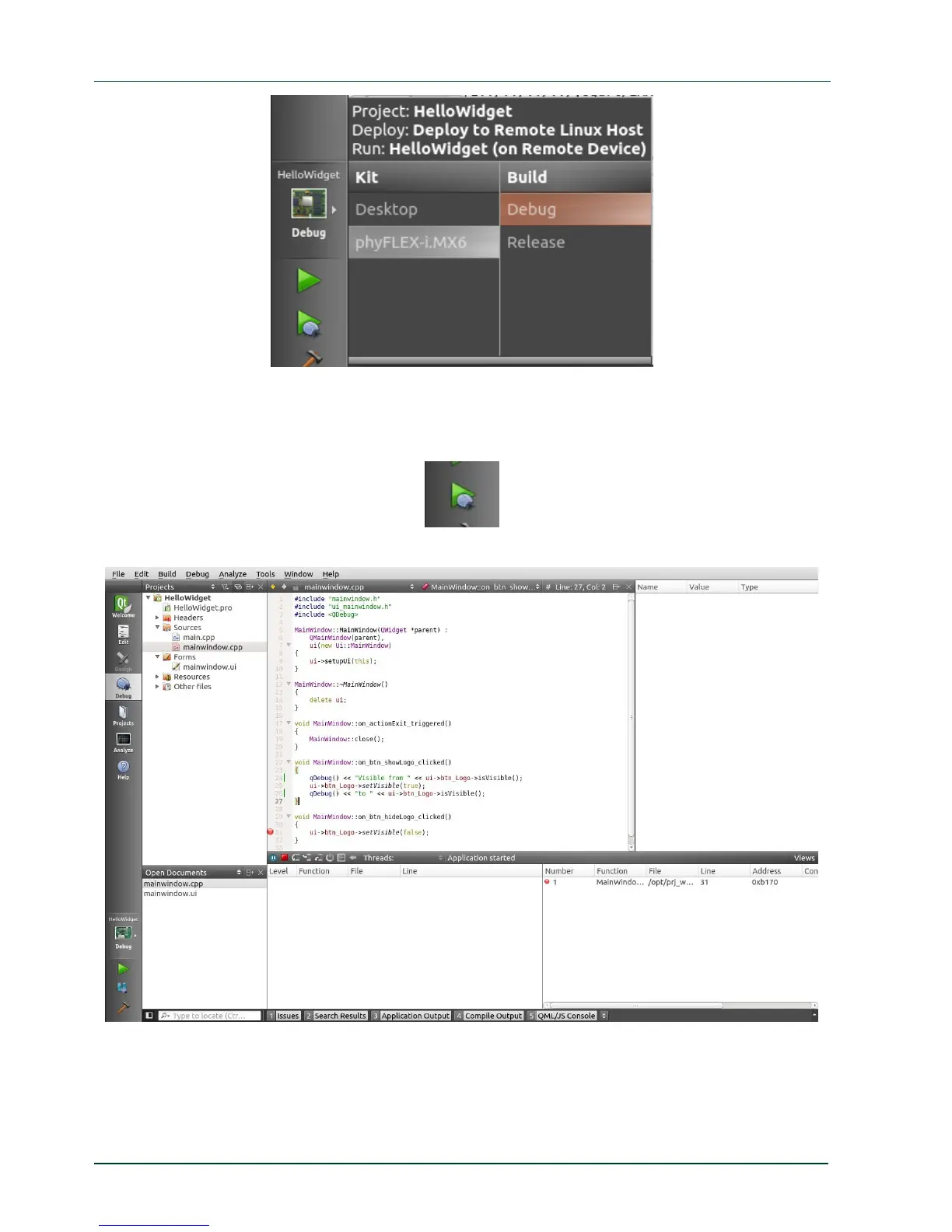
Be sure that the target is connected via Ethernet to the host.
Start Debugging by clicking on the green filled triangle with the small magnifier.
The debugger starts and Qt Creator changes his view to the Debug mode.
The demo application is shown on the connected display.
In the running demo application clic
k on the Hide Logo button.
52
PHYTEC Messtechnik GmbH 2015 L-781e_7



 To Next Page