6 Simple Calibration Procedures
If users’ multimeters need detailed calibration service, contact Picotest Corp
for more information. If users only want to do the basic calibration for Zero
& Gain adjustments, please follow the procedures below.
6.1 The Calibration Security Code
To prevent from unauthorized or abusive calibrations, generally, the
M3500A is secured by a specific code. As an M3500A needs calibration,
operators have to input a security code. Then, the M3500A would just enter
the calibration mode. The decoding procedures are in the following.
MENU > PREV > CAL MENU > ENTER > SECURED > ENTER > CODE > ENTER
> input 123456 (by using the UP button in the Range area & NEXT button) >
ENTER
Users can execute the calibration/adjustment procedures by entering
UNSECURED > NEXT > CALIBRATE > ENTER.
Note 1: The factory default is “123456”, which is burned in the
permanent memory of the M3500A. If the default needs to be defined
for purposes, please use PT-SET software.
6.2 The Zero Adjustment
Please follow the procedures A, B and C to do the Zero adjustment.
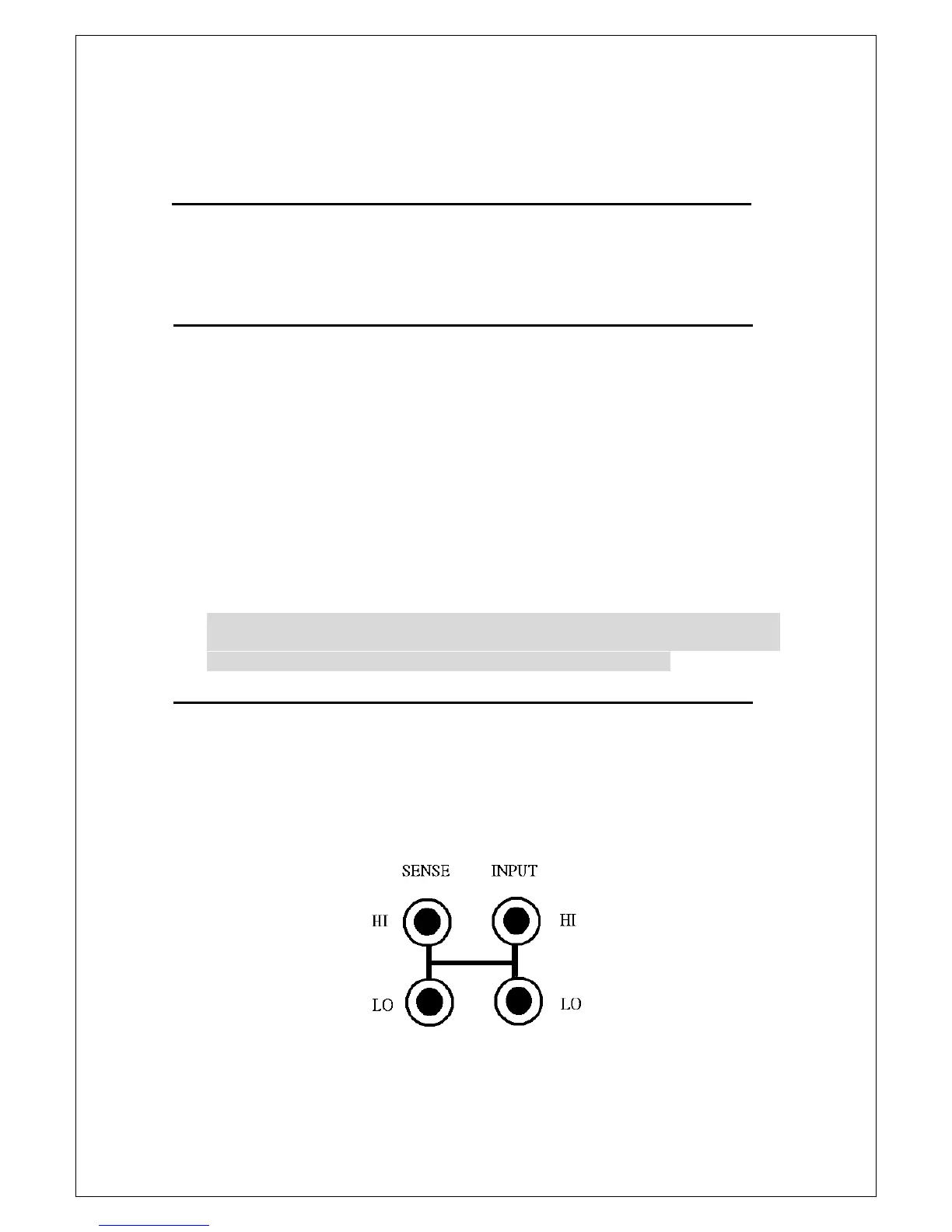
A. Use the CALIBRATE SHORT PIN as shown below to plug into the front
panel terminals of the M3500A. Then, warm it up in 3 minutes as the
M3500A is given power.
B. After lifting the security, please do the Zero adjustment by the operation
procedures, such as UNSECURED > NEXT > CALIBRATE > ENTER (The
display will show “input full scale”)> input +0.000000E-1 (by using the



 To Next Page