[Step 5]
Recover the case of the multimeter and then follow the steps in section
2.1.1 to set the desired line voltage.
NOTE: After transformer wiring modification, you should change the sticker
on voltage setting selector also. PICOTEST will provide the stickers for free.
Please contract your local service representative for the stickers for your
requirement.
2.1.3 Power Line Fuse
A power-line fuse located next to the AC receptacle (in the line voltage
selector) protects the power line input of the instrument. Verify that the
power-line fuse is good and replace a new one if it is damaged. The
multimeter is shipped from the factory with a fuse 0.25 A / 250 V, slow-blow,
5
20 mm (Picotest part number: 024-001-000004, the reference number:
FS102) installed. This is the correct fuse type for all line voltage settings.
Please follow the steps below to change the fuse.
[Step 1]
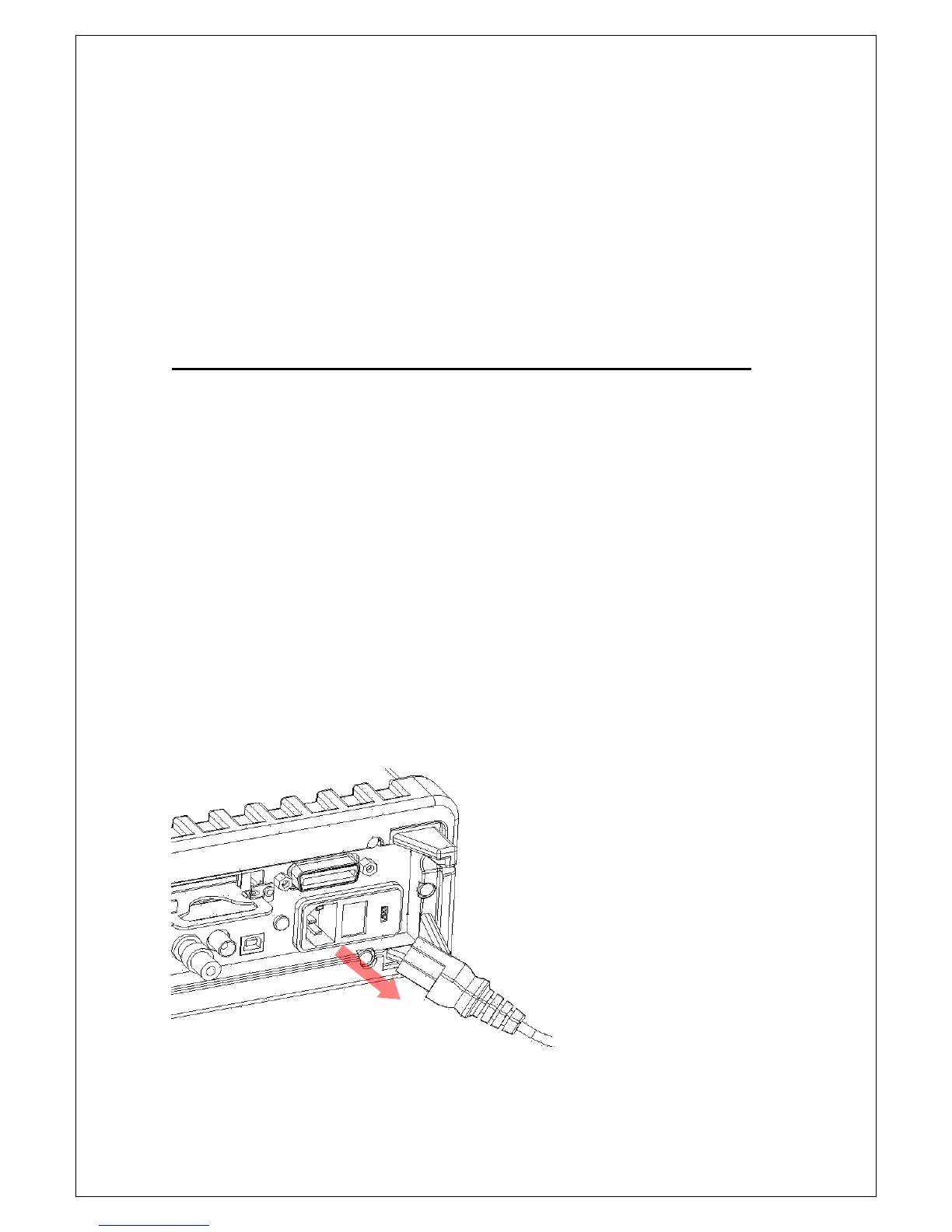
Turn off the multimeter and disconnect the line cord as shown in Figure 2-9.
Also, you should remove all the test leads that connected to your
instrument.
Figure 2-9



 To Next Page