Operation and Maintenance
9-2 Operating Manual: PSS 3075-3 Series
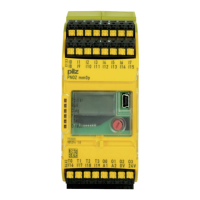
Display elements
PSS functionality
LED
RUN ST
RUN FS
POWER
Digital
inputs/outputs
Signal
Off
Lights green
Off
Lights green
Flashes green
Lights green
Off
Lights green
Key
Standard section of PSS in
“STOP”
Standard section of PSS in “RUN”
Failsafe section of PSS in “STOP”
Failsafe section of PSS in “RUN”
Major error
Remedy: Read the error stack,
switch off the PSS, rectify the
error, switch on the PSS
The internally-generated 5 V
supply is within the permitted range.
Signal level at “0”
Signal level at “1”
SafetyBUS p functionality
LED “STATUS SB”
The LED lights as soon as the connection to SafetyBUS p is made.
Standard bus functionality
Various operating and fault statuses are displayed via the LEDs on the
various standard bus interfaces (see operating manual for the relevant
standard bus system).


 To Next Page
 Loading...