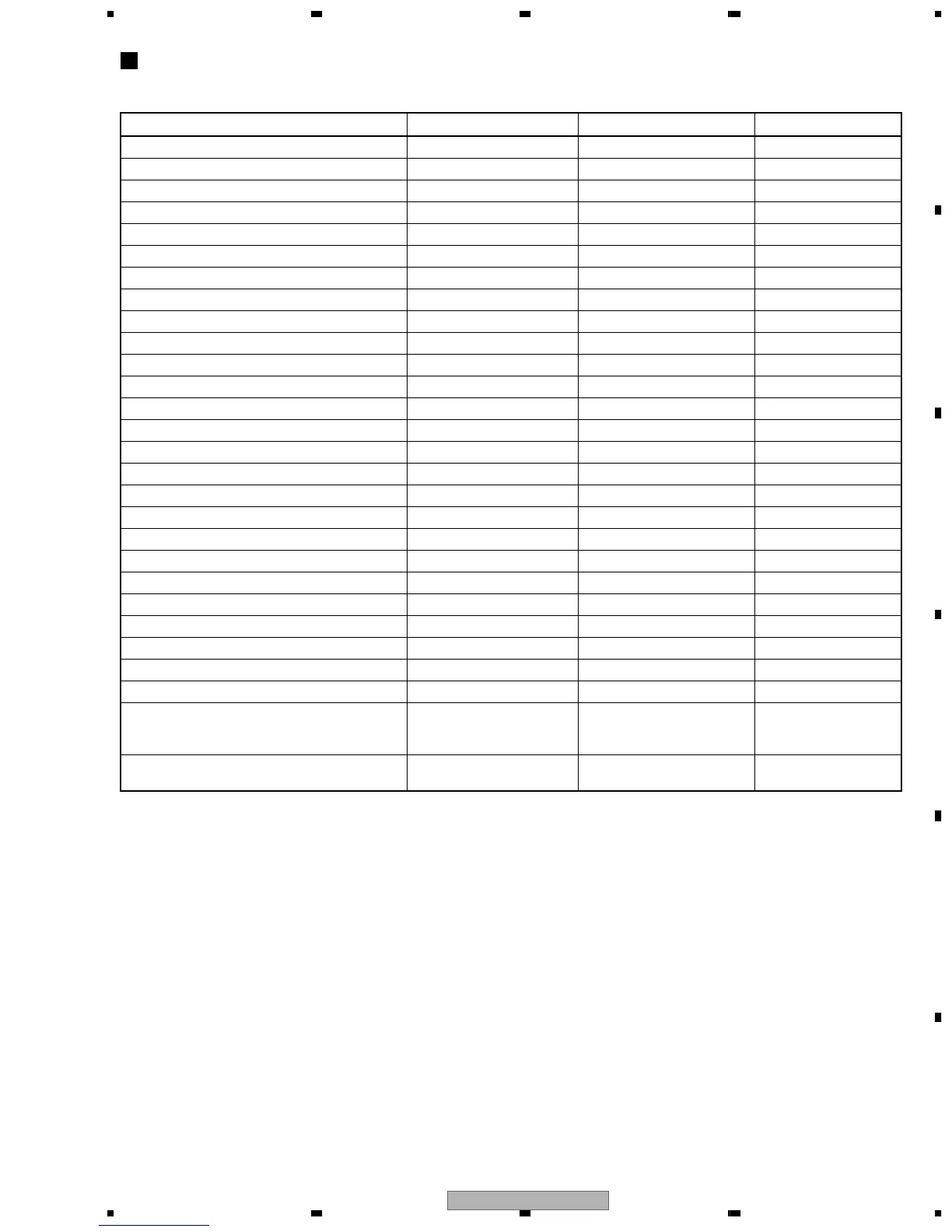
Command Contents Conditions
Remote Control Key Name
Remote Control Code
Memory clear & region / revision indication CLEAR (LD remote control unit)
A8-45
Average value measurement of DVD error rate
5 (LD remote control unit) A8-05
CD error rate measurement
5 (LD remote control unit) A8-05
Aspect: Pan scan
2 A6-01
Aspect: Letter box
3 A6-02
Aspect: Wide
4 A6-03
Digital: PCM
5 A6-04
Digital: AC-3/PCM
6 A6-05
Virtual Dolby: VDD=OFF Only correspondence model
7 A6-06
Virtual Dolby: VDD=ON Only correspondence model
8 A6-07
Digital output ON
REPEAT A A6-A1, AF-E8
Digital output OFF
REPEAT B A6-95
DTS Digital Out ON STEP FWD A6-A1, AF-B7
DTS Digital Out OFF STEP REV A6-A1, AF-B8
Scart terminal output: VIDEO WY, Model to include scart
AUDIO A6-A1, AF-BE
Scart terminal output: S-VIDEO WY, Model to include scart
SUBTITLE A6-A1, AF-36
Scart terminal output: RGB WY, Model to include scart
ANGLE A6-A1, AF-B5
Audio 5.1CH ON Only correspondence model
KD_ENTER A6-74
FL indication of EDC / ID error CX (LD remote control unit)
A8-0E
ZOOM ON
Only correspondence model
ZOOM A6-A1, AF-37
ZOOM OFF
Only correspondence model < X3 (LD remote control unit)
A8-59
Service mode indication (error rate indication, etc.) CHP/TIM
(LD remote control unit)
A8-13
Model information indication CHAP
(LD remote control unit)
A8-40
Background color change +10
(LD remote control unit)
A8-1F
Audio last stage mute ON
9 A6-08
Audio last stage mute OFF
0 A6-09
Title search Input mode IN
Title No. input
Search execution
SIDE A
(LD remote control unit)
Numbers (LD remote control unit)
PLAY (LD remote control unit)
A8-4D
A8-00 to A8-09
A8-17
Region confirmation mode
AUDIO
(LD remote control unit)
Numbers (LD remote control unit)
A8-1E
A8-01 to A8-08
Shortcut key Functional Specification
Only in the normal playback, the following setting can by pressing the required key after having pressed the "TEST" key of
the remote control unit. How to release: Press the "ESC" key. (function with indication)
• Service mode indication
ID Address
Always display error rate. Exponential indication ∗.∗∗e-∗ (with both DVD and CD)
EDC/ID/AV1 error history (ID Address, EDC/ID/AV1 Error, errors of past eight times)
Self-diagnostic function (when mechanism error occurred, display the mechanism error history)
• Error rate average value total (ESC +5)
Calculation number of times displays exponent from average value of eight times.
After the calculation result, display OK/NG. Tray is open in case of NG (with both DVD and CD)
DVD: OK with less than 8.0e-4 CD: OK with less than 7.6e-4
Note: Because an OK/NG judgment cannot be DVD with a static image mode as menu screen, confirm it by an animation.
• Model information indication contents (ESC+CHAP)
Display = to ^ in the test mode indication. However, Change the indication of S as B.E VERSION and it of M as F.E VERSION.
Refer to the "Specification of Model Information Display".
• Background color change (ESC+ +10)
Change black and green with toggle whenever pressing the key (the background color that green is using with SETUP NAVIGATOR).
• Region confirmation mode (ESC+ A.MON + 1to 8)
Input region No. after pressing the ESC+A.MON keys. When it is different from the setting, display and open the tray.



 To Next Page