DA50S/DA55S/DA70S/DA75S AddressRight™ Printers Service Manual
2-3
Specifications • 2
Fonts
Resident Fonts
Arial, Comic Sans MS, Courier New, Georgia, Impact, Kino, MSLogo, Sym-
bol, Tahoma, Times New Roman, Trebuchet MS, Verdana, Webdings, Wing-
ding. All fonts are scalable from 4 to 144 point size.
Resident Font Enhancements
Bold, Italic
Downloadable Fonts
Supports bitmapped, downloadable fonts.
Cartridge Fonts
Not Required. Fonts are downloaded with addresses.
User-Definable Parameters
• Font Characteristics
• Address Placement
• Barcode Characteristics
• Print Quality
Barcode Printing Position
The printer can print a barcode in one of three positions:
• Lower right of the envelope (normal printing orientation only- not inverted)
• Above the address block
• Below the address block
Print Modes (Print Resolution)
The printers each have three print resolutions. They are Executive (600),
Letter (300), and Draft (150), which represent the horizontal density. Addi-
tionally, there are two Light Mode* settings (ON and OFF), which represent
the vertical density. When Light Mode* is "ON", the vertical density setting is
300 DPI; when Light Mode* is "OFF" the vertical density setting is 600 DPI.
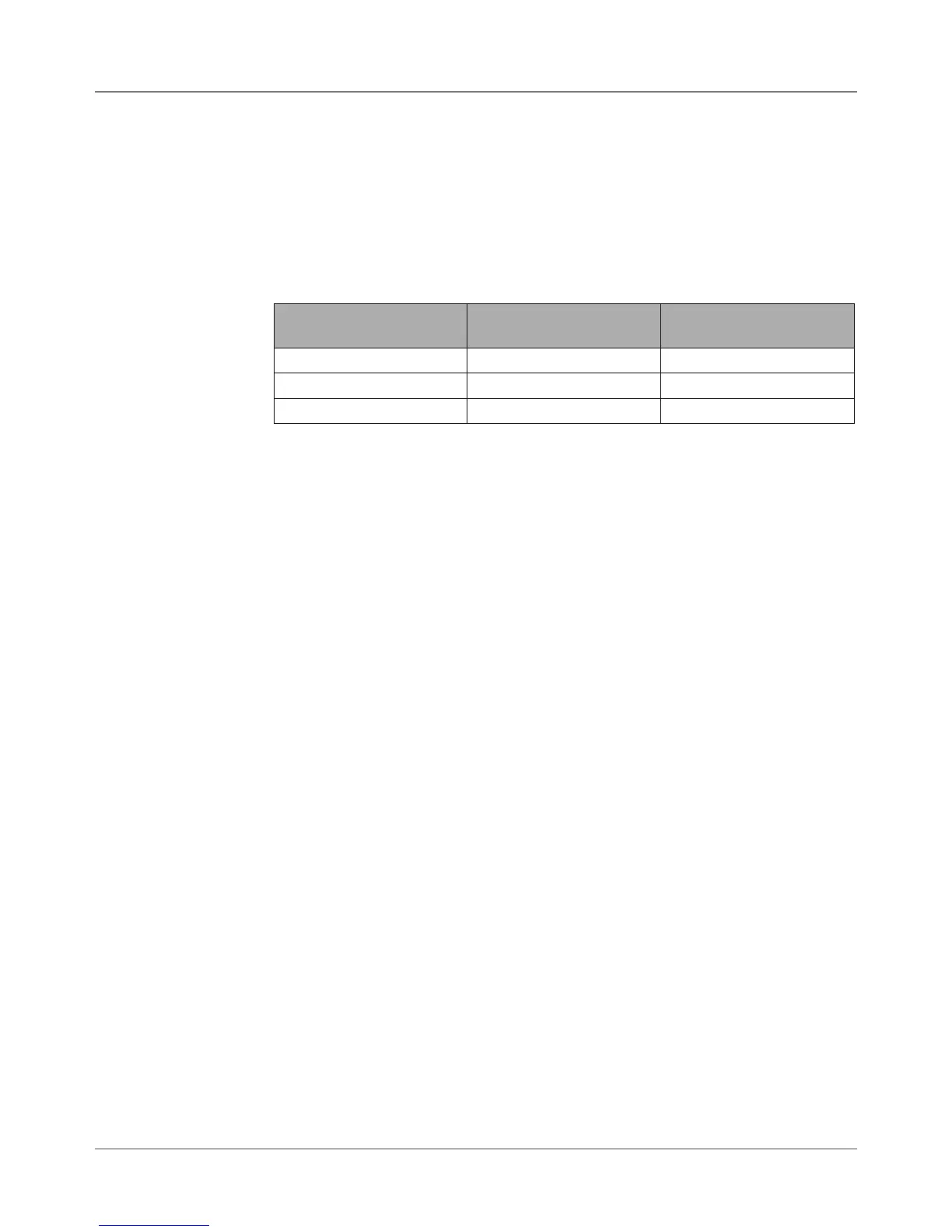
Refer to the table below.
Print Quality With Light Mode* set to
"ON"
With Light Mode* set to
"OFF"
Executive 600 x 300 DPI 600 x 600 DPI
Letter 300 x 300 DPI 300 x 600 DPI
Draft 150 x 300 DPI 150 x 600 DPI
2.4 Print
Specifications
*The Light Mode
printing feature is not
functional at the time
of this writing but is
planned for a future
release.



 To Next Page