6-6 SV61831 Rev. A DA50S/DA55S/DA70S/DA75S AddressRight™ Printers Service Manual
6 • Adjustments
DA50S/DA55S (WS51/WS56) Adjustments
6.7 Print Head
Drive Belt
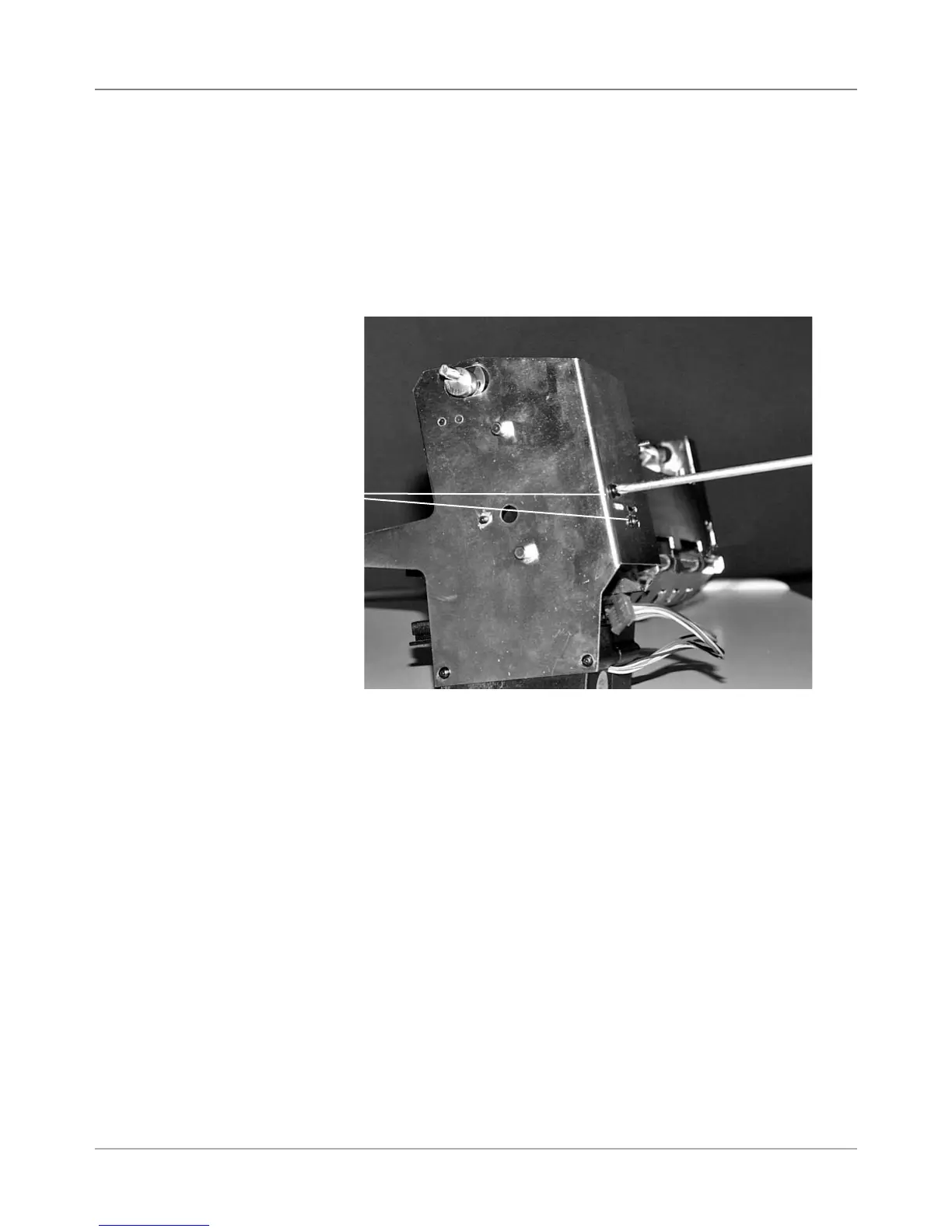
The print head shuttle motor is mounted on an adjustable bracket as shown
at the right. To adjust belt tension:
1. Remove rear cover and shuttle driver board.
2. Move the print head holder to the park position.
3. Loosen two bracket mounting screws. See Figure 6-4.
4. Adjust the bracket until no further movement is available and then tighten.
Figure 6-5 DA50S/DA55S Print Head Drive Belt Adjustment
Bracket
Mounting
Screws



 To Next Page