DA50S/DA55S/DA70S/DA75S AddressRight™ Printers Service Manual
6-7
Adjustments • 6
DA50S/DA55S (WS51/WS56) Adjustments
Use a large flat blade screwdriver to make the following adjustment:
1. Remove operator and non-operator side covers (see section 5.1A).
2. Remove main processor board/grounding sheet assembly (see section
5.3A).
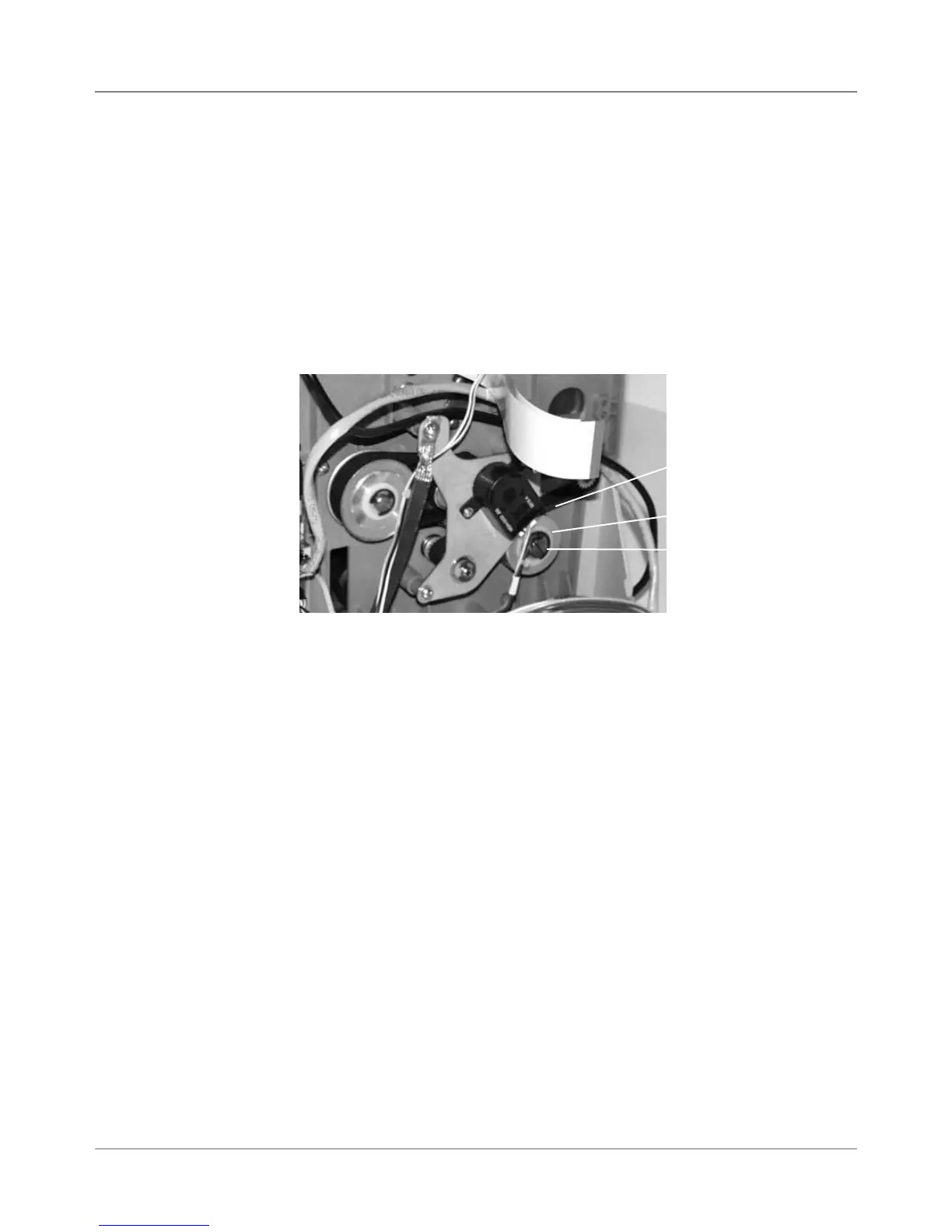
3. Loosen the shoulder screw on the pulley assembly (adjustable pulley),
see figure below. NOTE: DO NOT turn this screw all the way out.
4. The compression tensioner will set the proper tension for the belt. Tight-
en the slotted shaft to secure the pulley in place.
6.8 Main Drive
Belt
Figure 6-6 DA50S/DA55S Main Drive Belt Adjustment
Belt
Tensioner
Shoulder
Screw
Drive Belt



 To Next Page