4-14 SV61831 Rev. A DA50S/DA55S/DA70S/DA75S AddressRight™ Printers Service Manual
4 • Troubleshooting/Diagnostics
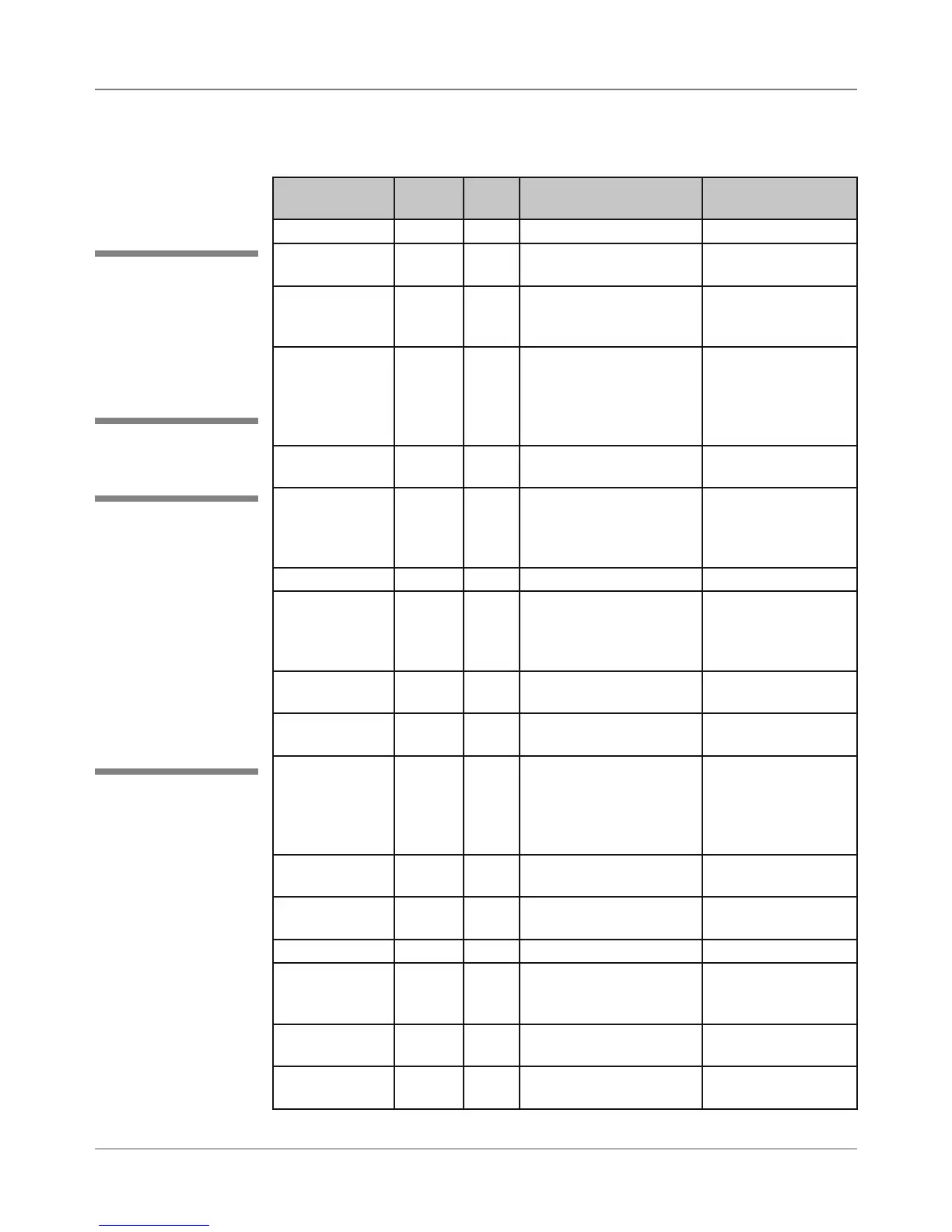
Error Text System
Error
Error
Code
Possible Resolution Comments
Unknown Error 0 Restart the printer
Paper Jam 1 1 Clear the jam and put
the printer back online
Out of Paper 1 2 Load the feeder with
paper and put the printer
back online
Address too
High
1 3 Load the bigger media
size
This is due to the
image printed on
paper is bigger than
media it is printed
on
Paper Sensor
Failure
1 5 Clean the sensor and
run sensor calibration
Sensor Blocked 1 6 Sensor is dirty or media
is blocking the sensor.
Clear the sensor and put
the printer back online
Sensor Dirt 1 7 Sensor is dirty
Shuttle Error 2 0 Make sure shuttle can
move freely by hand
and put the printer back
online
Shuttle Jam 2 1 Clear jam and put the
printer back online
Over Current 2 2 Clear the jam and put
the printer back online
Detected as shuttle
jam
EEPROM
Failure
3 Put the printer back on-
line to see if printer con-
tinues to run properly. If
not, EEPROM hardware
problem. Service call
File Print Error Not being displayed
currently
Eject Error Not being displayed
currently
Out of Memory 4 Restart the printer
No Color Ink
(Color printer
only)
5 Com-
posite
Change the ink cartridge
No Black Ink 6 Com-
posite
Change the black ink
System Shut-
down
N/A Not an error
4.4 Printer
Error Codes
Table 4-7 Printer Error Codes
✍
TIP: Error codes are
internal to the firmware
and not displayed on
the LCD. Only the tex-
tual description of the
error is displayed.
✍
TIP: The printer firmware
errors are categorized
into different system er-
ror types:
• Unknown error (0)
• Paper transport error (1)
• Shuttle error (2)
• EEPROM failure (3)
• Out of memory error (4)
• Color ink out (5)
• Black ink out (6)



 To Next Page