4-12 SV61831 Rev. A DA50S/DA55S/DA70S/DA75S AddressRight™ Printers Service Manual
4 • Troubleshooting/Diagnostics
Symptom Possible Cause Solution
Address too high
error
Software margin; lead
edge sensor “seeing
through” paper
Top line of address is above edge
of material. Move address location
down. Adjust lead edge sensor.
Paper size used
doesn’t match the
layout size
Adjust the layout size in the control
panel menu
Sensor is dirty or bad Blow sensor clean; recalibrate
sensor via Test Paper Sensor on
Service Menu on LCD (see section
A.4); replace if necessary
The sensor may
misread if during the
printing process the
envelope trail edge
covers the paper sen-
sor half-way.
By printing something when the
paper sensor is half-covered, it
causes the sensor reading to flicker
during the process. Move the text
or graphics that is close to the trail
edge of the envelope up or down
slightly so that the sensor is either
covered or uncovered, not half cov-
ered when the content is printed.
Address too low Software margin; lead
edge sensor “seeing
through” paper
The address is below the bottom
edge of the material. Increase the
bottom edge margin. Adjust lead
edge sensor.
Paper size used
doesn’t match the
layout size
Adjust the layout size in the control
panel menu
Sensor is dirty or bad Blow sensor clean; recalibrate
sensor via Test Paper Sensor on
Service Menu on LCD (see section
A.4); replace if necessary
Barcode (lower
right) wandering up
and down
Belt tension not set
properly
Check main drive belt tension ad-
justment (see Adjustments section)
No barcode No clear zone (5/8”
minimum distance)
5/8” required between last line of
address and bottom edge of mate-
rial
Invalid ZIP Code Check ZIP Code
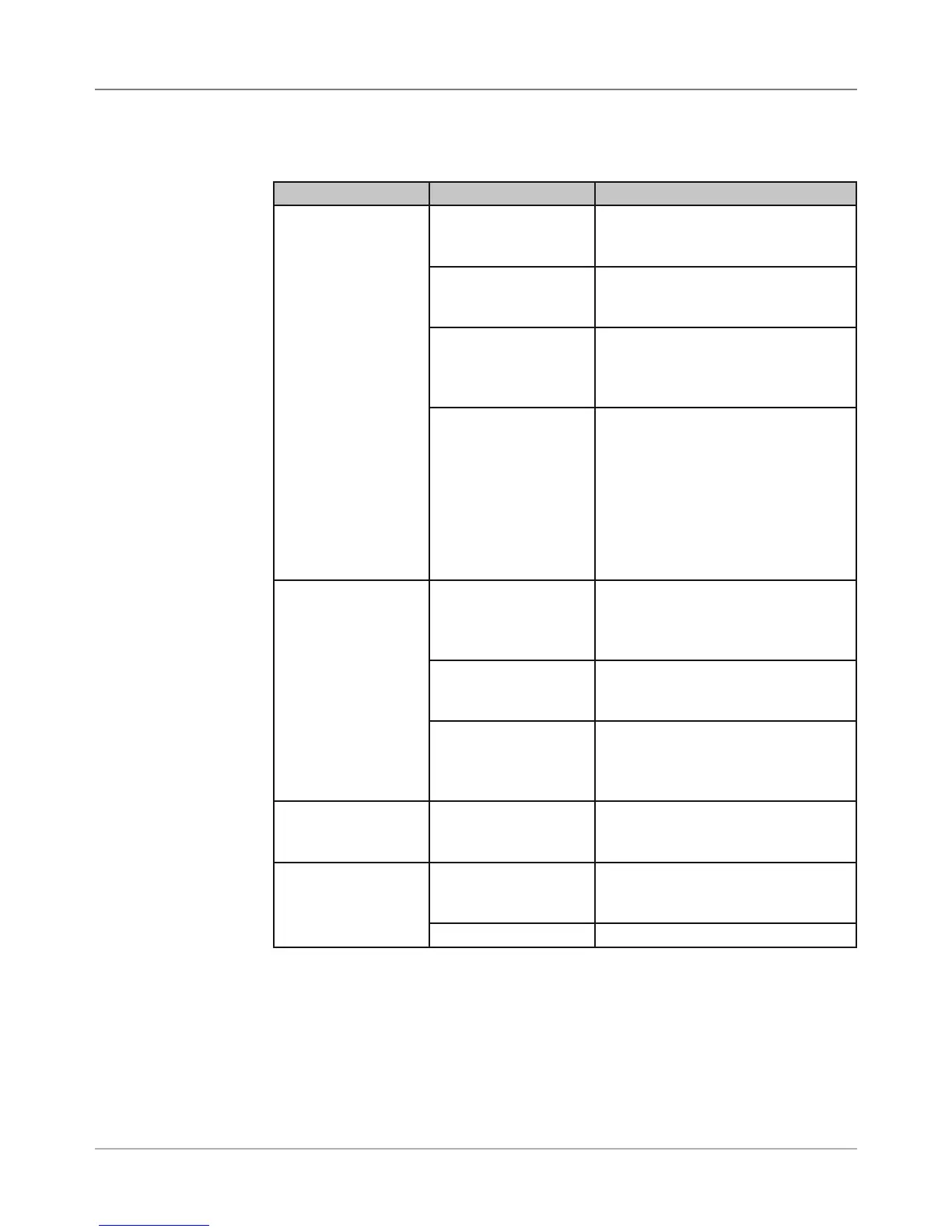
Table 4-5 Address/Barcode Printing Problems
4.3
Troubleshooting
Tables



 To Next Page