5-6 SV61831 Rev. A DA50S/DA55S/DA70S/DA75S AddressRight™ Printers Service Manual
5 • Removal & Replacement
DA50S/DA55S (WS51/WS56) Parts Removal
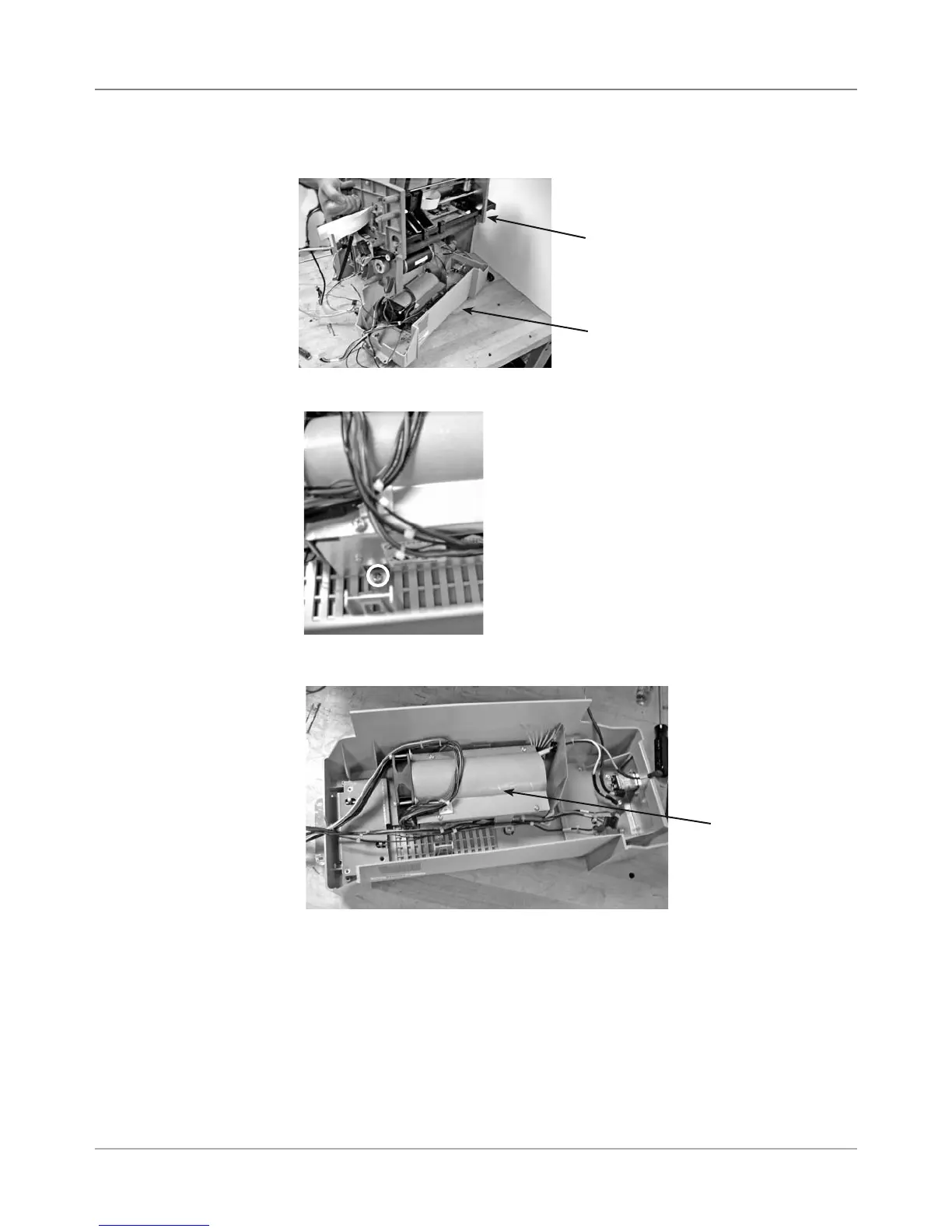
7. Lift and remove top chassis assembly from bottom gray tray.(photo)
5.6 Power
Supply
(continued)
8. Remove the four screws holding captive the power supply feet.
Top Chassis
Bottom Tray
Power Supply
Assembly
9. Remove power supply assembly (includes fan, housing and cables).
Close-up of One
Screw Holding
Power Supply
Feet (in circle)



 To Next Page